




L300
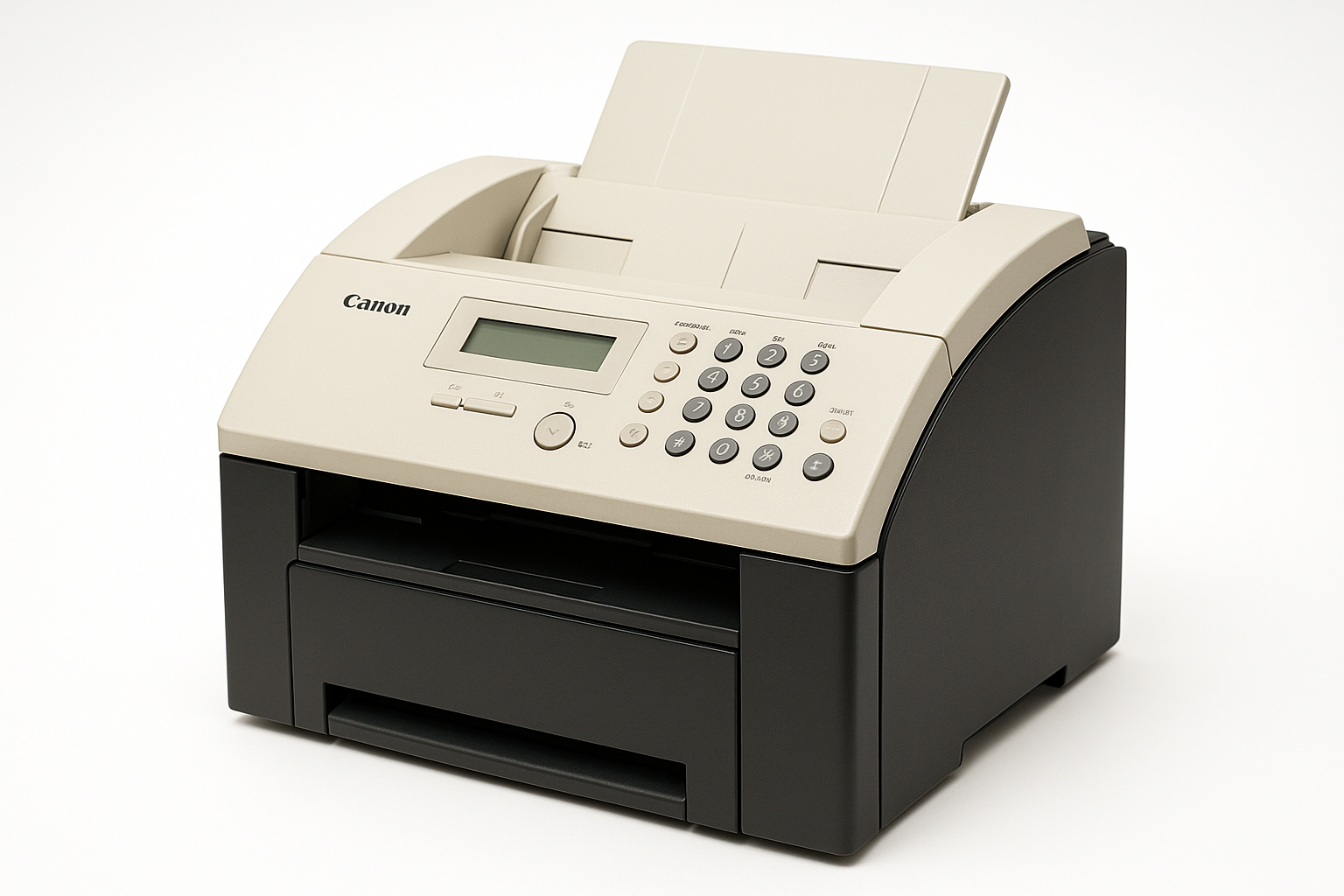
The L300 is the home-office outlier of this family, and its numbers arrive with a warning label: they trace to a single retailer review — 4 ppm printing, a 14.4 kbps fax modem, 42 pages of fax memory, 120 speed-dial locations and 400 dpi scanning — so treat them as unverified. The cartridge is on firmer ground: the Canon FX-3, rated for 2,700 pages, the same black cartridge the rest of the family uses.
If the review figures are anywhere near right, this is the slowpoke of the FX-3 line, built for a kitchen-table office rather than a mail room. A 42-page memory and a modest dial list suit a machine that faxes contracts and school forms, not broadcast lists. At that pace a single cartridge can last a very long calendar time, which shapes how its owners should buy and store toner.
Toner Cartridges for L300
| Cartridge | Color | Page Yield |
|---|---|---|
| FX-3 Cartridges — 2 Pack | Black | 2,700 pages per cartridge |
| FX-3 Cartridge — Single | Black | 2,700 pages |
| FX-3 Premium Cartridges — 5 Pack | Black | 2,700 pages per cartridge |
| FX-3 Cartridges — 3 Pack | Black | 2,700 pages per cartridge |
| FX-3 Cartridges — 5 Pack | Black | 2,700 pages per cartridge |
Which cartridge should you buy?
Slow machine, long cartridge life: for most L300 owners the single FX-3 is the whole answer, since 2,700 rated pages at 4 ppm is a great deal of home-office faxing. Multi-packs only make sense in two situations. The first is a shared shelf — if the same household or office runs another FX-3 machine, a pack feeds both and costs less per cartridge. The second is a dislike of reordering: a 2 pack bought once can cover years of this machine's output. Beyond that, the larger packs tie up money in toner a slow fax may not spend for a very long time, and the premium 5 pack is aimed at far busier machines.
Chip, toner and everyday use
Infrequent use is its own toner issue: a cartridge that sits for months can settle, so an occasional copy or test page keeps the toner path exercised, and a gentle rock of the cartridge before fitting spreads the contents evenly. Keep the unopened spare somewhere cool and dry rather than beside the machine's warm vents. And because so much of this model's data is single-source, trust the code printed on the cartridge you remove — FX-3 — over any spec sheet when you reorder.
Frequently Asked Questions
Are the L300's published specs official Canon figures?
No. The widely repeated numbers — 4 ppm, 42 pages of memory, 120 speed dials — come from one retailer review and have not been verified against Canon documentation, so this page presents them as approximate.
What toner does the Canon L300 take?
The Canon FX-3 black cartridge, rated for 2,700 pages — the same cartridge used across this fax family.
How many fax numbers can the L300 store?
The review credits it with 120 speed-dial locations, a comfortable list for a home or small office.
How much fax memory does the L300 have?
About 42 pages, according to the same single-source review — enough for a modest queue of received pages when the paper tray runs empty.
More printers that use the same cartridges
Slow or fast, every model in this family drinks from the same FX-3 cartridge, including all of the following: L60, L75, L80, LaserClass 1050, LaserClass 1060, LaserClass 1060P, LaserClass 1100, LaserClass 1300, LaserClass 2050, LaserClass 2050P, LaserClass 2060, LaserClass 2060P, LaserClass 3500, LaserClass 4000, LaserClass 4500. Sharing the cartridge are: LaserClass 6000L, LaserClass L4000, LaserClass L4500, MultiPass L60, MultiPass L600, MultiPass L6000, MultiPass L90, C100, CFX-2060, CFX-L3500, CFX-L3500IF, CFX-L4000, CFX-L4000IF, CFX-L4500, CFX-L4500IF. The list closes with: CFX-LC2050, FaxPhone L75, FaxPhone L80, ImageClass 1100, ImageClass 1100P, L200, L250, L260, L260I, L280, L350, L3500, L4000, L4500, L4500IF.