




SL-M2880FW
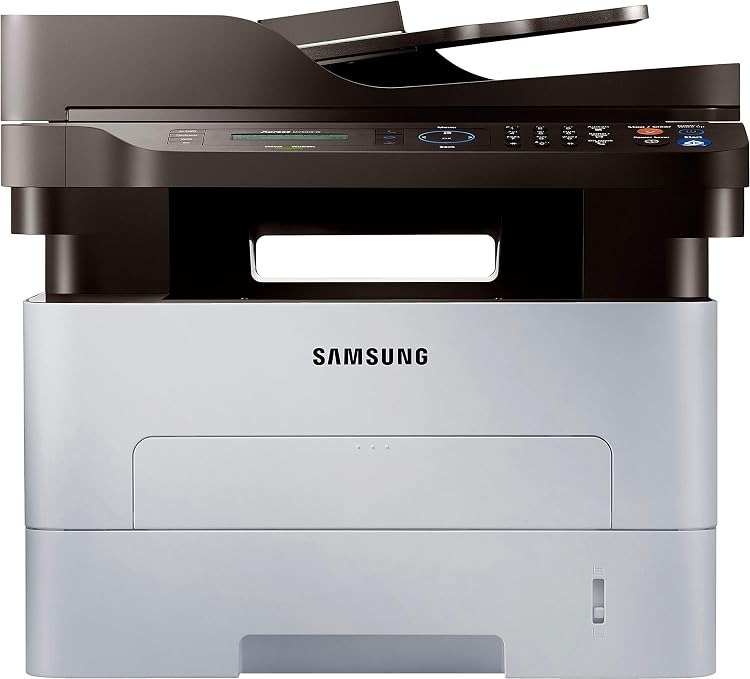
The SL-M2880FW combines Samsung's fastest Xpress mono engine here with full multifunction capability and wireless: print, scan, copy, fax, all available to every device in the office. The flagship configuration of the family.
The cartridge is the MLT-D115S standard or MLT-D115L high-yield. We stock compatible cartridges for economy and genuine OEM cartridges for factory-spec output, both shipping fast from Clever Supplies.
Toner Cartridges for SL-M2880FW
This printer works with the following toner cartridges:
- Samsung MLT-D115S
- Samsung MLT-D115L
More Samsung Printers
- SL-M2620
- SL-M2670
- SL-M2670FN
- SL-M2820
- SL-M2820DW
- SL-M2820ND
- SL-M2830
- SL-M2830DW
- SL-M2870
- SL-M2870FW
- SL-M2880
- SL-M2620D
- SL-M2670N
- SL-M2870FD
- Xpress M2620
- Xpress M2670
- Xpress M2820
- Xpress M2870
- Xpress M2880FW
- Xpress M2830 DW
- Xpress SL-M2620
Frequently Asked Questions
My SL-M2880FW leaves a faint gray film on every page, and will a new MLT-D115S fix it on text documents?
When the whole sheet picks up a faint gray veil, the drum in the SL-M2880FW is typically no longer wiping itself clean between pages. Print the multifunction printer's cleaning page function if it has one, then reassess; persistent haze after cleaning means the drum needs replacing. Fixing it at the drum level restores the crisp output the SL-M2880FW is capable of.
My SL-M2880FW offers two cartridge sizes, and does the bigger one change anything besides capacity for a home office?
Samsung sells the MLT-D115S / MLT-D115L in two capacities for the SL-M2880FW: standard (MLT-D115S) and high yield (MLT-D115L). Heavy users generally prefer the MLT-D115L because it stretches the interval between cartridge changes noticeably. It is purely a capacity question, not a quality question.
My SL-M2880FW mentions both a drum and a toner cartridge, and how does each one affect print quality when pages start looking bad?
Your SL-M2880FW treats them as two independent consumables: the MLT-D115S runs out of powder, while the drum slowly loses its coating. Uneven fading across the page width is a drum hallmark, while overall paleness is a toner hallmark. Understanding the split keeps you from replacing a healthy drum when only toner is low.