




SL-M2880
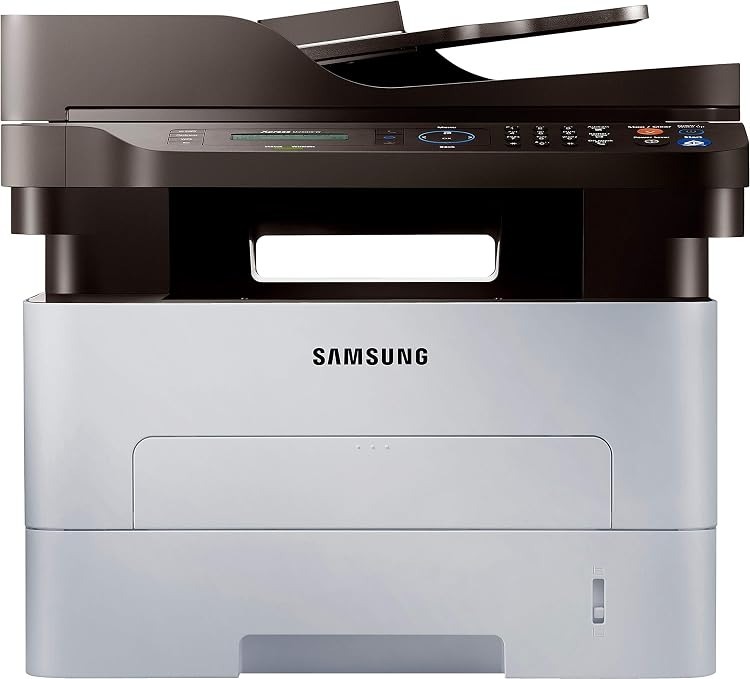
Samsung's SL-M2880 sits near the top of the Xpress workgroup mono range as a fast single-function laser for demanding small offices. When the print queue never really empties, this is the class of machine that keeps up.
It runs on the MLT-D115S or the long-running MLT-D115L. Compatible and genuine Samsung OEM versions of both are here, shipping fast from Clever Supplies.
Toner Cartridges for SL-M2880
This printer works with the following toner cartridges:
- Samsung MLT-D115S
- Samsung MLT-D115L
More Samsung Printers
- SL-M2620
- SL-M2670
- SL-M2670FN
- SL-M2820
- SL-M2820DW
- SL-M2820ND
- SL-M2830
- SL-M2830DW
- SL-M2870
- SL-M2870FW
- SL-M2880FW
- SL-M2620D
- SL-M2670N
- SL-M2870FD
- Xpress M2620
- Xpress M2670
- Xpress M2820
- Xpress M2870
- Xpress M2880FW
- Xpress M2830 DW
- Xpress SL-M2620
Frequently Asked Questions
Why are there vertical streaks on every print from the SL-M2880 that will not go away after I wipe the paper path even on a test page?
When the same mark repeats at regular intervals down the page, the drum surface inside the SL-M2880 is usually damaged or worn. Wipe the accessible rollers with a dry, lint-free cloth first, since loose toner from a recent MLT-D115S change can cause temporary spotting. Knowing which roller is guilty turns a confusing defect into a one-part repair.
How do I fix a cartridge error on the SL-M2880 after a swap, and how do I check the cartridge contacts on this model?
Recognition failures are frustrating but are most often installation issues rather than hardware failures. After reinstalling, print a supplies status page to confirm the SL-M2880 now sees the cartridge correctly. A careful reinstall beats a support call almost every time.
Why does toner wipe off the page on my SL-M2880, and is it dangerous to keep using the printer even with a new MLT-D115S?
When toner sits on the surface instead of melting into the fibers, the fuser — the hot roller at the SL-M2880's output — is the prime suspect. A fuser near end of life often fuses the center of the page while the edges smudge — that pattern is diagnostic. Correct media settings make the whole problem vanish in most cases.