Three facts shape everything below. First, the stop is real but narrow. Canon’s hardest documented cartridge message — a genuine “cannot print” — is written down in full for one platform class, the MF740 series behind our 055 family, and it points the owner at a machine setting, <Canon Genuine Mode>, which Canon’s manuals define in a single line and never explain further. Second, the exits are Canon’s own, and they differ by machine. The imageRUNNER office line documents a one-press override, [I Agree]. Other Canon manuals document a reinstall, or an on-screen dismissal. There is no single Canon answer; there are model-class answers, and this page keeps them attached to the classes they were documented on. Third, Canon has stood on the other side of its own message. In January 2022, during the semiconductor shortage, Canon shipped genuine toner without the semiconductor component and published instructions telling owners to dismiss the resulting messages and keep printing. A cartridge the machine cannot read is, in Canon’s own documented history, sometimes a notice — and the sections below never claim more than the documents support.
THE SEVENTEEN COLOR FAMILIES AT A GLANCE
Find your cartridge family here, then read its full section below. The yield column shows a figure only where we captured it from Canon’s own documents, or — for the 067 family — from Canon’s product copy as reproduced verbatim by retailers, labeled as such. A dash means no Canon figure was captured, and we would rather leave the cell empty than fill it from a third party; our product pages carry our own Page Yield field, which is our field, not a Canon rating, and it is never printed here as one.
| Family · codes |
Printer models |
Canon yield |
What our product pages say about chips |
Canon’s documented path |
| 067 / 067H · 5099C001–5106C001 |
LBP-631C, LBP-632CDW, LBP-633CDW, MF651CW–MF656CDW |
1,350 black / 1,250 colors; 067H 3,130 / 2,350 (Canon copy via retailers) |
Nothing |
<Canon Genuine Mode> appears in the LBP632/633CDW settings lists |
| 069 / 069H · 5091C001–5098C001 |
MF751CDW, MF753CDW, LBP-674CDW |
2,100 black / 1,900 colors; 069H 7,600 / 5,500 (Canon brochure) |
Nothing |
No model-level message document captured |
| 054 / 054H · 054BK–054HY |
MF641Cw, MF642Cdw, MF644Cdw, LBP-622Cdw |
— |
Nothing |
<Canon Genuine Mode> appears in the MF641–644Cdw settings lists |
| 055 / 055H · Cartridge 055 |
MF741Cdw, MF743Cdw, MF745Cdw, MF746Cdw, LBP664Cdw |
— |
Nothing |
Full MF740 message set, incl. the “Cannot print” stop and the Genuine Mode pointer |
| 045 / 045H · 045BK–045HC |
LBP612Cdw, MF632Cdw, MF634Cdw |
— |
Parts-list mention on some listings |
No model-level message document captured |
| 046 / 046H · 046BK–046HC |
LBP654Cdw, LBP654Cfw, MF731Cdw, MF733Cdw, MF735Cdw |
— |
Parts-list mention on some listings |
No model-level message document captured |
| 131 · 131BK–131C, 6272B001AA |
MF624, MF628, MF8280CW, LBP7110 series |
— |
Parts-list mention on some listings |
No model-level message document captured |
| 118 · 2659B001AA–2662B001AA |
LBP7200, LBP7660, MF8330–MF8580 series |
— |
Nothing |
No model-level message document captured |
| 034 · 034K–034Y |
MF810CDN, MF820CDN |
— |
Nothing |
No model-level message document captured |
| 111 (CRG-111) · 1657B001AA–1660B001AA |
MF9130C–MF9280CDN, LBP5360 |
— |
Nothing |
No model-level message document captured |
| 040H · 040HBK–040HC |
LBP712cdn |
— |
Parts-list mention |
No model-level message document captured |
| GPR-23 · 0452B003AA–0455B003AA |
imageRUNNER C2550–C3880 |
— |
Parts-list mention on some listings |
[I Agree] override documented on the imageRUNNER office line |
| GPR-30 · 2789B003AA–2801B003AA |
imageRUNNER ADVANCE C5045–C5255 |
— |
Parts-list mention on some listings |
[I Agree] override documented on the imageRUNNER office line |
| GPR-31 · 2790B003AA–2802B003AA |
imageRUNNER ADVANCE C5030–C5240 |
— |
Parts-list mention on some listings |
[I Agree] override documented on the imageRUNNER office line |
| GPR-36 · 3782B003AA–3785B003AA |
imageRUNNER ADVANCE C2020–C2230 |
— |
Parts-list mention on some listings |
[I Agree] override documented on the imageRUNNER office line |
| GPR-51 · GPR-51BK–GPR-51C |
imageRUNNER ADVANCE C250iF–C355iFc |
— |
Parts-list mention |
[I Agree] override documented on the imageRUNNER office line |
| GPR-53 · GPR-53BK–GPR-53C |
imageRUNNER ADVANCE C3325i–C3530i |
— |
Parts-list mention |
[I Agree] override documented on the imageRUNNER office line |
Group A — the current imageCLASS color families
These six families run on Canon’s current desktop and small-office color machines, and they are the families Canon’s current documentation touches. The <Canon Genuine Mode> setting appears in the published settings lists of the 067, 054 and 055 model lines, and the complete cartridge message set — communication error, amount-display warning, and the “Cannot print” stop — is documented for the MF740 series that takes our 055 family. One honesty note applies to every section on this page: our Canon listings make no fitted-chip claim for any family. Some older listings carry a legacy sentence listing a smart chip among a cartridge’s all-new parts; the newer families say nothing about chips at all. Each section reports which of those two readings applies, with counts.
● Canon 067 / 067H · Our product pages: nothing about chips — the largest Canon color family we sell, and the one where the high-yield set costs less than the standard set.
Cartridge numbers: standard 067 — Black 5102C001 · Cyan 5101C001 · Magenta 5100C001 · Yellow 5099C001; high-yield 067H — Black 5106C001 · Cyan 5105C001 · Magenta 5104C001 · Yellow 5103C001.
Rated yield: Canon’s Genuine Toner 067 copy rates the standard cartridges at up to 1,350 pages for black and 1,250 for each color, and the 067H cartridges at up to 3,130 black and 2,350 per color, under ISO/IEC standards. Provenance, stated plainly: we captured that copy as reproduced verbatim in retailer listings for the genuine cartridge, not from a Canon page directly — one tier below the 069 figures below, which come from Canon’s own brochure. Our store’s yield fields agree with these four numbers.
What Canon’s documentation says: the <Canon Genuine Mode> setting appears in the published settings lists of the LBP632Cdw and LBP633Cdw user guides. Canon defines it in one line — “the mode for when Canon genuine toner cartridges are used” — and publishes no step-by-step procedure around it. No model-level blocking-message document was captured for this platform.
What our product pages say: nothing about chips — all 102 listings in this family are silent on the subject. No listing claims a fitted compatibility chip, and no listing asks you to move a chip from an old cartridge.
The honest headline for this section: on our shelf, the 067H tier is priced below the standard 067 tier at every pack shape — single $45.13 against $55.89, black two-pack $74.19 against $95.71, four-color set $132.31 against $175.34 — while carrying roughly 2.3 times the rated pages. There is no reading of those numbers under which the standard set is the better buy, so this page does not pretend otherwise: if your printer takes the 067 family, the 067H set below is the one to buy. At the ratings above, the 067H black works out to about 1.44 cents per rated page, against about 4.14 cents for the standard black.
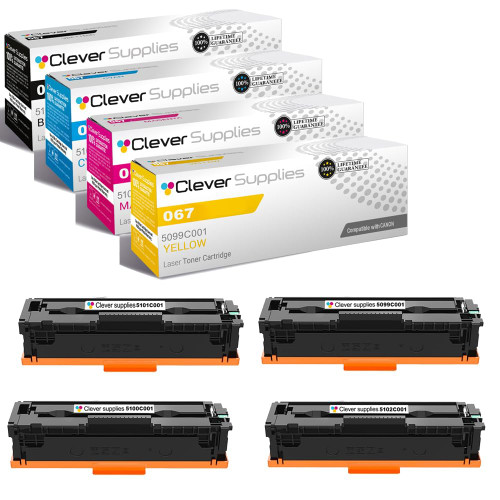
4-COLOR SET · STANDARD YIELD
Compatible Canon 067 Toner Cartridge — 4-Color Set
5102C001 / 5101C001 / 5100C001 / 5099C001 · black ~1,350 · colors ~1,250 rated pages
$175.34
View Product →
4-COLOR SET · HIGH YIELD · BEST VALUE
Compatible Canon 067H Toner Cartridge — 4-Color Set
5106C001 / 5105C001 / 5104C001 / 5103C001 · black ~3,130 · colors ~2,350 rated pages — and priced below the standard set
$132.31
View Product →
● Canon 069 / 069H · Our product pages: nothing about chips — the one Canon color family whose yields we could verify line by line against Canon’s own brochure.
Cartridge numbers: standard 069 — Black 5094C001 · Cyan 5093C001 · Magenta 5092C001 · Yellow 5091C001; high-yield 069H — Black 5098C001 · Cyan 5097C001 · Magenta 5096C001 · Yellow 5095C001.
Rated yield (Canon’s own brochure for the Color imageCLASS MF753Cdw): standard 069 — black 2,100 pages, each color 1,900; 069H — black 7,600, each color 5,500. The same brochure notes the printers ship with starter cartridges rated 2,100 black and 1,100 per color, which is why a new machine’s first set runs out sooner than the ratings suggest. Our store’s yield fields for this family match Canon’s figures exactly.
What Canon’s documentation says: beyond the consumables table above, no model-level cartridge-message document was captured for this platform in this pass — no “cannot print” wording, no settings pointer. This page does not project the MF740 series’ messages onto these machines.
What our product pages say: nothing about chips — all 48 listings are silent. No fitted-chip claim, no transfer step, no firmware wording of any kind.
Running cost on our shelf: the standard black single works out to about 2.19 cents per Canon-rated page. The 069H tier more than triples the black rating (7,600 against 2,100) for a set price of $200.13 against $135.52 — the high-yield set is the economical route for any office that prints daily.
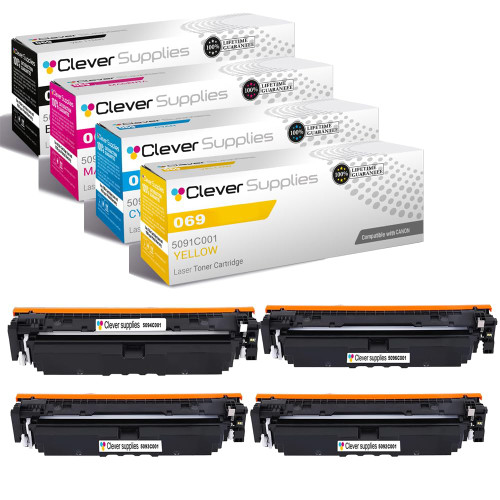
4-COLOR SET · STANDARD YIELD
Compatible Canon 069 Toner Cartridge — 4-Color Set
5094C001 / 5093C001 / 5092C001 / 5091C001 · black 2,100 · colors 1,900 pages (Canon ratings)
$135.52
View Product →
4-COLOR SET · HIGH YIELD
Compatible Canon 069H Toner Cartridge — 4-Color Set
5098C001 / 5097C001 / 5096C001 / 5095C001 · black 7,600 · colors 5,500 pages (Canon ratings)
$200.13
View Product →
● Canon 054 / 054H · Our product pages: nothing about chips — a family whose four-color set exists only in the high-yield tier.
Cartridge numbers: 054BK · 054C · 054M · 054Y, and the high-yield 054HK · 054HC · 054HM · 054HY.
Rated yield: no figure for this family was captured from a Canon page, so none is printed here. Our product pages carry our own Page Yield field; that field is ours, not Canon’s, and this page does not present it as a Canon rating.
What Canon’s documentation says: the <Canon Genuine Mode> setting appears in the user-guide settings lists for the MF641Cw, MF642Cdw and MF644Cdw — the same one-line definition, “the mode for when Canon genuine toner cartridges are used,” with no published procedure attached. No blocking-message text was captured for these models beyond that settings entry.
What our product pages say: nothing about chips — all 20 listings are silent.
The shelf shape, stated plainly: this family’s four-color set is sold only in the high-yield 054H tier — there is no standard-tier set to link. The standard tier exists as singles and packs. One pricing quirk worth knowing: our standard and high-yield black two-packs carry the same $40.31 price, so at equal money the high-yield pack is the better buy.
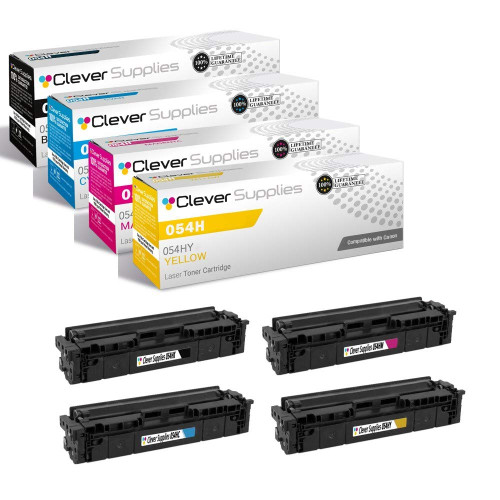
4-COLOR SET · HIGH YIELD — THE ONLY SET THIS FAMILY SELLS
Compatible Canon 054H Toner Cartridge — 4-Color Set
054HK / 054HC / 054HM / 054HY
$61.45
View Product →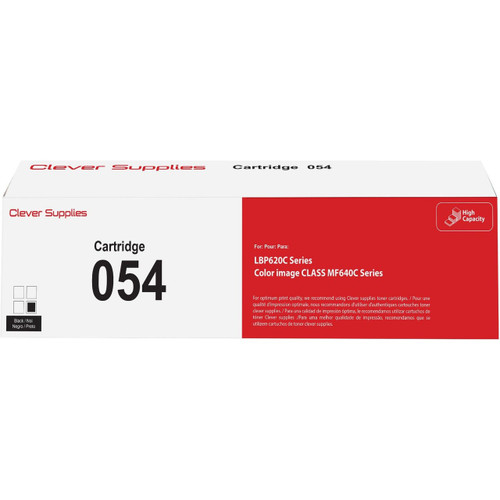
STANDARD YIELD · BLACK SINGLE
Compatible Canon 054 Toner Cartridge — Black
054BK · standard tier
$28.19
View Product →
● Canon 055 / 055H · Our product pages: nothing about chips — the platform Canon’s hardest documented cartridge message was written for, and a family with no four-color set at all.
Cartridge numbers: Cartridge 055 and the high-yield Cartridge 055H, in black, cyan, magenta and yellow.
Rated yield: no figure for this family was captured from a Canon page, so none is printed as Canon’s. A caution about our own data: one of our 055 listings carries its yield field with the black and color figures transposed against the family’s other listings — one more reason this section quotes no yield rather than guess.
What Canon’s documentation says: this is the documented center of Canon’s cartridge messaging. Canon USA’s support article for the imageCLASS MF740 series lists “Cannot print. A non-Canon or counterfeit cartridge may be inserted” and adds, in its own emphasis: “When this message is displayed, you cannot continue printing. Check the setting for <Canon Genuine Mode>.” The same article documents the communication-error variant (“Cartridge Communication Error — A counterfeit or non-Canon cartridge may be in use”), whose documented first step is to reinstall the cartridge, and the amount-display warning (“The amount in the cartridge cannot be displayed correctly”). The <Canon Genuine Mode> setting also appears in the LBP664Cdw settings list. What Canon does not publish is what switching that setting changes, step by step — and this page will not invent the missing procedure.
What our product pages say: nothing about chips — all 12 listings are silent. Seller lore elsewhere in the market says 055 compatibles can involve moving a chip from the old cartridge; nothing in our catalog says that, no listing of ours carries a transfer instruction, and none claims a fitted chip either. Both claims would be inventions here, in opposite directions.
The shelf shape, stated plainly: there is no four-color set in this family, in either tier — the shelf is singles and black two-packs, so there is no set card below and no set recommendation to make. Our standard and high-yield black two-packs are priced identically at $86.11; at the same money, take the high-yield pack.
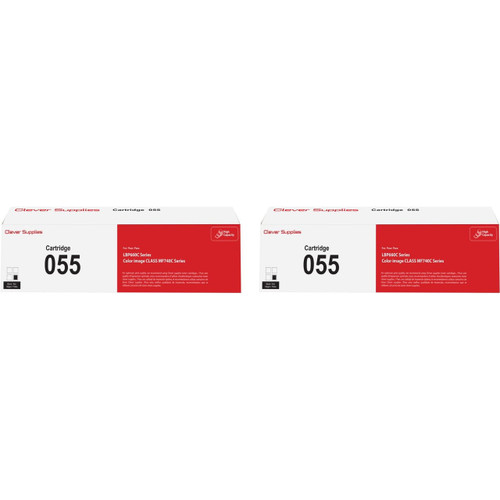
BLACK 2-PACK · BEST VALUE
Compatible Canon 055 Toner Cartridge — Black 2-Pack
Cartridge 055 · black · the same $86.11 buys the high-yield two-pack
$86.11 SAVE $16.09 vs singles
View Product →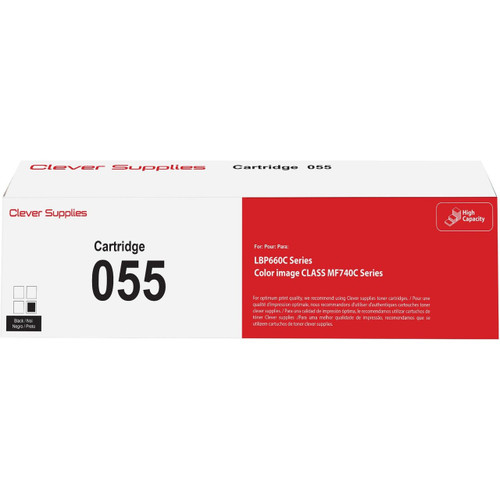
BLACK · SINGLE
Compatible Canon 055 Toner Cartridge — Black
Cartridge 055 · black
$51.10
View Product →
● Canon 045 / 045H · Our product pages: parts-list mention on some listings — another family whose set lives only in the high-yield tier.
Cartridge numbers: 045BK · 045C · 045M · 045Y, and the high-yield 045HBK · 045HC · 045HM · 045HY.
Rated yield: no figure for this family was captured from a Canon page, so none is printed here as Canon’s.
What Canon’s documentation says: no model-level cartridge-message document was captured for the LBP612Cdw / MF632Cdw / MF634Cdw line in this pass. This section therefore makes no claim about what these machines display — the absence is recorded, not filled in from other models’ manuals.
What our product pages say: 27 of this family’s 40 listings carry the legacy sentence describing a cartridge built from all-new parts, a smart chip among them — a component list, not a statement about how any chip behaves. The remaining listings, including the model-named ones, say nothing about chips.
The shelf shape, stated plainly: the four-color set exists only as the 045H set; the standard tier is singles and packs. Our standard and high-yield black two-packs are both $40.43 — at equal money, the high-yield pack is the better buy. One quirk of our own filing: this family’s set listing sits under the Canon brand page rather than in its printer categories, so the product link below is the reliable route to it.
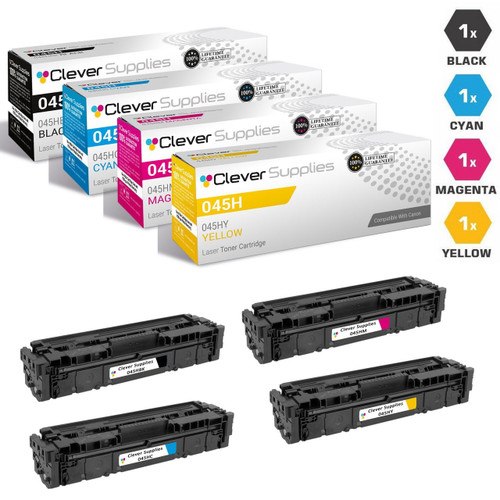
4-COLOR SET · HIGH YIELD — THE ONLY SET THIS FAMILY SELLS
Compatible Canon 045H Toner Cartridges — 4-Color Set
045HBK / 045HY / 045HM / 045HC
$67.77
View Product →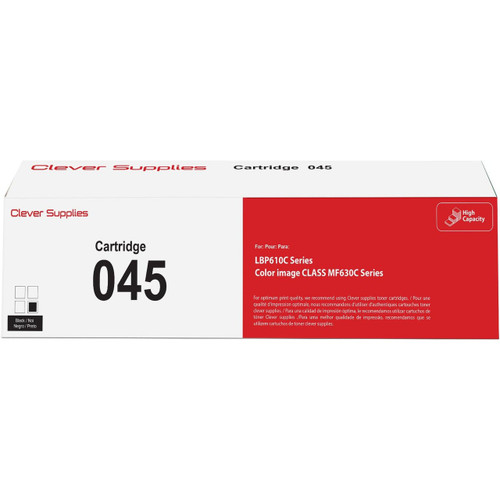
STANDARD YIELD · BLACK SINGLE
Compatible Canon 045 Toner Cartridge — Black
045BK · standard tier
$28.25
View Product →
● Canon 046 / 046H · Our product pages: parts-list mention on some listings — the larger sibling of the 045 shelf, with the same set shape.
Cartridge numbers: 046BK · 046C · 046M · 046Y, and the high-yield 046HBK · 046HC · 046HM · 046HY.
Rated yield: no figure for this family was captured from a Canon page, so none is printed here as Canon’s.
What Canon’s documentation says: no model-level cartridge-message document was captured for the LBP654 / MF731–735 line in this pass, and this section claims none.
What our product pages say: 32 of this family’s 46 listings carry the legacy all-new-parts sentence with a smart chip in the component list; the rest are silent. That sentence is a parts list — it is reported here as exactly that, and as nothing more.
The shelf shape, stated plainly: the four-color set exists only as the 046H set. Our standard and high-yield black two-packs are both $45.28, so the high-yield pack is again the better buy at equal money.

4-COLOR SET · HIGH YIELD — THE ONLY SET THIS FAMILY SELLS
Compatible Canon 046H Toner Cartridges — 4-Color Set
046HBK / 046HY / 046HM / 046HC
$77.57
View Product →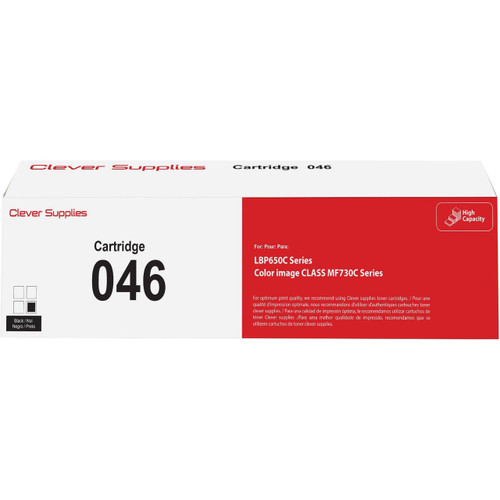
STANDARD YIELD · BLACK SINGLE
Compatible Canon 046 Toner Cartridge — Black
046BK · standard tier
$30.68
View Product →
Group B — the established imageCLASS color families
The five families in this group sit on earlier imageCLASS color platforms. For none of them did this pass capture a Canon model-level cartridge-message document, so these sections rest on listing facts alone: what the cartridges are, what our shelf looks like, and exactly what our product pages say about chips. Nothing from the MF740 documentation is projected onto these machines — if your printer shows a cartridge message, the decoder below explains Canon’s documented vocabulary, but the wording on your screen is the authority, not this page.
● Canon 131 · Our product pages: parts-list mention on some listings — the family where the standard set and the high-yield-black set cost exactly the same.
Cartridge numbers: 131BK · 131C · 131M · 131Y; the high-yield black is 6273B001AA, the standard black 6272B001AA.
Rated yield: no figure for this family was captured from a Canon page, so none is printed here as Canon’s.
What Canon’s documentation says: no model-level cartridge-message document was captured for these platforms in this pass.
What our product pages say: 32 of this family’s 39 listings carry the legacy all-new-parts sentence with a smart chip in the component list; the rest are silent. A parts list is all that sentence is.
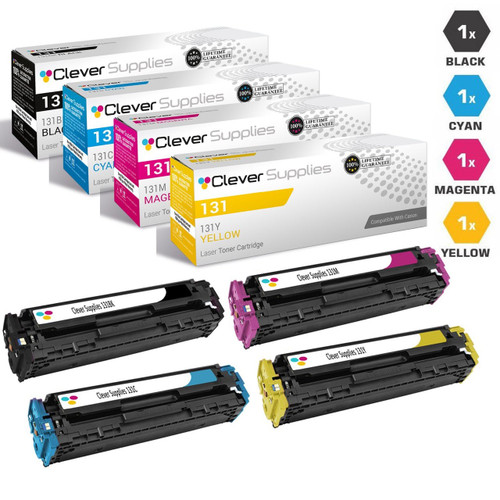
The shelf shape, stated plainly: our standard 131 four-color set and the mixed “131H & 131” set — high-yield black with standard colors — are priced identically at $72.46. At the same money, the mixed set gives you the longer-life black for free; the standard set below is the one this page links as the family’s canonical set, and the choice between them costs you nothing either way.
4-COLOR SET · STANDARD YIELD
Compatible Canon 131 Toner Cartridges — 4-Color Set
131BK / 131Y / 131M / 131C
$72.46
View Product →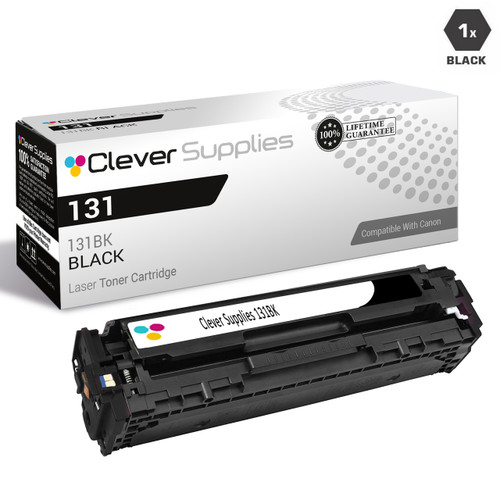
BLACK · SINGLE
Compatible Canon 131 Toner Cartridge — Black
6272B001AA · standard black
$30.17
View Product →
● Canon 118 · Our product pages: nothing about chips — a wide printer range and the widest pack shelf of any family on this page.
Cartridge numbers: 2662B001AA · 2661B001AA · 2660B001AA · 2659B001AA.
Rated yield: no figure for this family was captured from a Canon page, so none is printed here as Canon’s.
What Canon’s documentation says: no model-level cartridge-message document was captured for these platforms in this pass.
What our product pages say: nothing about chips — all 24 listings are silent.
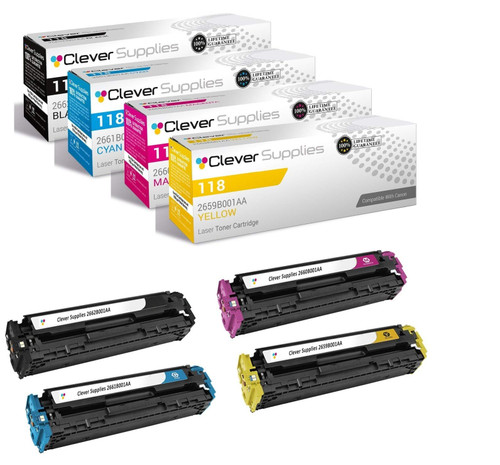
The shelf shape, stated plainly: this family sells in more pack shapes than any other on the page — sets of three, four, five, six and eight pieces alongside the singles. The cards below link the standard four-color set and the black single; the larger multipacks are variations on the same four cartridges.
4-COLOR SET
Compatible Canon 118 Toner Cartridge — 4-Color Set
2662B001AA / 2661B001AA / 2659B001AA / 2660B001AA
$95.69
View Product →
BLACK · SINGLE
Compatible Canon 118 Toner Cartridge — Black
2662B001AA
$30.96
View Product →
● Canon 034 · Our product pages: nothing about chips — an imageRUNNER-class color platform in imageCLASS bodies, sold for exactly two models.
Cartridge numbers: 034K · 034C · 034M · 034Y.
Rated yield: no figure for this family was captured from a Canon page, so none is printed here as Canon’s.
What Canon’s documentation says: no model-level cartridge-message document was captured for the MF810Cdn / MF820Cdn in this pass. The [I Agree] override documented on the imageRUNNER office line is not projected onto these imageCLASS-badged machines.
What our product pages say: nothing about chips — all 8 listings are silent.

4-COLOR SET
Compatible Canon 034 Toner Cartridge — 4-Color Set
034K / 034C / 034M / 034Y
$182.15
View Product →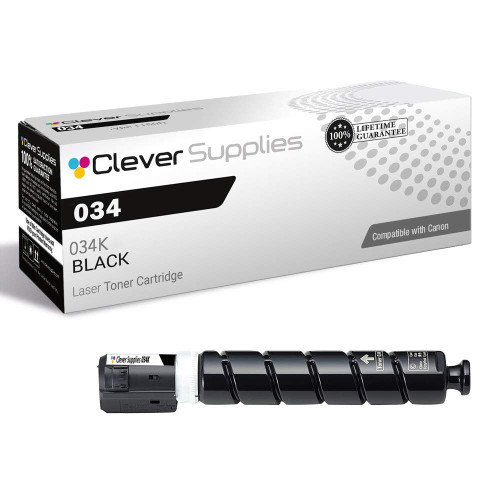
BLACK · SINGLE
Compatible Canon 034 Toner Cartridge — Black
034K
$58.86
View Product →
● Canon 111 (CRG-111) · Our product pages: nothing about chips — the oldest color platform on this page, spanning imageCLASS and imageRUNNER LBP bodies.
Cartridge numbers: black 1660B001AA, with 1659B001AA · 1658B001AA · 1657B001AA completing the four-cartridge set.
Rated yield: no figure for this family was captured from a Canon page, so none is printed here as Canon’s.
What Canon’s documentation says: no model-level cartridge-message document was captured for these platforms in this pass.
What our product pages say: nothing about chips — all 9 listings are silent. At $316.30, the four-color set below is the most expensive on this page; that is the shelf as it stands, printed without decoration.
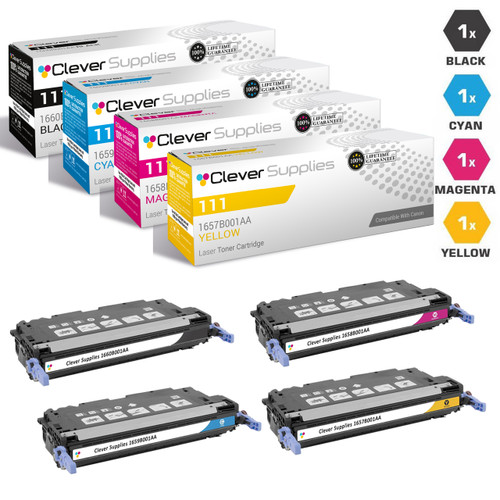
4-COLOR SET
Compatible Canon CRG-111 Toner Cartridges — 4-Color Set
1660B001AA / 1659B001AA / 1658B001AA / 1657B001AA
$316.30
View Product →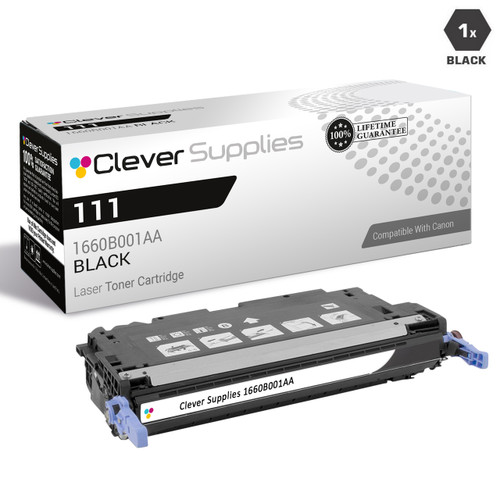
BLACK · SINGLE
Compatible Canon CRG-111 Toner Cartridge — Black
1660B001AA
$64.71
View Product →
● Canon 040H · Our product pages: parts-list mention — a one-printer family sold only in its high-yield tier.
Cartridge numbers: 040HBK · 040HC · 040HM · 040HY. There is no standard-tier 040 on our shelf: every listing in this family, sets and singles alike, is the high-yield 040H.
Rated yield: no figure for this family was captured from a Canon page, so none is printed here as Canon’s.
What Canon’s documentation says: no model-level cartridge-message document was captured for the LBP712cdn in this pass.
What our product pages say: all 12 listings carry the legacy all-new-parts sentence with a smart chip in the component list — again, a parts list, not a behavior claim.
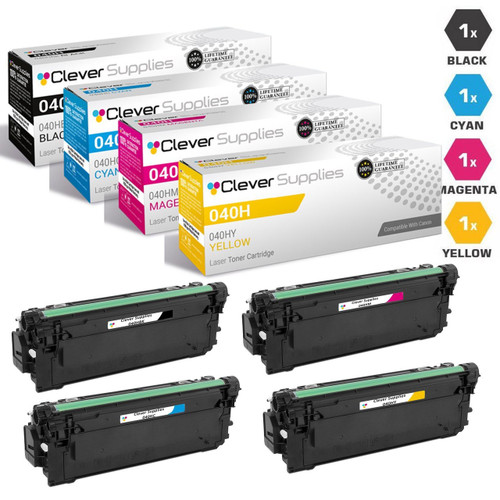
4-COLOR SET · HIGH YIELD — THE ONLY TIER THIS FAMILY SELLS
Compatible Canon 040H Toner Cartridges — 4-Color Set
040HBK / 040HY / 040HM / 040HC
$191.69
View Product →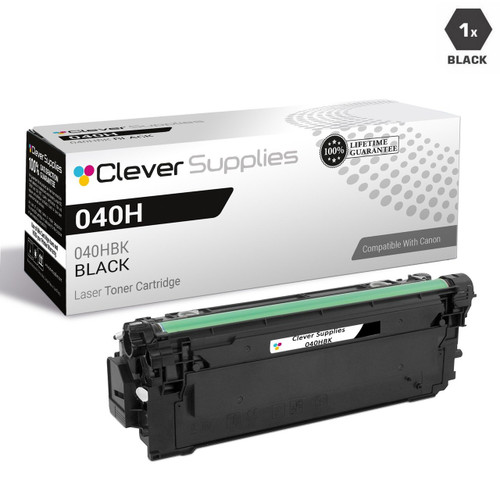
HIGH YIELD · BLACK SINGLE
Compatible Canon 040H Toner Cartridge — Black
040HBK
$46.52
View Product →
Group C — the imageRUNNER office color families
These six families feed Canon’s imageRUNNER and imageRUNNER ADVANCE office multifunction machines, and they come with the page’s most carefully scoped documentation note. Canon’s manual for the imageRUNNER C3125i — an office MFP — documents the message “A malfunction may occur. A non-Canon toner cartridge or a toner cartridge of the wrong color may be inserted. To use this cartridge, press [I Agree],” with Canon’s warning that if you select it, “the operation of the machine is not guaranteed.” That is a real, Canon-published override on the imageRUNNER office line. What this pass did not capture is a cartridge-message manual for the GPR toner platforms below specifically, so each section presents the [I Agree] path as the office line’s documented behavior — not as a promise about an individual model — and otherwise rests on listing facts.
● Canon GPR-23 · Our product pages: parts-list mention on some listings — the widest model range of the GPR color families.
Cartridge numbers: 0452B003AA · 0453B003AA · 0454B003AA · 0455B003AA.
Rated yield: no figure for this family was captured from a Canon page, so none is printed here as Canon’s.
What Canon’s documentation says: no cartridge-message manual was captured for this GPR platform. The imageRUNNER office line’s documented override is the [I Agree] prompt described in the group introduction, captured from the C3125i manual; this page does not present it as captured for the C2550–C3880 series itself.
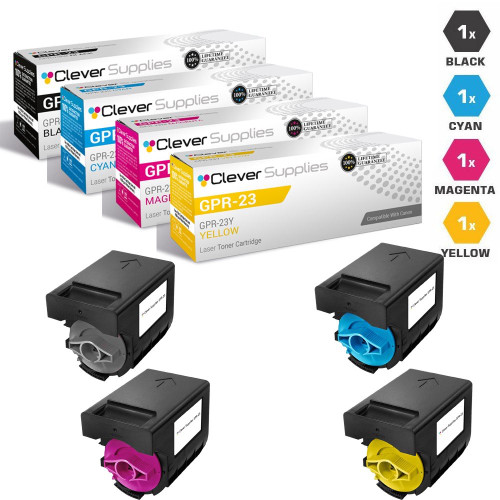
What our product pages say: 12 of this family’s 18 listings carry the legacy all-new-parts sentence with a smart chip in the component list; the rest are silent. One duplication worth knowing: this family’s four-color set also exists under a second listing titled “Premium Quality” at the same $204.78, with no stated difference between the two. We link one canonical set below.
4-COLOR SET
Compatible Canon GPR-23 Toner Cartridges — 4-Color Set
0452B003AA / 0453B003AA / 0454B003AA / 0455B003AA
$204.78
View Product →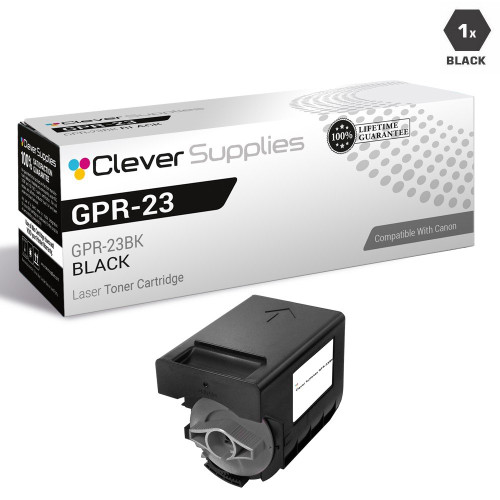
BLACK · SINGLE
Compatible Canon GPR-23 Toner Cartridge — Black
0452B003AA
$96.86
View Product →
● Canon GPR-30 · Our product pages: parts-list mention on some listings — the highest-volume platform in the GPR color group.
Cartridge numbers: 2789B003AA · 2793B003AA · 2797B003AA · 2801B003AA.
Rated yield: no figure for this family was captured from a Canon page, so none is printed here as Canon’s.
What Canon’s documentation says: no cartridge-message manual was captured for this GPR platform; the office line’s [I Agree] override is documented as described in the group introduction, with the same scope limit.
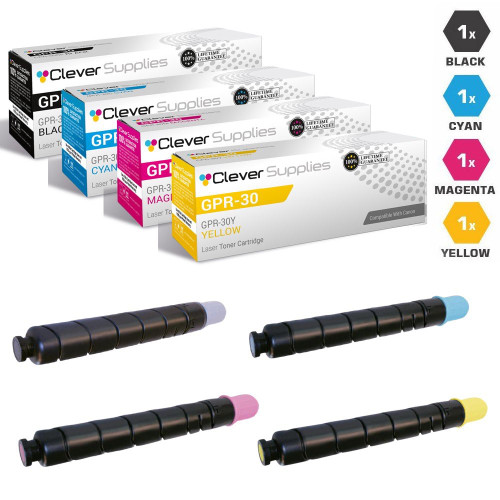
What our product pages say: 12 of this family’s 18 listings carry the legacy parts-list sentence; the rest are silent. At $375.49, the set below is priced for machines that run all day — that is the shelf as it stands.
4-COLOR SET
Compatible Canon GPR-30 Toner Cartridges — 4-Color Set
2789B003AA / 2793B003AA / 2797B003AA / 2801B003AA
$375.49
View Product →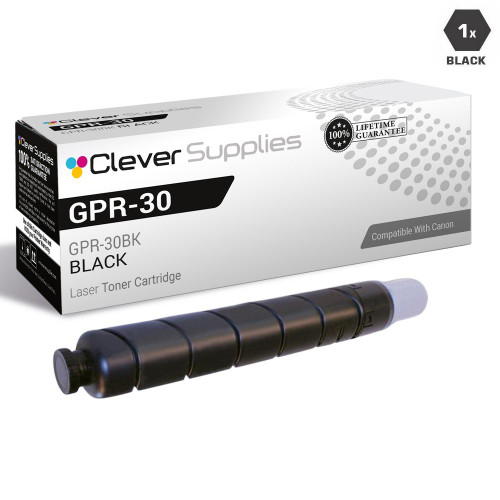
BLACK · SINGLE
Compatible Canon GPR-30 Toner Cartridge — Black
2789B003AA
$103.56
View Product →
● Canon GPR-31 · Our product pages: parts-list mention on some listings — the mid-volume ADVANCE platform of the C5000 series.
Cartridge numbers: 2790B003AA · 2794B003AA · 2798B003AA · 2802B003AA.
Rated yield: no figure for this family was captured from a Canon page, so none is printed here as Canon’s.
What Canon’s documentation says: no cartridge-message manual was captured for this GPR platform; the office line’s [I Agree] override is documented as described in the group introduction, with the same scope limit.
What our product pages say: 12 of this family’s 18 listings carry the legacy parts-list sentence; the rest are silent.
4-COLOR SET
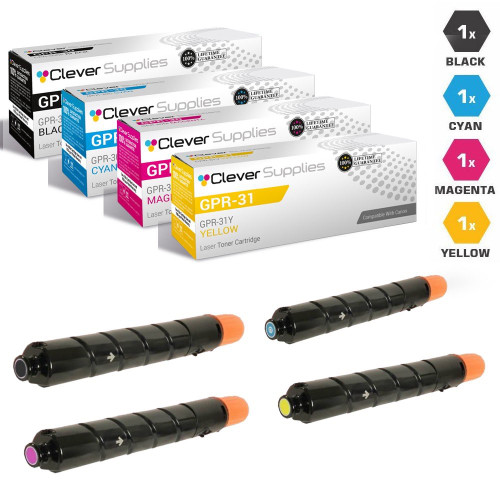
Compatible Canon GPR-31 Toner Cartridges — 4-Color Set
2790B003AA / 2794B003AA / 2798B003AA / 2802B003AA
$324.06
View Product →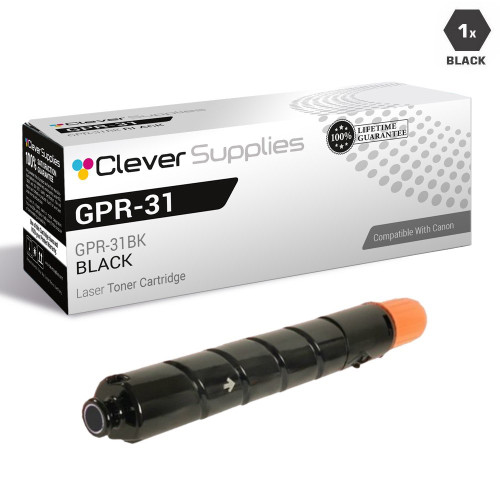
BLACK · SINGLE
Compatible Canon GPR-31 Toner Cartridge — Black
2790B003AA
$79.93
View Product →
● Canon GPR-36 · Our product pages: parts-list mention on some listings — the compact ADVANCE platform of the C2000 and C2200 series.
Cartridge numbers: 3782B003AA · 3783B003AA · 3784B003AA · 3785B003AA.
Rated yield: no figure for this family was captured from a Canon page, so none is printed here as Canon’s.
What Canon’s documentation says: no cartridge-message manual was captured for this GPR platform; the office line’s [I Agree] override is documented as described in the group introduction, with the same scope limit.
What our product pages say: 12 of this family’s 18 listings carry the legacy parts-list sentence; the rest are silent.
4-COLOR SET
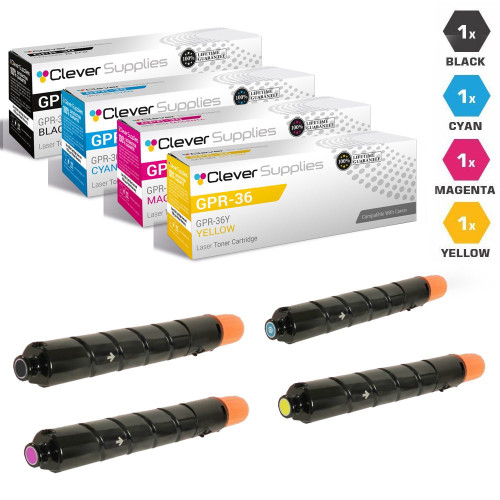
Compatible Canon GPR-36 Toner Cartridges — 4-Color Set
3782B003AA / 3783B003AA / 3784B003AA / 3785B003AA
$204.99
View Product →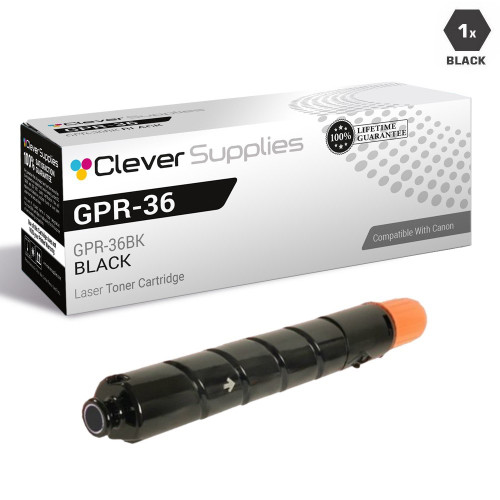
BLACK · SINGLE
Compatible Canon GPR-36 Toner Cartridge — Black
3782B003AA
$67.84
View Product →
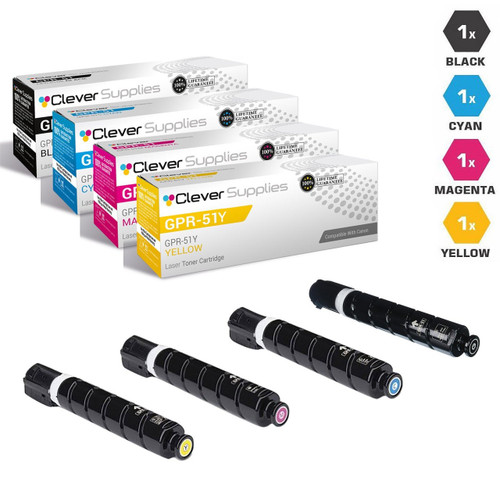
● Canon GPR-51 · Our product pages: parts-list mention — the departmental ADVANCE platform of the C250iF and C350iF.
Cartridge numbers: GPR-51BK · GPR-51C · GPR-51M · GPR-51Y.
Rated yield: no figure for this family was captured from a Canon page, so none is printed here as Canon’s.
What Canon’s documentation says: no cartridge-message manual was captured for this GPR platform; the office line’s [I Agree] override is documented as described in the group introduction, with the same scope limit.
What our product pages say: all 12 listings carry the legacy parts-list sentence — this family has no silent listings, and the sentence is still only a parts list.
4-COLOR SET
Compatible Canon GPR-51 Toner Cartridges — 4-Color Set
GPR-51BK / GPR-51Y / GPR-51M / GPR-51C
$250.86
View Product →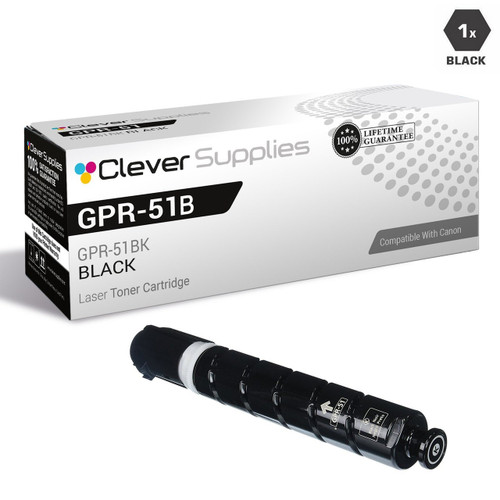
BLACK · SINGLE
Compatible Canon GPR-51 Toner Cartridge — Black
GPR-51BK
$62.52
View Product →
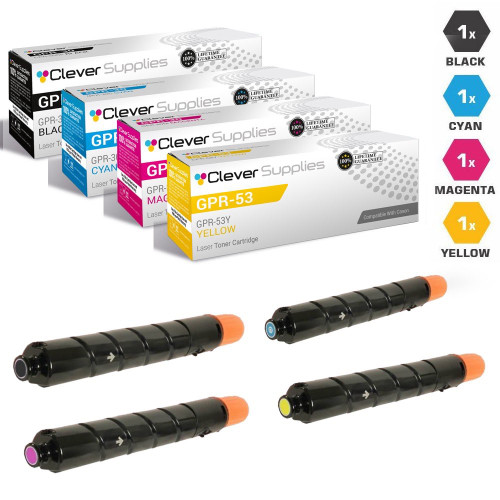
● Canon GPR-53 · Our product pages: parts-list mention — the newest ADVANCE platform on this page, the C3300 and C3500 i-series.
Cartridge numbers: GPR-53BK · GPR-53C · GPR-53M · GPR-53Y.
Rated yield: no figure for this family was captured from a Canon page, so none is printed here as Canon’s.
What Canon’s documentation says: no cartridge-message manual was captured for this GPR platform; the office line’s [I Agree] override is documented as described in the group introduction, with the same scope limit.
What our product pages say: all 12 listings carry the legacy parts-list sentence — reported as a parts list, and as nothing more.
4-COLOR SET
Compatible Canon GPR-53 Toner Cartridges — 4-Color Set
GPR-53BK / GPR-53Y / GPR-53M / GPR-53C
$298.50
View Product →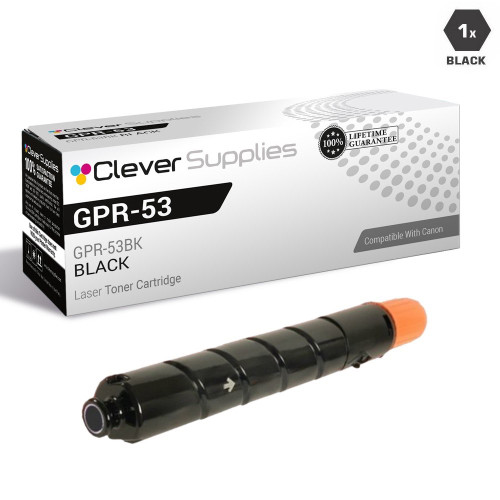
BLACK · SINGLE
Compatible Canon GPR-53 Toner Cartridge — Black
GPR-53BK
$91.97
View Product →
One drum note, kept short
Every imageCLASS color cartridge in our catalog is an all-in-one unit — toner and drum together in a single cartridge — so no family on this page has a separate drum to buy, track or replace. Canon does separate the two on some lines: the documented case is the monochrome 051 platform, whose manual gives the drum its own counterfeit-supply message (“A counterfeit or non-Canon drum cartridge may be in use”). We sell the 051 toner but no Drum 051, and that story is told on our Canon monochrome page, where it belongs. The only separate Canon drum units in our store are three legacy imageRUNNER copier drums, also on the monochrome side. Nothing on this page has a drum card, because nothing on this page needs one.
What message do you see?
Canon’s documented vocabulary is smaller than some brands’, and it changes with the machine class — the same manufacturer uses a settings pointer on one line, a one-press agreement on another, and a plain dismissal on a third. Each card below names the wording, what Canon says it means, and the class of machine the wording was captured on. Match your screen to the closest card — and photograph the exact wording first, because Canon’s remedy depends on which message you actually have.
“Cannot print. A non-Canon or counterfeit cartridge may be inserted”
The hard stop, documented by Canon USA for the imageCLASS MF740 series (our 055 family). Canon’s support article states that when this message is displayed, you cannot continue printing, and directs you to one place: “Check the setting for <Canon Genuine Mode>.” First step: note the exact wording, then read the Genuine Mode card below before changing anything.
The <Canon Genuine Mode> setting
Canon’s manuals carry this entry in the device-management settings of the MF740 class, the MF641–644Cdw class and the LBP632/633Cdw class, defined in a single line: “The mode for when Canon genuine toner cartridges are used.” Canon adds that a service representative may change the setting, and that if the item is not displayed, you should contact the machine’s administrator. Canon publishes no step-by-step procedure beyond that — anyone who shows you one is showing you their own, not Canon’s.
“Cartridge Communication Error — A counterfeit or non-Canon cartridge may be in use”
The printer is not getting a readable answer from the cartridge. Canon’s documented remedy starts physical, not digital: reinstall the toner cartridge. Only if reinstalling fails to clear it does Canon’s text move on — the cartridge may be faulty — and it points you back to the store where you bought it. First step: one careful reseat before you conclude anything about the cartridge.
“The amount in the cartridge cannot be displayed correctly”
The display warning. Canon’s text says the toner cartridge used may not be a genuine Canon product, and the practical meaning is narrow: the machine cannot read the cartridge well enough to report its remaining level, so the level it shows is not trustworthy. It is a statement about the display, not by itself a verdict that the cartridge cannot print — Canon’s own chipless genuine cartridges produced this same class of message in 2022.
“To use this cartridge, press [I Agree]”
The imageRUNNER office line’s override, documented in Canon’s manual for the imageRUNNER C3125i: “A malfunction may occur. A non-Canon toner cartridge or a toner cartridge of the wrong color may be inserted.” Pressing [I Agree] keeps the cartridge in use; Canon warns in the same text that the machine’s operation is then not guaranteed, and pressing [Cancel] is the replace-the-cartridge path. Scope limit, stated plainly: no imageCLASS manual captured for this page shows an [I Agree] prompt — do not go looking for this button on a desktop imageCLASS.
“Prepare a cartridge.”
The routine end-of-life notice, documented in Canon’s current-generation manuals: it is nearing the time to replace the toner cartridge, and where the machine offers it, you can press [Continue Printing] and keep going. This one is a clock, not a chip dispute — it appears with genuine cartridges too, and it is the message most often mistaken for a compatibility problem.
2022 — when Canon shipped its own cartridges without chips
During the global semiconductor shortage, Canon could not source the electronic components used in its own genuine consumables — the components behind features such as remaining-toner detection. Canon’s statement at the time, as quoted in The Register’s report of January 10, 2022, said it had “decided to deliver consumables without [the] semiconductor components until normal supply is restored,” and that “there is no negative impact on print quality when using consumables without electronic components, but certain additional functions, such as [for example] the detection of the toner level may be impaired.”
Per the same report, Canon’s per-model instructions for the affected imageRUNNER multifunction printers were to press “Close”, “I Agree” or “OK” and continue printing, with the warning that the displayed toner level may jump from OK to Empty. We keep this episode on the page for one reason: it is Canon’s own documented proof that a cartridge the machine cannot fully read is, on Canon’s own machines, sometimes a dismiss-and-print situation. Its scope is equally clear — it was a statement about Canon’s genuine chipless cartridges on specific models in a shortage, not a statement about third-party cartridges generally, and this page does not stretch it into one.
Before you change a setting — or condemn a cartridge
Canon’s remedies are message-specific and class-specific, so the order below matters: identify the message first, then act on the one documented for it. Nothing in Canon’s published documentation asks you to update firmware to solve a cartridge message, and this checklist does not either.
☐ Photograph the exact message wording before you press anything — Canon’s remedy for a communication error (reinstall) is different from its remedy for the “Cannot print” stop (the Genuine Mode pointer), and the wording is how you tell them apart
☐ For a communication error, do the documented physical step first: remove the cartridge, reinstall it once, carefully, and see whether the message clears
☐ On an MF740-class machine, check whether <Canon Genuine Mode> appears in the machine’s settings list — Canon notes that if the item is not displayed, the machine’s administrator or a service representative is the route, not a workaround
☐ Record the firmware version your printer is running and the cartridge’s full part number together — if behavior changes after any update, that pair is the first fact anyone will ask for
☐ Change one thing at a time — never swap the cartridge and adjust machine settings in the same hour; print a test page between changes so you know which change did what
Questions, answered straight
Does Canon block third-party cartridges?
At the message level, on one documented class of machines, it can stop a print job: Canon USA’s MF740 support article documents “Cannot print. A non-Canon or counterfeit cartridge may be inserted” and states that you cannot continue printing when it appears, pointing you at the <Canon Genuine Mode> setting. Beyond that, we searched Canon’s own published documentation for a firmware or “dynamic security” style statement — a claim that updates are designed to disable third-party cartridges — and found none. That is an absence finding, recorded exactly as found: no statement found in Canon’s published documentation. It is not a guarantee about any individual model or firmware version, and this page does not present it as one.
What is <Canon Genuine Mode>, exactly?
Everything Canon publishes about it fits in one line: it is “the mode for when Canon genuine toner cartridges are used,” and it appears as a device-management setting on the MF740 class, the MF641–644Cdw class and the LBP632/633Cdw class. The MF740 support article points the “Cannot print” message at this setting. Canon also notes that a service representative may change it, and that if the item is not displayed on your machine, you should contact the machine’s administrator. What Canon does not publish is a step-by-step account of what switching it changes — so this page describes the setting exactly as far as Canon describes it, and no further.
Do your Canon cartridges claim a special chip?
No. Across our Canon color range, our product pages do exactly two things: some older listings carry a legacy sentence listing a smart chip among a cartridge’s all-new components, and the newer families — 067, 069, 054, 055, 118, 034, 111 among them — say nothing about chips at all. The word “firmware” appears in none of our Canon toner listings. No listing claims a fitted compatibility chip, and where a section above says “parts-list mention,” that sentence is all it means. What we stand behind is the cartridge itself and the warranty behind it, not a chip claim we never made.
Why does the higher-yield 067H set cost less than the standard 067 set?
Because that is how our shelf is priced right now, and this page would rather show you than smooth it over. As read on November 11, 2026: the 067H four-color set is $132.31 against the standard set’s $175.34; the 067H black single is $45.13 against $55.89; the 067H black two-pack is $74.19 against $95.71 — while Canon’s copy rates the H cartridges at roughly 2.3 times the pages. Until that pricing changes, the 067H is simply the better buy in its family, and the 067 section above says so at the top.
My screen says the amount remaining cannot be displayed correctly. Is the cartridge faulty?
Not on that evidence alone. Canon’s wording for this message is about the display: the machine cannot read the cartridge well enough to report its remaining toner, so the level shown may be wrong. Canon’s own genuine cartridges shipped without semiconductor components in 2022 produced this same class of message, with Canon’s documented position that print quality was unaffected and only the level detection was impaired. Treat the message as “the gauge is unreliable,” keep printing if the machine lets you, and judge the cartridge by its output.
I read that Canon 055 cartridges need a chip swap from the old cartridge. Do yours?
Nothing in our catalog supports that claim in either direction. No Clever Supplies Canon listing — 055 included — carries a chip-transfer instruction, and our 055 listings say nothing about chips at all. We will not claim a fitted compatibility chip we cannot point to in our own listing, and we will not repeat market lore about a transfer step our listing never mentions. If a chip question decides a purchase for you, ask us before you buy and we will tell you what we know and what we do not.
Our disclosure: we sell compatible toner and benefit when you buy through this page. Prices shown were read from our product pages on November 11, 2026 and can change; the product page is always the final word. Page yields are Canon’s figures only where this page says so: the 069 family’s from Canon U.S.A.’s own MF753Cdw brochure, and the 067 family’s from Canon’s Genuine Toner 067 copy as reproduced verbatim in retailer listings — labeled as such wherever they appear. For every other family, no Canon figure was captured, the yield is omitted rather than filled in from third parties, and the section says so; our product pages carry our own Page Yield field, which is our field and is never presented here as a Canon rating. Canon’s message wordings and the Genuine Mode definition are Canon’s own published text, quoted or closely paraphrased from Canon USA Support and Canon’s online manuals; the January 2022 statement is Canon Deutschland’s, as quoted in The Register’s report of January 10, 2022. Where Canon documentation was captured for one model class only, this page keeps it on that class and says so. What our listings say about chips is reported per family exactly as found — a parts-list mention on some listings, silence on the rest — and neither has been upgraded into a fitted-chip claim. Questions we haven’t covered: contact us Monday to Friday, 9 AM to 5 PM CST.




