




ImageClass MF641Cw
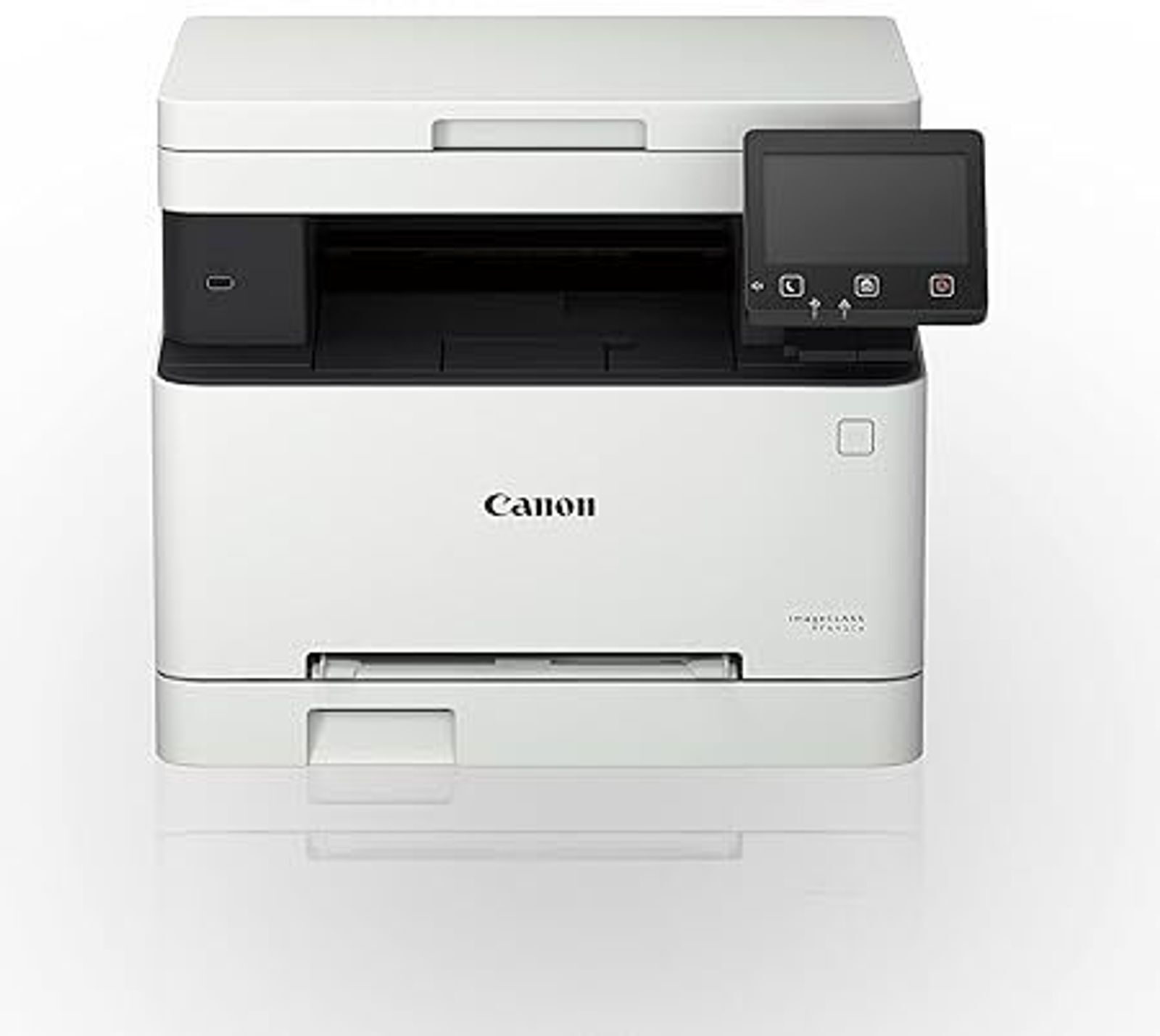
The entry point into Canon's 054-family color lineup, the imageCLASS MF641Cw trades speed for affordability at 18 ppm — the slowest of its siblings, but still a full print/copy/scan color multifunction. A 5-inch color touchscreen and automatic duplexing come standard. The high-yield Canon 054H Black (OEM #3028C001) stretches to 3,100 pages. The MF641Cw's cartridge family is fully numbered: standard-yield black 054BK, cyan 054C, magenta 054M and yellow 054Y, plus the longer-life 054H tier — black 054HBK, also listed under the alternate code 054HK, cyan 054HC, magenta 054HM and yellow 054HY — so any single slot can be reordered by code alone.
Toner Cartridges for Canon imageCLASS MF641CW
| Cartridge | Color | Page Yield | OEM # |
|---|---|---|---|
| Canon 054H (Compatible) | Black | 3,100 pages | 3028C001 |
Frequently Asked Questions
What toner does the Canon imageCLASS MF641CW use?
The Canon imageCLASS MF641CW uses the Canon 054H toner cartridge (OEM #3028C001).
How many pages does a Canon 054H cartridge print?
A standard Canon 054H toner cartridge yields approximately 3,100 pages at 5% coverage.
Are compatible Canon 054H cartridges safe for the imageCLASS MF641CW?
Compatible cartridges are designed to work in the imageCLASS MF641CW. Check your printer's warranty terms for specific coverage details.
How do I install a Canon 054H toner cartridge in the imageCLASS MF641CW?
Open the front cover of your Canon imageCLASS MF641CW, remove the old cartridge, unpack the new Canon 054H cartridge, gently rock it to distribute toner, and slide it into place until it clicks.