




ImageClass MF751CDW
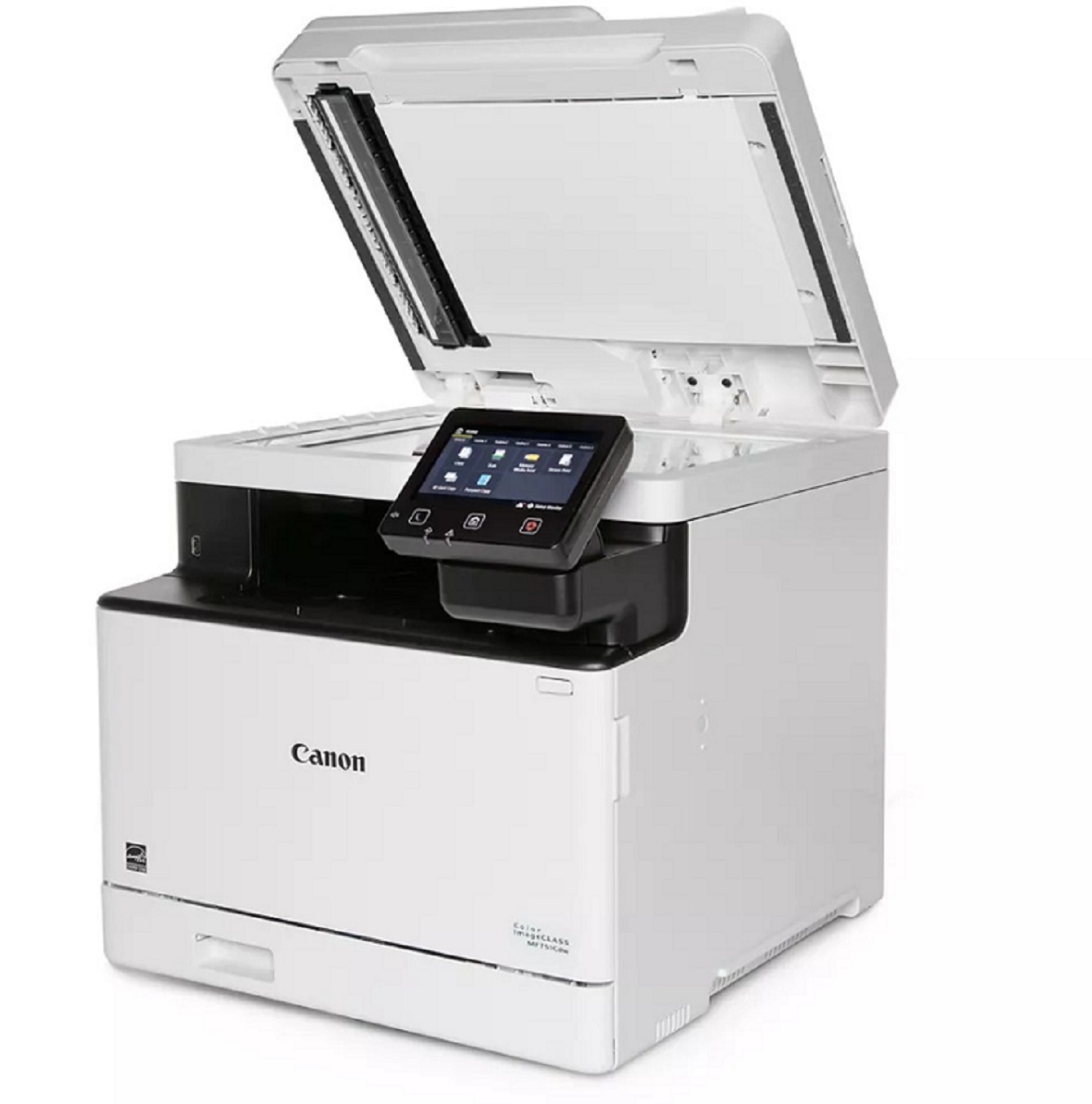
Speed is the imageCLASS MF751CDW's argument: at 35 pages per minute in both color and black-and-white, it is the fastest machine in its cartridge family, configured as a fax-free 3-in-1 that prints, copies and scans. A 50-sheet single-pass duplex ADF scans both sides of a page at once, so paperwork moves quickly too. Black toner is the Canon 069, good for 2,100 pages; alongside it, color output draws on separate cyan, magenta and yellow cartridges, each stocked on its own so one faded color never drags a full set change behind it. A high-yield Canon 069H line is also sold for this machine for busier offices.
The buyer this model fits is the small office that scans constantly — contracts, intake forms, signed pages — but has quietly stopped faxing. Dropping the fax hardware keeps the machine simpler while the single-pass feeder does the heavy lifting, and at 35 ppm the print engine never becomes the bottleneck in a shared workspace. Toner planning follows the same logic: black does the bulk of the work in a document office, while the three colors drain unevenly depending on what actually gets printed.
Toner Cartridges for ImageClass MF751CDW
Which cartridge should you buy?
Start with the standard Canon 069 set and watch your real consumption for a month. If black is emptying faster than the office can comfortably manage, shift that slot to the high-yield 069H line and leave the colors standard — documents burn black far faster than any single color. Replace colors individually as each one reports low; there is no economy in retiring a half-full magenta because the cyan gave out. For a machine scanning and printing all day, a spare black on the shelf is the one stock-up that reliably pays off.
Chip, toner and everyday use
Fitting a cartridge is a front-cover job: pull the old unit, give the new one a few gentle rocks to level the toner, and slide it in until it clicks — the printer reads the chip and updates its level display automatically. Page ratings are quoted at roughly 5% coverage, so a color brochure run will consume a cartridge noticeably faster than the same count of text pages. When output starts to fade, removing the cartridge and rocking it once more often coaxes out a few more usable pages while the replacement is on its way.
Frequently Asked Questions
What toner does the imageCLASS MF751CDW use?
The Canon 069 family — a black cartridge rated at 2,100 pages plus individual cyan, magenta and yellow cartridges — with the high-yield Canon 069H line available in the same four slots.
Does the MF751CDW have a fax?
No. It is a 3-in-1 machine — print, copy and scan — without fax hardware. Offices that still fax should look at the family's 4-in-1 models instead.
What does single-pass duplex scanning mean for toner?
Nothing directly — the feeder scans both sides in one pass, which saves time, not toner. It matters here because a fast scanner usually means a busy machine, and busy machines are the ones that benefit from the high-yield cartridges.
Can I change only the color that ran out?
Yes. All four cartridges are separate units, sold singly in the table above as well as in sets, so you only ever replace the slot that is actually empty.
More printers that use the same cartridges
Just two other machines in the store share the 069 and 069H slots, and both are close relatives of this one: ImageClass MF753CDW, LBP-674CDW.