




LaserJet M525F
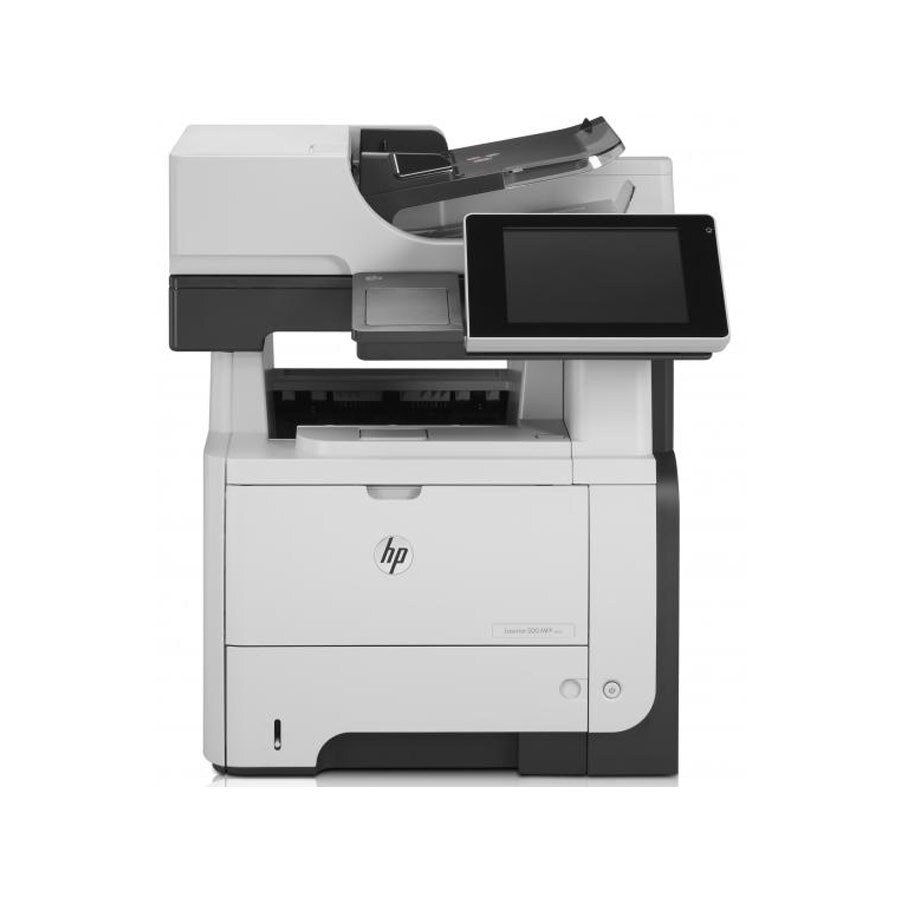
The HP LaserJet M525F is exactly what its late-2000s badge suggests: a mono single-function printer made for everyday office document printing. Where the LaserJet M525F earns its keep is everyday office document printing — steady, legible pages day after day.
The LaserJet M525F shares its HP 55A/55X cartridges — including the CE255A — with 39 other HP models, keeping replacement options plentiful. Keep the LaserJet M525F printing with genuine HP CE255A cartridges or our compatible HP 55A/55X versions; either way, the LaserJet M525F gets the toner it was designed for. Fax-and-print workloads on the LaserJet M525F pair well with the high-yield CE255X, while the maximum-capacity CE255XJ suits the very busiest machines.
Toner Cartridges for LaserJet M525F
This printer works with the following toner cartridges:
- HP CE255A
- HP CE255X
More HP Printers
- LaserJet 500 MFP M525f
- LaserJet Enterprise 500 M525
- LaserJet Enterprise 500 M525DN
- LaserJet Enterprise 500 M525F
- LaserJet Enterprise 500 MFP M525
- LaserJet Enterprise 500 MFP M525DN
- LaserJet Enterprise 500 MFP M525F
- LaserJet Enterprise flow MFP M525C
- LaserJet Enterprise P3010
- LaserJet Enterprise P3011
- LaserJet Enterprise P3015
- LaserJet Enterprise P3015D
- LaserJet Enterprise P3015dn
- LaserJet Enterprise P3015N
- LaserJet Enterprise P3015X
- LaserJet Enterprise P3016
- LaserJet flow MFP M525c
- LaserJet M521
- LaserJet M521DN
- LaserJet M521dn MFP
- LaserJet M521DW
- LaserJet M521dx
- LaserJet M521DZ
- LaserJet M525
- LaserJet M525C
- LaserJet M525DN
- LaserJet MFP M521dw
- LaserJet P3010
- LaserJet P3011
- LaserJet P3015
- LaserJet P3015D
- LaserJet P3015DN
- LaserJet P3015N
- LaserJet P3015X
- LaserJet P3016
- LaserJet Pro M521
- LaserJet Pro M521DN
- LaserJet Pro M521DX
- LaserJet Pro M521DZ
Frequently Asked Questions
Which toner cartridge does the LaserJet M525F use?
The LaserJet M525F uses the CE255A (standard yield) or the CE255X (high-yield) toner cartridge. Confirm the code printed on your current cartridge matches before ordering a replacement.
What is the difference between the CE255A and CE255X cartridges for the LaserJet M525F?
Both cartridges fit the LaserJet M525F identically; the CE255X is the high-yield version of the CE255A and contains more toner. For a LaserJet M525F that prints heavily, the CE255X means fewer cartridge changes.
Why is my LaserJet M525F printing faded or streaky pages?
Faded or streaky output on the LaserJet M525F usually means the cartridge is running low. Remove the CE255A or CE255X and gently rock it side to side to redistribute the toner; if fading persists, the LaserJet M525F needs a fresh cartridge.