




LaserJet Enterprise 500 MFP M525
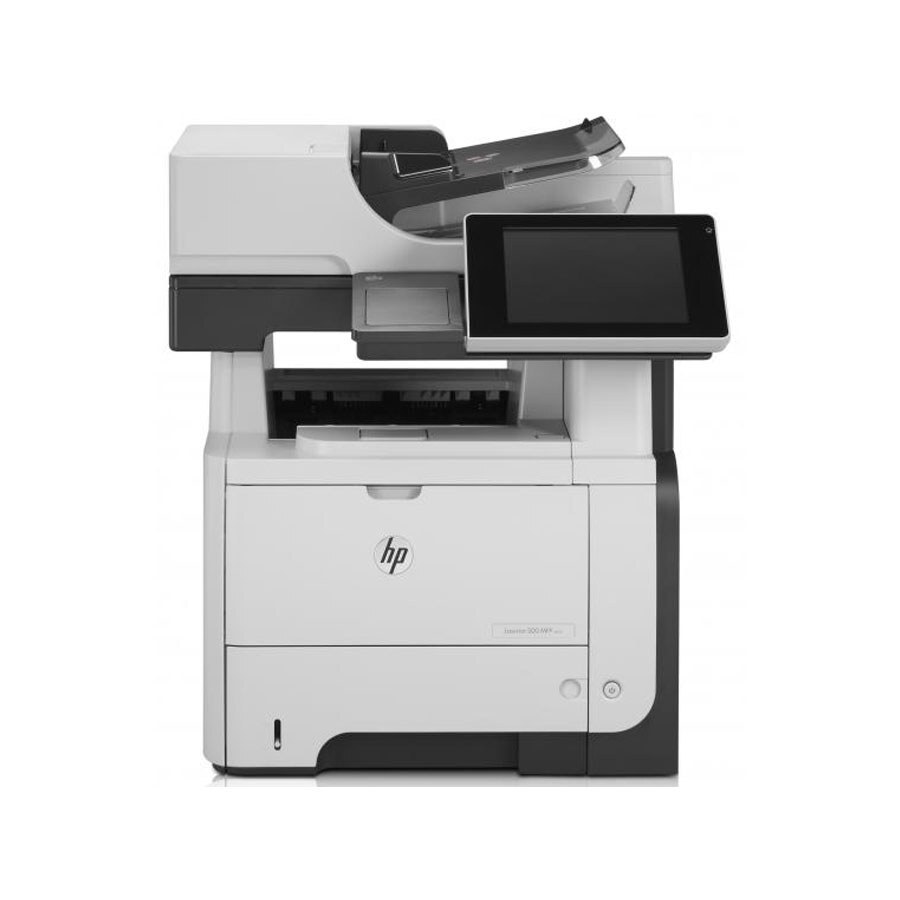
Dating from the late-2000s, the HP LaserJet Enterprise 500 MFP M525 is a mono multifunction printer built around one idea: everyday office document printing without drama. Where the LaserJet Enterprise 500 MFP M525 earns its keep is everyday office document printing — steady, legible pages day after day. As an MFP, the LaserJet Enterprise 500 MFP M525 folds scanning and copying into the same box — one machine doing the work of two.
For the LaserJet Enterprise 500 MFP M525, toner means the HP 55A/55X family: the CE255A cartridge, common to 39 models in the lineup. Busy LaserJet Enterprise 500 MFP M525 owners often grab the high-yield CE255X, while the standard CE255A is plenty for steady everyday office document printing. High-volume MFP work suits the maximum-capacity CE255XJ, the step beyond the 55X in the LaserJet Enterprise 500 MFP M525's supply line.
Toner Cartridges for LaserJet Enterprise 500 MFP M525
This printer works with the following toner cartridges:
- HP CE255A
- HP CE255X
More HP Printers
- LaserJet 500 MFP M525f
- LaserJet Enterprise 500 M525
- LaserJet Enterprise 500 M525DN
- LaserJet Enterprise 500 M525F
- LaserJet Enterprise 500 MFP M525DN
- LaserJet Enterprise 500 MFP M525F
- LaserJet Enterprise flow MFP M525C
- LaserJet Enterprise P3010
- LaserJet Enterprise P3011
- LaserJet Enterprise P3015
- LaserJet Enterprise P3015D
- LaserJet Enterprise P3015dn
- LaserJet Enterprise P3015N
- LaserJet Enterprise P3015X
- LaserJet Enterprise P3016
- LaserJet flow MFP M525c
- LaserJet M521
- LaserJet M521DN
- LaserJet M521dn MFP
- LaserJet M521DW
- LaserJet M521dx
- LaserJet M521DZ
- LaserJet M525
- LaserJet M525C
- LaserJet M525DN
- LaserJet M525F
- LaserJet MFP M521dw
- LaserJet P3010
- LaserJet P3011
- LaserJet P3015
- LaserJet P3015D
- LaserJet P3015DN
- LaserJet P3015N
- LaserJet P3015X
- LaserJet P3016
- LaserJet Pro M521
- LaserJet Pro M521DN
- LaserJet Pro M521DX
- LaserJet Pro M521DZ
Frequently Asked Questions
Where can I find the right cartridge code for my LaserJet Enterprise 500 MFP M525?
Pull the installed cartridge and read its label — the LaserJet Enterprise 500 MFP M525 takes CE255A or the high-yield CE255X. Both fit the same slot, so either code is the right answer.
Can I scan documents with the LaserJet Enterprise 500 MFP M525?
Yes — the LaserJet Enterprise 500 MFP M525 is a multifunction printer with a built-in scanner, so you can scan to your computer, email, or a USB drive. Use the LaserJet Enterprise 500 MFP M525's scanner glass for single pages and delicate originals.
Can the LaserJet Enterprise 500 MFP M525 make copies without a computer?
Yes — the LaserJet Enterprise 500 MFP M525 works as a standalone copier: place the original on the scanner and press copy on the control panel. The LaserJet Enterprise 500 MFP M525 needs no computer connection for basic copying.