




LaserJet Enterprise flow MFP M525C
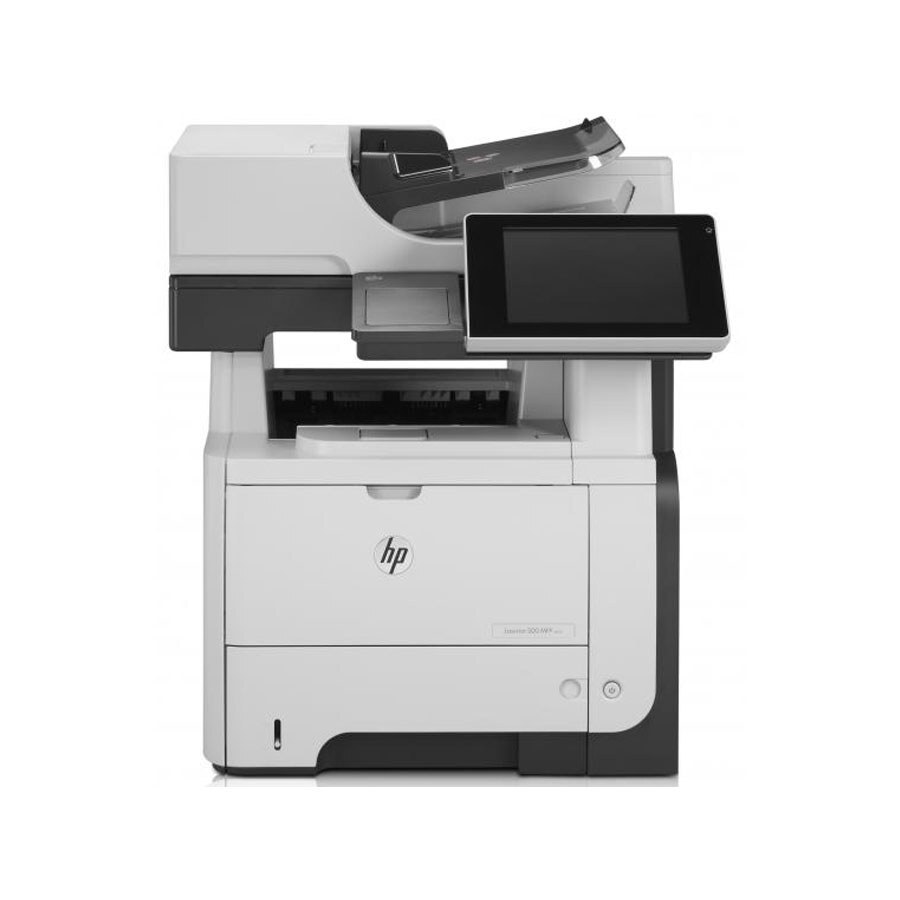
For anyone running a LaserJet Enterprise Flow MFP M525C, the appeal is clear: a late-2000s mono multifunction printer with none of the fragility of newer machines. If your workload is everyday office document printing, the LaserJet Enterprise Flow MFP M525C is the kind of printer that just keeps showing up.
Keeping the LaserJet Enterprise Flow MFP M525C fed is simple thanks to the HP 55A/55X family — the CE255A cartridge it shares with 39 other models. For the LaserJet Enterprise Flow MFP M525C, the high-yield CE255X stretches the interval between cartridge swaps; the standard CE255A suits lighter everyday office document printing.
Toner Cartridges for LaserJet Enterprise flow MFP M525C
This printer works with the following toner cartridges:
- HP CE255A
- HP CE255X
More HP Printers
- LaserJet 500 MFP M525f
- LaserJet Enterprise 500 M525
- LaserJet Enterprise 500 M525DN
- LaserJet Enterprise 500 M525F
- LaserJet Enterprise 500 MFP M525
- LaserJet Enterprise 500 MFP M525DN
- LaserJet Enterprise 500 MFP M525F
- LaserJet Enterprise P3010
- LaserJet Enterprise P3011
- LaserJet Enterprise P3015
- LaserJet Enterprise P3015D
- LaserJet Enterprise P3015dn
- LaserJet Enterprise P3015N
- LaserJet Enterprise P3015X
- LaserJet Enterprise P3016
- LaserJet flow MFP M525c
- LaserJet M521
- LaserJet M521DN
- LaserJet M521dn MFP
- LaserJet M521DW
- LaserJet M521dx
- LaserJet M521DZ
- LaserJet M525
- LaserJet M525C
- LaserJet M525DN
- LaserJet M525F
- LaserJet MFP M521dw
- LaserJet P3010
- LaserJet P3011
- LaserJet P3015
- LaserJet P3015D
- LaserJet P3015DN
- LaserJet P3015N
- LaserJet P3015X
- LaserJet P3016
- LaserJet Pro M521
- LaserJet Pro M521DN
- LaserJet Pro M521DX
- LaserJet Pro M521DZ
Frequently Asked Questions
Which toner cartridge does the LaserJet Enterprise flow MFP M525C use?
The LaserJet Enterprise flow MFP M525C uses the CE255A (standard yield) or the CE255X (high-yield) toner cartridge. Confirm the code printed on your current cartridge matches before ordering a replacement.
Can I scan documents with the LaserJet Enterprise flow MFP M525C?
Yes — the LaserJet Enterprise flow MFP M525C is a multifunction printer with a built-in scanner, so you can scan to your computer, email, or a USB drive. Use the LaserJet Enterprise flow MFP M525C's scanner glass for single pages and delicate originals.
Can the LaserJet Enterprise flow MFP M525C make copies without a computer?
Yes — the LaserJet Enterprise flow MFP M525C works as a standalone copier: place the original on the scanner and press copy on the control panel. The LaserJet Enterprise flow MFP M525C needs no computer connection for basic copying.