




LaserJet Enterprise 500 MFP M525F
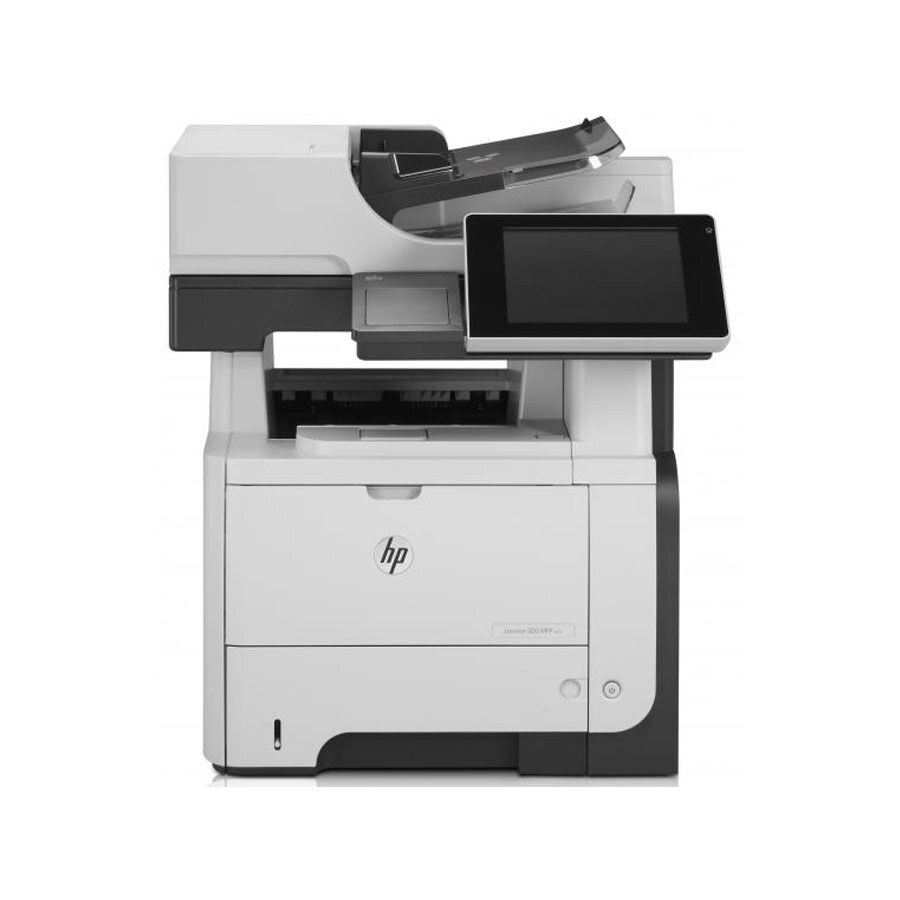
Scanning, copying, faxing, and printing — the LaserJet Enterprise 500 MFP M525F is the 500 series in its complete form, a late-2000s monochrome multifunction for offices consolidating four devices into one. Walk-up copying and scan-to-network folders made it the front-office favorite.
It feeds on HP 55A/55X cartridges — CE255A for standard runs, CE255X high-yield for heavier months. One black cartridge serves all four functions, which keeps the cost-per-page math refreshingly simple. Copy, scan and print loads add up fast, so the LaserJet Enterprise 500 MFP M525F can draw on the maximum-capacity CE255XJ as its longest-lasting supply.
Toner Cartridges for LaserJet Enterprise 500 MFP M525F
This printer works with the following toner cartridges:
- HP CE255A
- HP CE255X
More HP Printers
- LaserJet 500 MFP M525f
- LaserJet Enterprise 500 M525
- LaserJet Enterprise 500 M525DN
- LaserJet Enterprise 500 M525F
- LaserJet Enterprise 500 MFP M525
- LaserJet Enterprise 500 MFP M525DN
- LaserJet Enterprise flow MFP M525C
- LaserJet Enterprise P3010
- LaserJet Enterprise P3011
- LaserJet Enterprise P3015
- LaserJet Enterprise P3015D
- LaserJet Enterprise P3015dn
- LaserJet Enterprise P3015N
- LaserJet Enterprise P3015X
- LaserJet Enterprise P3016
- LaserJet flow MFP M525c
- LaserJet M521
- LaserJet M521DN
- LaserJet M521dn MFP
- LaserJet M521DW
- LaserJet M521dx
- LaserJet M521DZ
- LaserJet M525
- LaserJet M525C
- LaserJet M525DN
- LaserJet M525F
- LaserJet MFP M521dw
- LaserJet P3010
- LaserJet P3011
- LaserJet P3015
- LaserJet P3015D
- LaserJet P3015DN
- LaserJet P3015N
- LaserJet P3015X
- LaserJet P3016
- LaserJet Pro M521
- LaserJet Pro M521DN
- LaserJet Pro M521DX
- LaserJet Pro M521DZ
Frequently Asked Questions
How do I confirm the cartridge code for the LaserJet Enterprise 500 MFP M525F before buying?
Pull the installed cartridge and read its label — the LaserJet Enterprise 500 MFP M525F takes CE255A (standard) or CE255X (high-yield). Either code is correct for the same slot, so match one of them when ordering.
Can the LaserJet Enterprise 500 MFP M525F scan to a USB drive?
Yes — the LaserJet Enterprise 500 MFP M525F is a multifunction printer with a built-in scanner. You can send scans to a computer, an email address, or a USB drive plugged into the printer.
Does the LaserJet Enterprise 500 MFP M525F work as a copier when offline?
Yes — copying is a panel function on the LaserJet Enterprise 500 MFP M525F. Set your original on the glass or in the feeder and press copy; no computer or network connection is needed.