




LaserJet flow MFP M525c
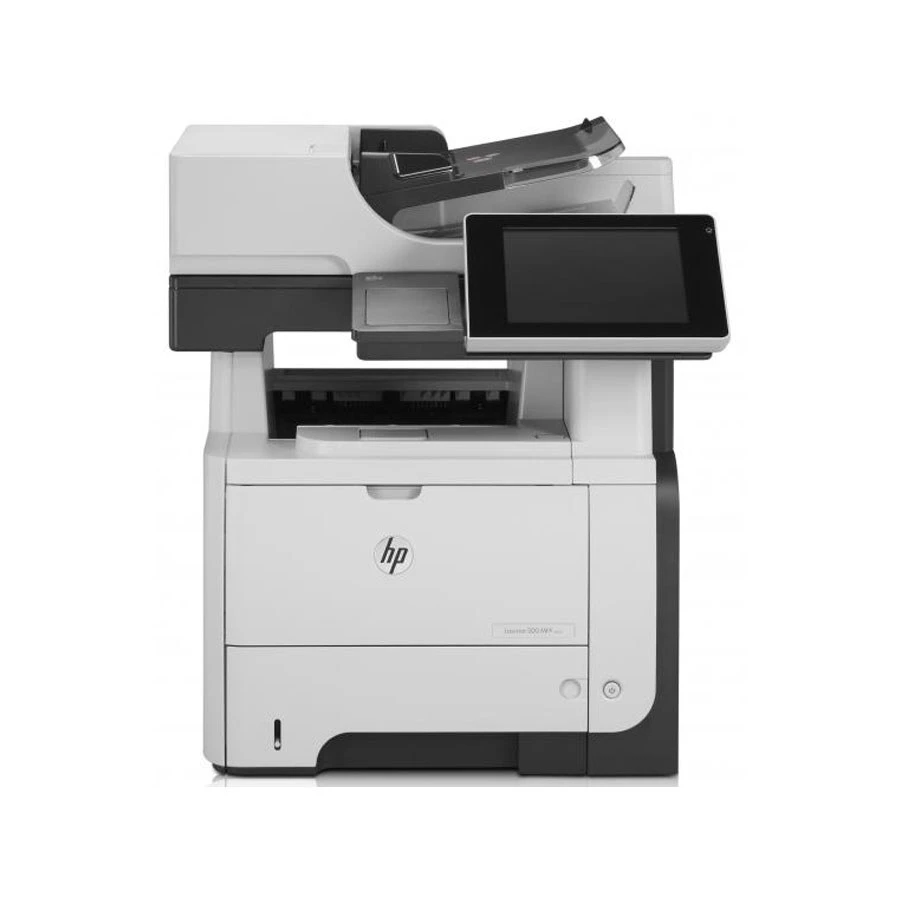
Among late-2000s LaserJets, the LaserJet Flow MFP M525c holds a familiar spot — a mono multifunction printer that offices kept because it simply worked. Offices that still run a LaserJet Flow MFP M525c usually do so for one reason: it keeps handling everyday office document printing without complaint. As an MFP, the LaserJet Flow MFP M525c folds scanning and copying into the same box — one machine doing the work of two.
Like 39 other models in its family, the LaserJet Flow MFP M525c takes the HP 55A/55X cartridge line — look for the CE255A. We stock both quality-compatible HP 55A/55X cartridges and genuine OEM CE255A supplies for the LaserJet Flow MFP M525c, so you can match your budget to your print volume.
Toner Cartridges for LaserJet flow MFP M525c
This printer works with the following toner cartridges:
- HP CE255A
- HP CE255X
More HP Printers
- LaserJet 500 MFP M525f
- LaserJet Enterprise 500 M525
- LaserJet Enterprise 500 M525DN
- LaserJet Enterprise 500 M525F
- LaserJet Enterprise 500 MFP M525
- LaserJet Enterprise 500 MFP M525DN
- LaserJet Enterprise 500 MFP M525F
- LaserJet Enterprise flow MFP M525C
- LaserJet Enterprise P3010
- LaserJet Enterprise P3011
- LaserJet Enterprise P3015
- LaserJet Enterprise P3015D
- LaserJet Enterprise P3015dn
- LaserJet Enterprise P3015N
- LaserJet Enterprise P3015X
- LaserJet Enterprise P3016
- LaserJet M521
- LaserJet M521DN
- LaserJet M521dn MFP
- LaserJet M521DW
- LaserJet M521dx
- LaserJet M521DZ
- LaserJet M525
- LaserJet M525C
- LaserJet M525DN
- LaserJet M525F
- LaserJet MFP M521dw
- LaserJet P3010
- LaserJet P3011
- LaserJet P3015
- LaserJet P3015D
- LaserJet P3015DN
- LaserJet P3015N
- LaserJet P3015X
- LaserJet P3016
- LaserJet Pro M521
- LaserJet Pro M521DN
- LaserJet Pro M521DX
- LaserJet Pro M521DZ
Frequently Asked Questions
What is the HP 55A cartridge for the LaserJet flow MFP M525c?
It is the black toner cartridge for the LaserJet flow MFP M525c — the CE255A standard version or the CE255X high-yield version. Both fit the same slot in the LaserJet flow MFP M525c, so choose the yield that matches your print volume.
Where do scans from the LaserJet flow MFP M525c go?
That is up to your scan settings — before scanning on the LaserJet flow MFP M525c, pick a destination such as a folder on your computer, an email address, or a USB drive. The scan software for the LaserJet flow MFP M525c lets you set the destination and file format in advance.
How do I copy a document on the LaserJet flow MFP M525c?
Place the original on the LaserJet flow MFP M525c's scanner glass or in the document feeder, press the copy button on the control panel, set the number of copies, and start. The LaserJet flow MFP M525c handles the whole job itself with no computer involved.