




LaserJet Enterprise 500 M525F
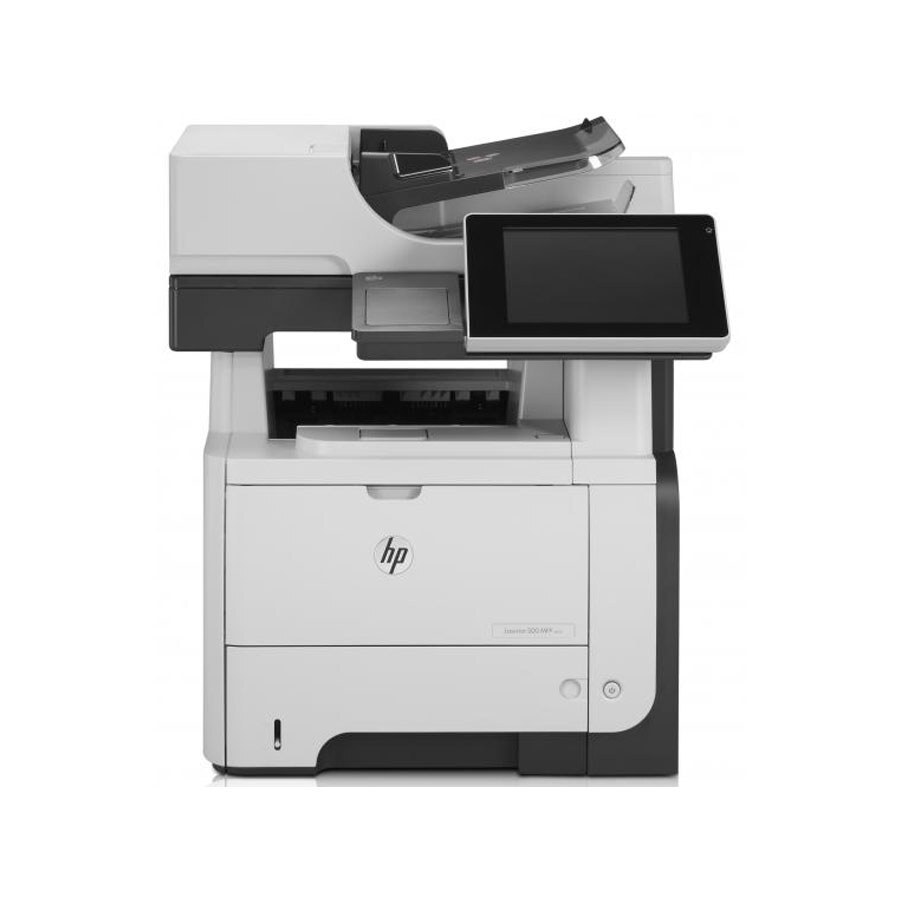
The F in the LaserJet Enterprise 500 M525F stands for fax — this is the 500-series variant for offices where the fax line still matters. Late-2000s mono printing plus fax capability in one Enterprise chassis, aimed squarely at legal, medical, and admin desks that still send signed documents by fax.
Toner duty falls to the HP 55A/55X family: the CE255A standard cartridge or CE255X high-yield. Same cartridge line as the rest of the 500 series, so a mixed fleet reorders from one shelf.
Toner Cartridges for LaserJet Enterprise 500 M525F
This printer works with the following toner cartridges:
- HP CE255A
- HP CE255X
More HP Printers
- LaserJet 500 MFP M525f
- LaserJet Enterprise 500 M525
- LaserJet Enterprise 500 M525DN
- LaserJet Enterprise 500 MFP M525
- LaserJet Enterprise 500 MFP M525DN
- LaserJet Enterprise 500 MFP M525F
- LaserJet Enterprise flow MFP M525C
- LaserJet Enterprise P3010
- LaserJet Enterprise P3011
- LaserJet Enterprise P3015
- LaserJet Enterprise P3015D
- LaserJet Enterprise P3015dn
- LaserJet Enterprise P3015N
- LaserJet Enterprise P3015X
- LaserJet Enterprise P3016
- LaserJet flow MFP M525c
- LaserJet M521
- LaserJet M521DN
- LaserJet M521dn MFP
- LaserJet M521DW
- LaserJet M521dx
- LaserJet M521DZ
- LaserJet M525
- LaserJet M525C
- LaserJet M525DN
- LaserJet M525F
- LaserJet MFP M521dw
- LaserJet P3010
- LaserJet P3011
- LaserJet P3015
- LaserJet P3015D
- LaserJet P3015DN
- LaserJet P3015N
- LaserJet P3015X
- LaserJet P3016
- LaserJet Pro M521
- LaserJet Pro M521DN
- LaserJet Pro M521DX
- LaserJet Pro M521DZ
Frequently Asked Questions
How do I choose between CE255A and CE255X for the LaserJet Enterprise 500 M525F?
Both fit the LaserJet Enterprise 500 M525F — CE255A is standard and CE255X is the high-yield version that goes longer between swaps. Match the code on your current cartridge if you're unsure which you have.
Why is my LaserJet Enterprise 500 M525F printing faded or streaky pages?
Faded or streaky output on the LaserJet Enterprise 500 M525F usually means the cartridge is running low. Remove the CE255A or CE255X and gently rock it side to side to redistribute the toner; if fading persists, the LaserJet Enterprise 500 M525F needs a fresh cartridge.
Why does my LaserJet Enterprise 500 M525F print a gray background on every page?
A gray background on the LaserJet Enterprise 500 M525F often comes from a worn cartridge or a dirty charge roller inside it. Replacing the CE255A or CE255X in the LaserJet Enterprise 500 M525F with a fresh cartridge usually clears it up.