




LaserJet M525
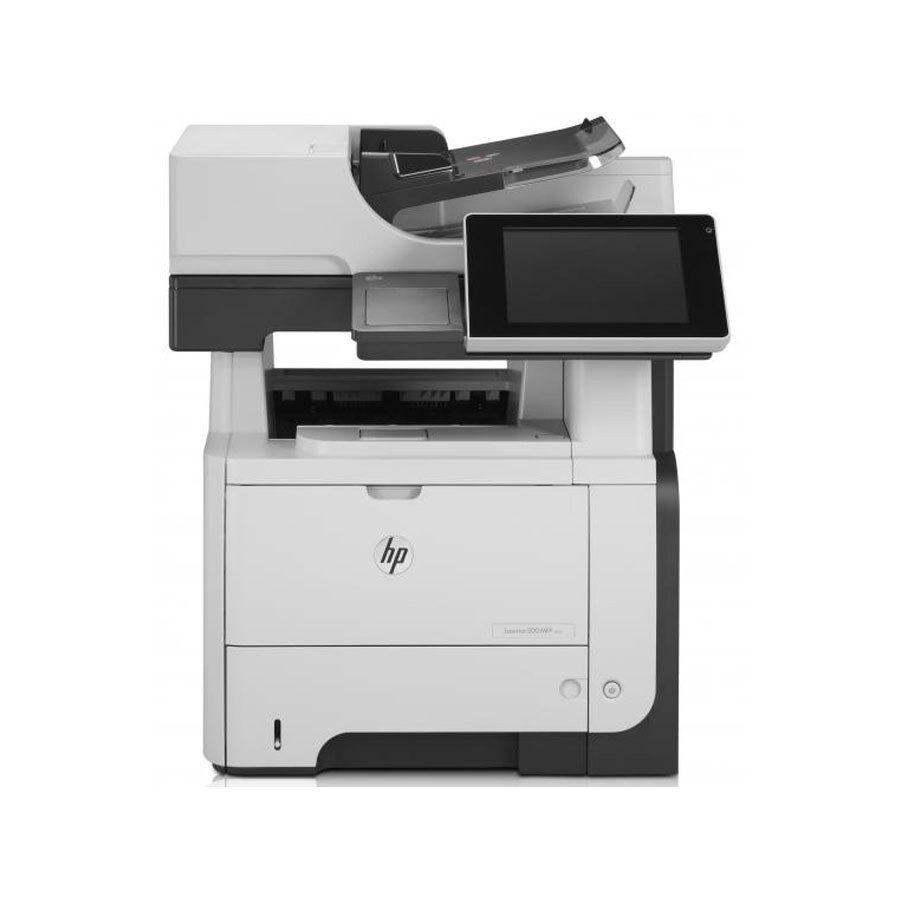
Among late-2000s LaserJets, the LaserJet M525 holds a familiar spot — a mono single-function printer that offices kept because it simply worked. Where the LaserJet M525 earns its keep is everyday office document printing — steady, legible pages day after day.
Cartridge-wise, the LaserJet M525 belongs to the HP 55A/55X family (CE255A), which means 39 other models use the same supplies. The LaserJet M525 also accepts the high-yield CE255X for busier stretches, alongside the standard CE255A for everyday office document printing. The LaserJet M525 can also take the CE255XJ, the maximum-capacity member of the family, when standard high-yield service intervals feel too short.
Toner Cartridges for LaserJet M525
This printer works with the following toner cartridges:
- HP CE255A
- HP CE255X
More HP Printers
- LaserJet 500 MFP M525f
- LaserJet Enterprise 500 M525
- LaserJet Enterprise 500 M525DN
- LaserJet Enterprise 500 M525F
- LaserJet Enterprise 500 MFP M525
- LaserJet Enterprise 500 MFP M525DN
- LaserJet Enterprise 500 MFP M525F
- LaserJet Enterprise flow MFP M525C
- LaserJet Enterprise P3010
- LaserJet Enterprise P3011
- LaserJet Enterprise P3015
- LaserJet Enterprise P3015D
- LaserJet Enterprise P3015dn
- LaserJet Enterprise P3015N
- LaserJet Enterprise P3015X
- LaserJet Enterprise P3016
- LaserJet flow MFP M525c
- LaserJet M521
- LaserJet M521DN
- LaserJet M521dn MFP
- LaserJet M521DW
- LaserJet M521dx
- LaserJet M521DZ
- LaserJet M525C
- LaserJet M525DN
- LaserJet M525F
- LaserJet MFP M521dw
- LaserJet P3010
- LaserJet P3011
- LaserJet P3015
- LaserJet P3015D
- LaserJet P3015DN
- LaserJet P3015N
- LaserJet P3015X
- LaserJet P3016
- LaserJet Pro M521
- LaserJet Pro M521DN
- LaserJet Pro M521DX
- LaserJet Pro M521DZ
Frequently Asked Questions
Which toner cartridge does the LaserJet M525 use?
The LaserJet M525 uses the CE255A (standard yield) or the CE255X (high-yield) toner cartridge. Confirm the code printed on your current cartridge matches before ordering a replacement.
What is the difference between the CE255A and CE255X cartridges for the LaserJet M525?
Both cartridges fit the LaserJet M525 identically; the CE255X is the high-yield version of the CE255A and contains more toner. For a LaserJet M525 that prints heavily, the CE255X means fewer cartridge changes.
How do I clear a ‘Toner Low’ message on the LaserJet M525?
On the LaserJet M525, the Toner Low message means the cartridge is nearly empty — you can keep printing for a while, but order a replacement now. Installing a fresh cartridge clears the warning on the LaserJet M525 automatically.