




Laser 3333DN
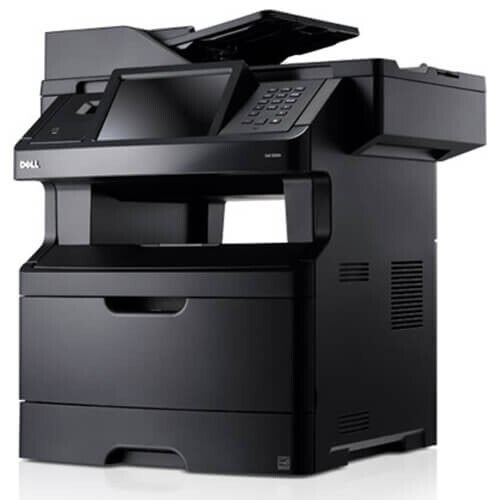
The Dell 3333DN takes the 40-ppm 3333 engine and adds the two features shared offices ask for most: automatic duplex printing and built-in Ethernet networking. Two-sided output is handled in hardware, and the whole team can print to it over the network without a dedicated print server.
A shared printer burns through toner faster than a personal one, which is where the high-yield 330-8985 cartridge earns its keep — about 14,000 pages versus 8,000 for the standard cartridge. Pair it with a compatible version and the cost per page drops to a level that makes shared printing genuinely cheap.
Toner Cartridges for Dell 3333DN
This printer works with the following toner cartridges:
- Dell 330-8985
- Dell 330-8986
- Dell G7D0Y
- Dell V99K8
- Dell YY0JN
- Dell R2PCF
Frequently Asked Questions
Does the Dell 3333DN print on both sides automatically?
Yes - the DN in 3333DN stands for duplex plus networking, so it prints two-sided automatically and connects over Ethernet. Turn on duplex in your print dialog and you will cut paper use roughly in half.
Which cartridges does the Dell 3333DN take?
The 3333DN takes the same supplies as the rest of the 3333 series: the 330-8985 and 330-8986 toner cartridges, plus the G7D0Y, V99K8, YY0JN, and R2PCF compatible supply codes. Cartridges are fully interchangeable between the 3333 and 3333DN.
How do I share the 3333DN across an office network?
Plug the 3333DN into your router or switch with an Ethernet cable, then add it as a network printer on each computer. One set of cartridges (like the 330-8985 or 330-8986) then serves the whole office, so keep a spare nearby.