




Laser 2230D
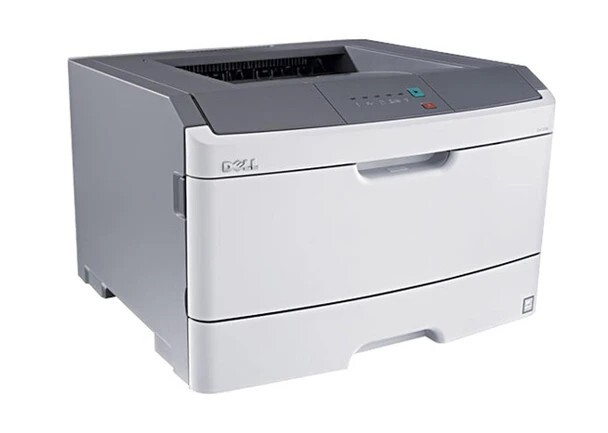
The Dell 2230D is the duplexing version of the speedy 2230 mono laser — automatic two-sided printing standard on the 35 ppm engine. Dell even bundled a Wi-Fi adapter with this model, supplementing USB and parallel ports, making it one of the best-connected personal lasers of its generation.
At 35 ppm with duplex standard, the 2230D chews through toner, so the 330-4130/4131 high-yield options matter. Compatible cartridges below keep this fast printer affordable to run. Dell lists a second black cartridge number for this same engine, 330-4131, alongside the one above.
Toner Cartridges for Dell 2230D
This printer works with the following toner cartridges:
- Dell 330-4130
- Dell 330-4131
- Dell 593-10500
- Dell 593-10501
- Dell M795K
- Dell M797K
- Dell P578K
- Dell P579K
Frequently Asked Questions
Does the Laser 2230d use the same toner as the Laser 2230?
Yes: the 2230d uses the identical 330-4130 and 330-4131 black toner cartridges (alternates M795K, M797K, P578K, P579K; kits 593-10500, 593-10501). The 'D' adds automatic duplexing to the same engine, so supplies are fully interchangeable.
How do I set duplex as the default on the 2230d?
In the printer driver preferences, change the default from one-sided to two-sided (long-edge bind) and save it as the default profile; every application then inherits duplex unless overridden per-job. Making duplex the default roughly halves paper consumption, which is the 2230d's whole point.
The 2230d jams only when duplexing, what is the fix?
Duplex-only jams point to the duplexer path: use paper within 60-105 gsm, fan the stack, and make sure the paper-type setting matches. Worn duplexer rollers are the next suspect on an older 2230d; if single-sided jobs run fine but every duplex job jams, the duplexer feed mechanism needs attention.