




Color Laser Laser 2230D
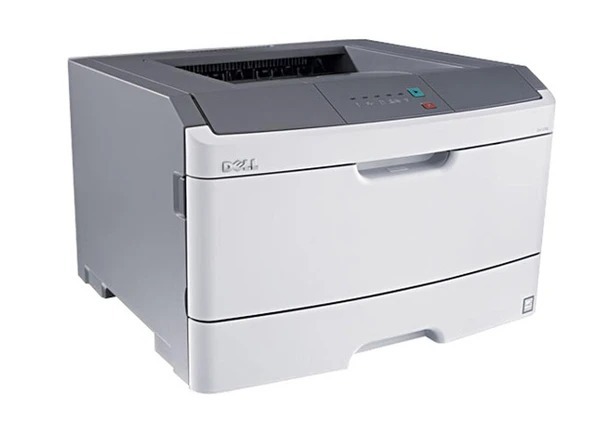
With automatic duplexing as standard equipment, the Dell 2230D is the 2230 variant for offices watching their paper budget. The same 35 ppm engine and 1200 x 1200 dpi output as the base model, plus two-sided printing that halves paper consumption on long documents.
The 2230D uses the 330-4130/4131 toner family with its separate 30,000-page drum — replace toner when it's empty, the drum when it's worn. Genuine and compatible options are stocked below.
Toner Cartridges for Dell 2230D
This printer works with the following toner cartridges:
- Dell 330-4130
- Dell 330-4131
- Dell 593-10500
- Dell 593-10501
- Dell M795K
- Dell M797K
- Dell P578K
- Dell P579K
Frequently Asked Questions
Which replacement toner should I buy for my Dell 2230D?
Dell cartridges like P578K and 330-4131 fit the Dell 2230D. Stick with cartridges built for this exact model — a wrong cartridge may fit physically, but the printer can refuse to recognise it.
Can the Dell 2230D print on both sides automatically?
Yes — the 'd' in the Dell 2230D's model name means built-in automatic duplexing, so it flips the page itself. You just enable two-sided printing in the print dialog.
How do I check toner levels on the Dell 2230D?
The Dell 2230D shows toner levels on its control panel display and in the printer software on your computer, so you can see which cartridge (P578K, 330-4131 range) is running low before prints start to fade.