




Laser 2350DN
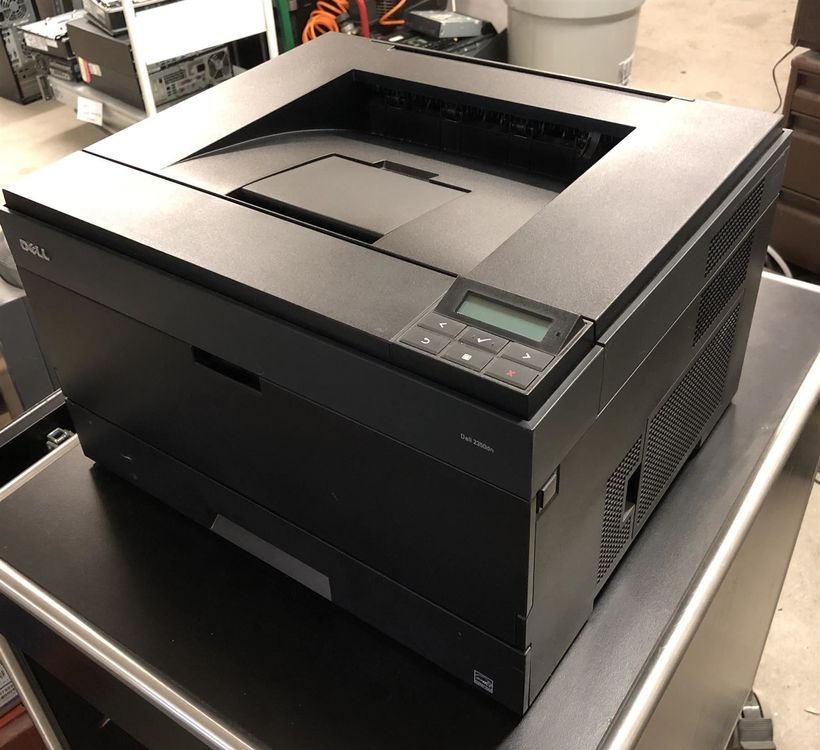
The Dell 2350DN is the top configuration of the 2350 line: faster workgroup output with duplexing and networking standard. For offices that need one shared mono laser to handle serious daily volume, this is the complete package.
Serious volume demands serious toner value. Compatible Dell 2350DN toner from Clever Supplies (PK492 / 330-2648 cartridge family) delivers the lowest cost per page, with high-yield options for heavy months and genuine OEM cartridges for Dell-original preference. Fast shipping on all.
Toner Cartridges for Dell 2350DN
This printer works with the following toner cartridges:
- Dell PK937
- Dell 330-2649
- Dell DM254
- Dell 593-10336
- Dell 593-10337
- Dell PK492
- Dell 330-2648
- Dell XN009
Frequently Asked Questions
Which cartridge does the Dell Laser 2350dn take?
The 2350dn uses the same black toner family as the rest of the 2350 line: 330-2648 and 330-2649, PK937 and PK492, with DM254 and XN009 alternates and 593-10336 and 593-10337 kit numbers. Match the capacity to your volume; network and duplex features do not change the cartridge.
How do I update the firmware on the 2350dn?
Download the firmware from Dell's support site and apply it through the printer's web interface (browse to its IP address); never power off mid-update. Current firmware fixes network quirks and occasionally improves toner-level reporting accuracy.
The 2350dn intermittently stops responding to print jobs, what is the cause?
Intermittent unresponsiveness is typically a network issue: an IP conflict or the printer's energy-saving mode not waking properly. Assign a static IP, disable the deepest sleep setting, and check for a firmware update; toner level has no effect on whether the printer accepts jobs.