




Laser 3335DN
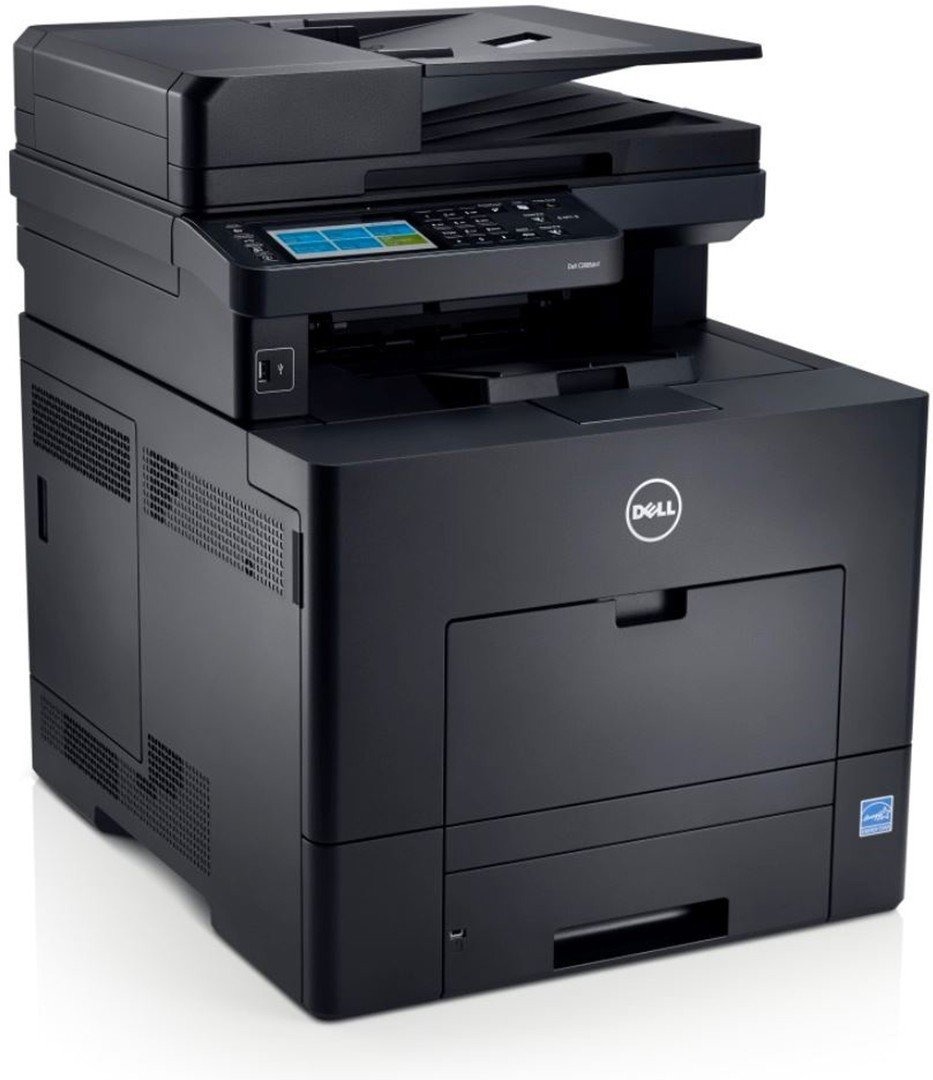
The Dell 3335DN is the flagship of the series: a 40-page-per-minute monochrome multifunction printer with print, scan, copy, and fax, automatic duplexing, network connectivity, and a large 7-inch touchscreen that puts walk-up copying and scan-to-email a tap away. It is built for busy offices where the printer is a shared utility, not a personal device.
Heavy shared use means toner strategy matters. The high-yield 330-8985 black cartridge prints around 14,000 pages, stretching the interval between changes, and compatible versions lower the cost per page without sacrificing the sharp text this engine is known for. The range rounds out with the standard 330-8986 for quieter desks and a maximum-yield cartridge sold as YY0JNX, while the separate 330-2663 drum unit — Dell’s PK496 — keeps turning long after individual toner cartridges have been swapped out.
Toner Cartridges for Dell 3335DN
This printer works with the following toner cartridges:
- Dell 330-8985
- Dell 330-8986
- Dell G7D0Y
- Dell V99K8
- Dell YY0JN
- Dell R2PCF
Frequently Asked Questions
Can the 3335DN print double-sided and work on a network?
Yes - the 3335DN combines automatic duplex printing with built-in Ethernet, so an office can share one printer that prints two-sided without any manual flipping. Everyone on the network shares the same cartridges (330-8985, 330-8986, and the rest of the 3333-series codes).
Which supplies fit the Dell 3335DN?
The 3335DN takes the 3300-series supply set: 330-8985, 330-8986, G7D0Y, V99K8, YY0JN, and R2PCF. Since a shared network printer drains cartridges faster than a desk printer, keep a spare on the shelf.
How do I lower printing costs on a shared 3335DN?
Make duplex the driver default and switch on toner-save mode for internal documents so every network user prints efficiently without thinking about it. When you do replace toner, compare the 330-8985 and 330-8986 capacities against your monthly page count.