




Color Laser Laser 3333dn
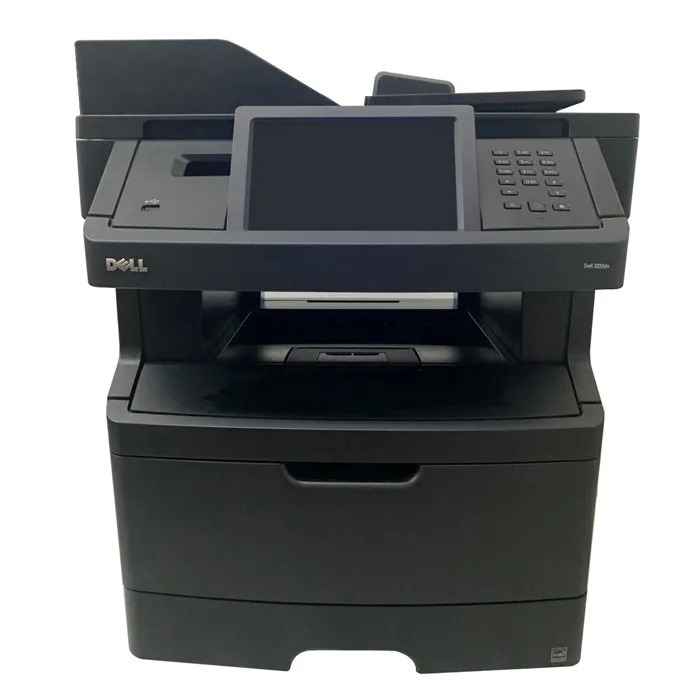
Two-sided printing is where the Dell 3333DN quietly pays for itself: automatic duplexing cuts paper consumption nearly in half on long documents, and with built-in networking the whole office shares that saving from one machine. The 40-ppm engine keeps queues short even at busy times.
Paper is only half the equation — toner is the other. A shared duplex printer runs through cartridges steadily, so the high-yield 330-8985 (about 14,000 pages) is the economical pick, and compatible cartridges stretch the budget further without any visible difference in output.
Toner Cartridges for Dell 3333dn
This printer works with the following toner cartridges:
- Dell 330-8985
- Dell 330-8986
- Dell G7D0Y
- Dell V99K8
- Dell YY0JN
- Dell R2PCF
Frequently Asked Questions
Which Dell cartridges work in the Dell 3333dn?
For the Dell 3333dn, Dell's cartridges include R2PCF and G7D0Y. Check that the code on your current cartridge matches one of the listed options before you buy.
Can the Dell 3333dn be shared on an office network?
Yes — the Dell 3333dn includes a wired network port (the 'n' in its name), so you can plug it into your router or switch and share it with every computer on the network.
Should I shake a new cartridge before installing it in the Dell 3333dn?
A gentle side-to-side rock before installing helps distribute the toner evenly in a new cartridge for the Dell 3333dn — just don't shake it violently, and keep it level so toner doesn't spill.