




Color Laser Laser 2350DN
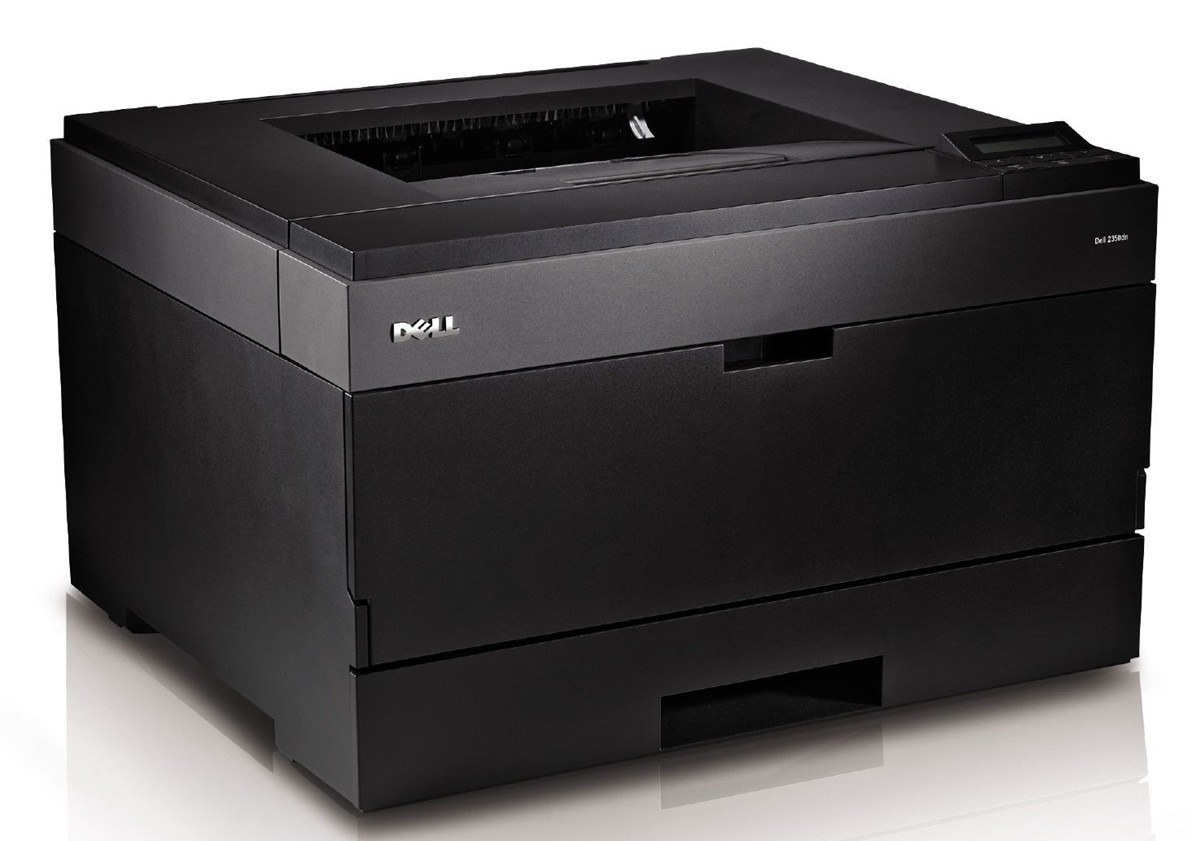
The Dell 2350DN is the fully equipped version of its line — networked, duplexing and fast — the shared workgroup laser offices standardize on when one machine has to carry all of a team's black-and-white output. Its cartridge is the black 330-2666, offered here as a single and in 2, 3, 5 and 10 packs.
Standardizing on one printer model is an old office trick for keeping support simple, and the 2350DN rewards it on the supply side too: one cartridge type for the machine everyone uses. When the whole floor prints through a single device, toner stops being a per-desk concern and becomes a small logistics exercise — predictable, plannable, and best handled with stock on hand rather than orders placed in a panic.
Toner Cartridges for Dell 2350DN
| Cartridge | Color | Page Yield |
|---|---|---|
| 330-2666 | Black | See product page |
| 330-2666 — 2 Pack | Black | See product page |
| 330-2666 — 3 Pack | Black | See product page |
| 330-2666 — 5 Pack | Black | See product page |
| 330-2666 — 10 Pack | Black | See product page |
One cartridge, five bundle sizes — pick the quantity your office rhythm needs.
Which cartridge should you buy?
A standardized office printer deserves a standardized supply plan. Keep a 2 pack as working stock — one cartridge installed, one waiting — and step up to the 5 or 10 pack if the 2350DN is the only monochrome laser on the floor or if several 2350-family machines draw from the same cabinet. The single cartridge suits a small team getting started with the machine. Every pack holds the identical compatible 330-2666, covered by a 1-year warranty and 1-year returns, so there is no compatibility matrix to manage — just a quantity decision.
Chip, toner and everyday use
On a networked printer, the toner gauge is shared information: the chip in each cartridge reports the level so anyone can see a change coming. When the warning appears, the spare should already exist — that is the whole point of the multi-packs. To stretch a cartridge that is fading near its end, remove it and rock it gently side to side to redistribute the toner inside. Keep reserves sealed, flat and out of direct sunlight until install day.
Frequently Asked Questions
What is the correct toner for the Dell 2350DN?
The black 330-2666 cartridge — available as a single or in multi-packs on this page.
We standardized on the 2350DN. How should we stock toner?
One installed cartridge plus at least one sealed spare per machine is the floor. Central buyers usually hold the 5 or 10 pack so a single purchase covers their machines for a season.
Is this the same cartridge as the other 2350 models?
Yes — the 2350, 2350D and 2350DN all use the 330-2666, as do the 2230, 2330 and 3330 families listed below.
What happens when toner runs out mid-job on a shared printer?
The job pauses and the printer asks for a new cartridge. With a spare in the cabinet the interruption is two minutes; without one, it is a delivery window. Plan accordingly.
More printers that use the same cartridges
All of these Dell models run on the same 330-2666 cartridge: Color Laser Laser 2230D, Color Laser Laser 2330, Color Laser Laser 2330D, Color Laser Laser 2330DN, Color Laser Laser 2350, Color Laser Laser 2350D, Color Laser Laser 3333dn, Color Laser Laser 3335, Color Laser Laser 3335dn, Color Laser Laser 2230, Color Laser Laser 3333, Dell 330-2650, Dell 330-4130, Dell 330-5207, Dell 330-8985, Laser 2230, Laser 2230D, Laser 2230DN, Laser 2330, Laser 2330D, Laser 2330DN, Laser 2350, Laser 2350D, Laser 2350DN, Laser 2350dn, Laser 3330, Laser 3330DN, Laser 3333, Laser 3333DN, Laser 3335, Laser 3335DN, Multifunction 3333dn, Multifunction 3335dn.