




Xpress C430W
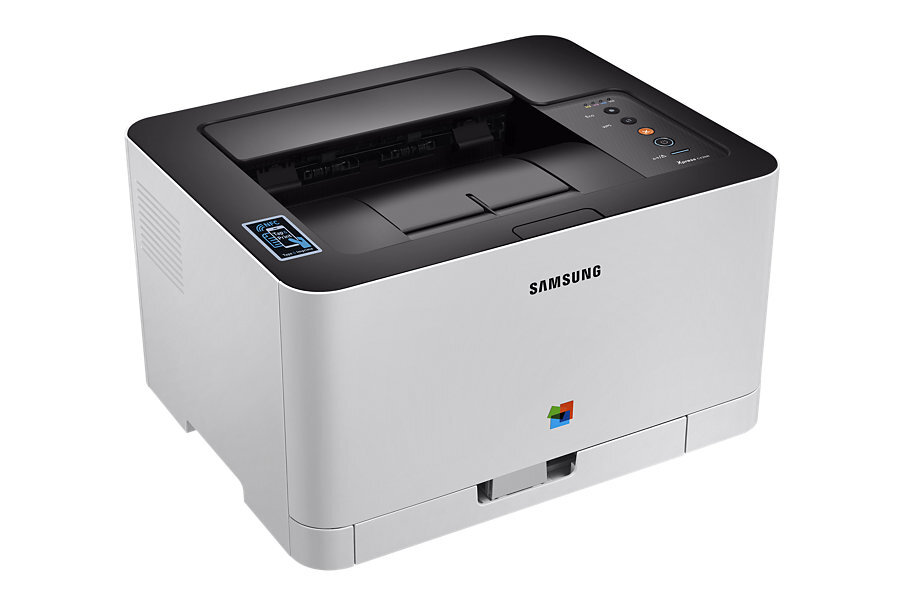
The Xpress C430W arrived in the mid-2010s as a color laser printer with running costs kept firmly in check. Samsung sold it as a configuration variant of the Xpress C430 line for specific channel needs. The machine suited home and small-office users in Samsung's Xpress era well.
The specified toner is Samsung's CLT-404 range: CLT-K404S black alongside CLT-C404S magenta. We keep compatible and genuine OEM CLT-404 cartridges on the shelf, and orders leave our warehouse fast.
Toner Cartridges for Xpress C430W
This printer works with the following toner cartridges:
- Samsung CLT-K404S
- Samsung CLT-C404S
- Samsung CLT-M404S
- Samsung CLT-Y404S
More Samsung Printers
Frequently Asked Questions
How do heavy Xpress C430W users keep printing costs down?
Consolidating small print jobs into batches helps the Xpress C430W use toner more efficiently across warm-up cycles. Choose compatible CLT-K404S cartridges to lower the cartridge price itself, which flows straight into cost per page. Review your driver defaults quarterly; they drift back to full quality more often than you think.
First-time toner buyer: how do I choose between genuine and compatible for my Xpress C430W?
Using compatible toner does not void the Xpress C430W's warranty under most consumer protection rules — a claim can only be denied if the cartridge caused the fault. Whatever you choose, make sure the code is exactly CLT-K404S — fit issues come from wrong codes, not from the compatible label. There is no wrong answer here — only the trade-off that suits how your Xpress C430W is used.
Need some guidance — how do I remove the old Xpress C430W driver before reinstalling?
If the computer misses the Xpress C430W, try a different USB port or cable first; detection failures are often physical. For shared computers, install the Xpress C430W driver once per machine rather than fighting with roaming profiles. When the Xpress C430W misbehaves after an OS update, suspect the driver before the hardware.