




Xpress C430
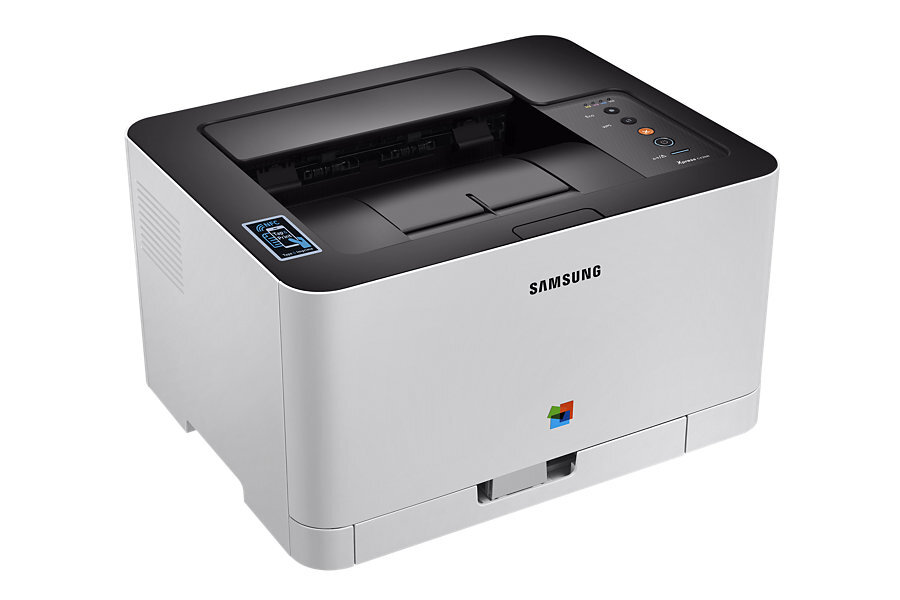
As a color laser printer, the Samsung Xpress C430 represented the Xpress line in the mid-2010s. The model sits in the Xpress C430 generation, sharing consumables across that whole group. It was pitched squarely at home and small-office users in Samsung's Xpress era.
The CLT-404 cartridge set powers it: CLT-K404S lays down the black, while CLT-C404S covers cyan. We stock compatible CLT-404 toner as well as genuine Samsung OEM cartridges, and every order ships fast from Clever Supplies.
Toner Cartridges for Xpress C430
This printer works with the following toner cartridges:
- Samsung CLT-K404S
- Samsung CLT-C404S
- Samsung CLT-M404S
- Samsung CLT-Y404S
More Samsung Printers
Frequently Asked Questions
Quick question: when should I turn Eco mode off on the Xpress C430?
Think of the Xpress C430's Eco setting as draft-plus: lighter toner laydown that stays perfectly readable for everyday documents. Test Eco output on your typical documents before rolling it out across an office of Xpress C430 printers. The Xpress C430's Eco setting exists to be used — Samsung built it for exactly this purpose.
Can I use the Xpress C430 without installing any driver?
Always match the driver to your OS version; a Windows 10 driver on Windows 11 can cause subtle Xpress C430 failures. Check that the Xpress C430 is powered on and awake — sleep mode fools more not-detected diagnoses than anything else. Driver problems feel complex but usually resolve with a clean reinstall.
Why is compatible toner for the Xpress C430 cheaper than genuine?
Genuine Samsung CLT-K404S carries the manufacturer's own quality guarantee, while compatible cartridges compete mainly on price. Keep one genuine CLT-K404S as a troubleshooting reference; if a problem persists with genuine installed, the Xpress C430 itself needs attention. Most Xpress C430 owners who try a quality compatible never go back to paying full OEM price.