




LaserJet Pro MFP M127FW
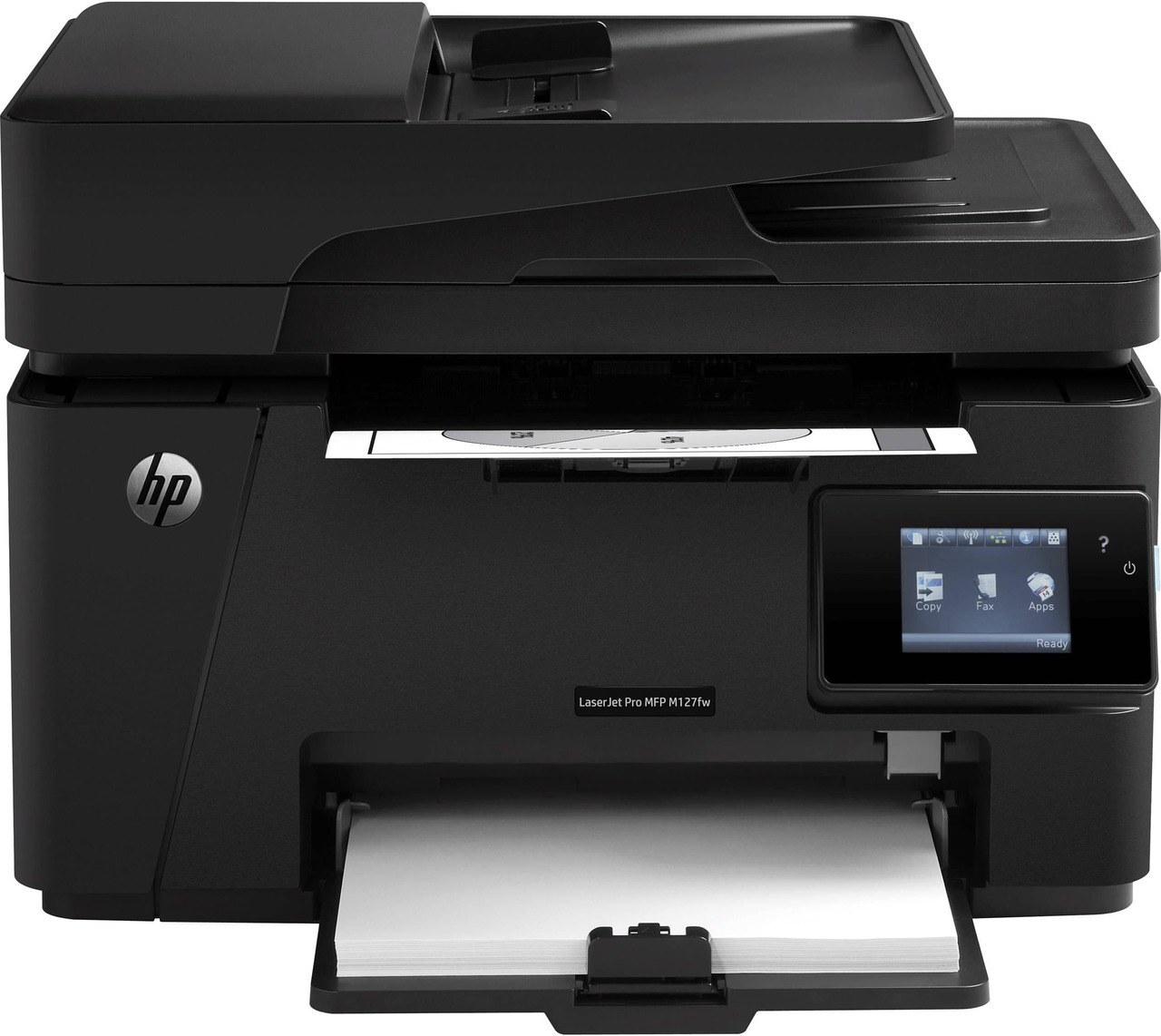
The HP LaserJet Pro MFP M127FW combined Wi-Fi, Ethernet, and fax — the fullest Pro M127 configuration for offices printing from every device.
It uses the HP 83A cartridge — CF283A — with a high-yield CF283X choice.
Toner Cartridges for LaserJet Pro MFP M127FW
This printer works with the following toner cartridges:
- HP CF283A
- HP CF283X
More HP Printers
- LaserJet M125
- LaserJet M125a MFP
- LaserJet M125NW
- LaserJet M125nw MFP
- LaserJet M125rnw MFP
- LaserJet M127
- LaserJet M127 fn
- LaserJet M127FN
- LaserJet M127FN MFP
- LaserJet M127FW
- LaserJet M127FW MFP
- LaserJet M127N
- LaserJet M127N MFP
- LaserJet M127W
- LaserJet M201
- LaserJet M201DW
- LaserJet M201n MFP
- LaserJet M225
- LaserJet M225 MFP
- LaserJet MFP M125
- LaserJet MFP M127fw
- LaserJet MFP M225dn
- LaserJet MFP M225dw
- LaserJet MFP M225nw
- LaserJet Pro M125
- LaserJet Pro M125NW
- LaserJet Pro M127
- LaserJet Pro M127FN
- LaserJet Pro M127FW
- LaserJet Pro M201
- LaserJet Pro M201N
- LaserJet Pro M225
- LaserJet Pro MFP M125
- LaserJet Pro MFP M125NW
- LaserJet Pro MFP M127
- LaserJet Pro MFP M127FN
- LaserJet Pro MFP M201
- LaserJet Pro MFP M225
Frequently Asked Questions
How do I reconnect the LaserJet Pro MFP M127FW to Wi-Fi?
Restart the LaserJet Pro MFP M127FW and your router, then rejoin the network from the printer's wireless setup menu. If drops keep happening on the LaserJet Pro MFP M127FW, move it closer to the router and check HP's support site for firmware updates.
Why is my LaserJet Pro MFP M127FW printing faded or streaky pages?
Faded output on the LaserJet Pro MFP M127FW usually means the CF283A is running low — remove it, rock it gently side to side to redistribute the toner, and slide it back in. If fading returns on the LaserJet Pro MFP M127FW, the cartridge needs replacing.
When is it time to replace the cartridge in the LaserJet Pro MFP M127FW?
Replace the CF283A in the LaserJet Pro MFP M127FW when pages stay faded or streaked even after redistributing the toner, or when the toner-low alert will not clear. There is no need to swap a cartridge early just because the first warning appears.