




LaserJet M127FN MFP
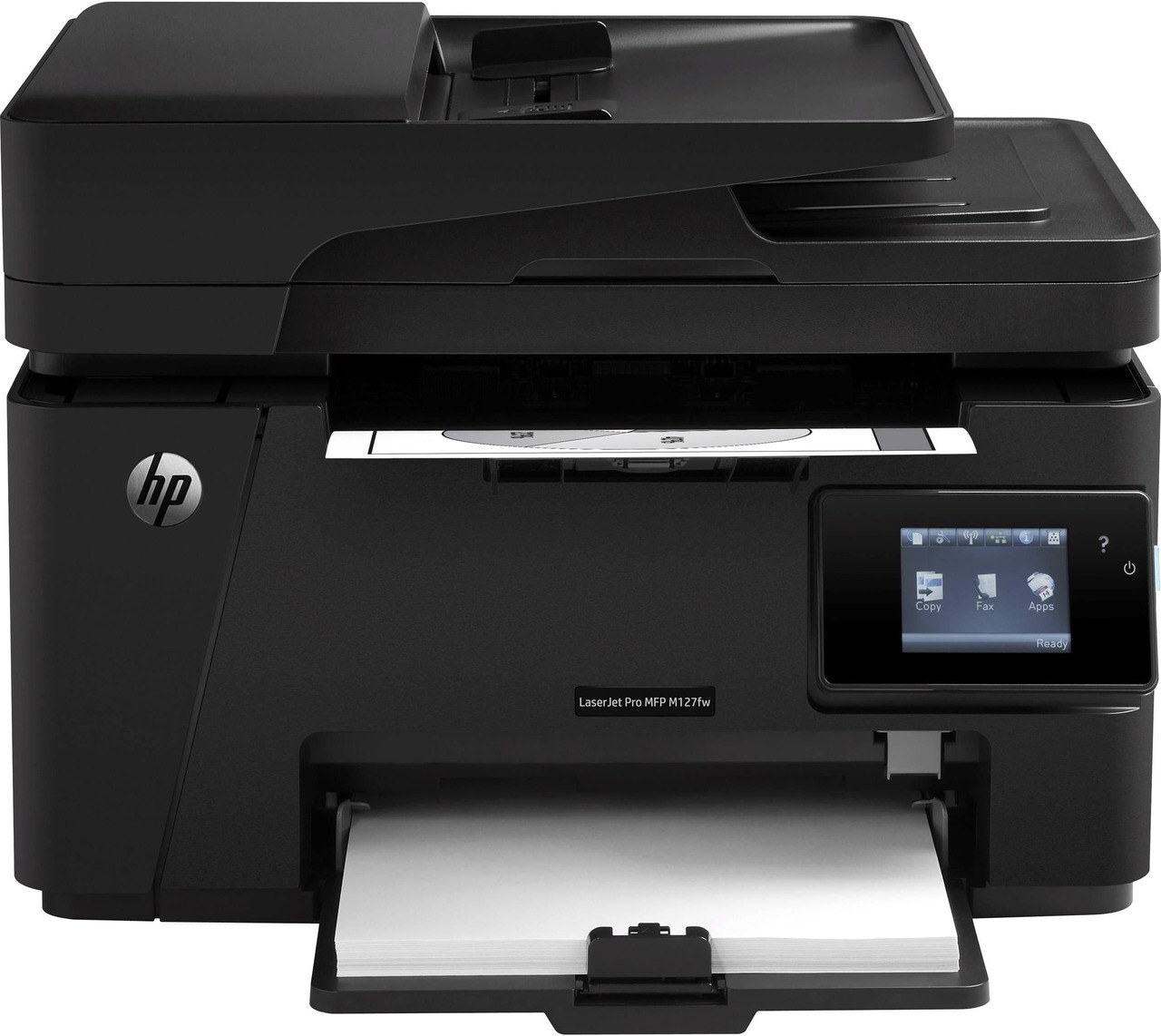
The HP LaserJet M127FN MFP delivered the fullest feature set of its line — fax, networking and duplex-capable printing folded into a compact mono multifunction. Full-featured or not, its appetite is simple: the CF283A cartridge for ordinary duty, also sold in the high-yield CF283X fill for offices that run the machine harder.
This is the configuration small offices chose when the printer also had to be the fax machine, the copier and the scanner. That breadth matters for toner planning, because the cartridge feeds every one of those jobs — incoming faxes print themselves at hours when nobody is watching the tray, and a machine that can run dry overnight needs its supply sorted before it happens, not discovered at 9 a.m.
Toner Cartridges for LaserJet M127FN MFP
- CF283A (HP 83A) black — Black; page yield: see product page.
- CF283X (HP 83X) high-yield black — Black; page yield: see product page.
- CF283A MICR black — Black (MICR); page yield: see product page.
- CF283A black — 4 pack — Black; page yield: see product page.
- CF283A black — 8 pack — Black; page yield: see product page.
- CF283X high-yield black — 4 pack — Black; page yield: see product page.
- CF283A Premium Quality black — 4 pack — Black; page yield: see product page.
- CF283A black — four-cartridge listing — Black; page yield: see product page.
Which cartridge should you buy?
Count the jobs, not the people. An M127FN that mostly prints will do fine on the CF283A; one that also receives faxes and copies all day empties cartridges on a schedule set by paper, not by users, and the CF283X high-yield fill matches that reality — longer between changes, lower cost per page. Both are the same cartridge design, so there is no compatibility gamble in choosing either. Stock a multi-pack if the machine is mission-critical to the front office, and leave the MICR listing to the rare office that prints its own checks on this unit.
Chip, toner and everyday use
Store the spare flat, sealed, and somewhere unremarkable — room temperature, no sunlight, no damp shelf under a sink. Toner keeps best when it is ignored until needed. At change time, slide the old cartridge out, give the new one a gentle side-to-side rock so the powder distributes, strip the seal, and push it home until it seats with a click. Then print a test page from the panel: one clean sheet confirms the fax-and-print workhorse is back on duty before the morning's first incoming page arrives.
Frequently Asked Questions
Does the fax side of this machine use the same cartridge?
Yes. Received faxes print through the same toner supply as documents and copies, so the CF283A or CF283X in the machine covers every function the M127FN performs.
Which fill suits a fax-heavy office?
The high-yield CF283X. Fax and copy volume adds up invisibly, and the larger fill simply means the cartridge is changed less often for the same stack of paper.
The new cartridge is not being recognized — what now?
Remove it, check the sealing tape and pull tab are completely off, and reseat it firmly. If the message persists, switch the printer off and back on so it re-detects the cartridge chip.
Is two-sided printing hard on toner use?
Duplexing saves paper, not toner — the same pages get printed either way. Its benefit to a cartridge budget is indirect: fewer jams and reprints wasted on one-sided drafts.
More printers that use the same cartridges
These relatives across the compact mono range share the identical cartridge shelf: LaserJet Pro MFP M225, LaserJet Pro MFP M201, LaserJet Pro MFP M127FW, LaserJet Pro MFP M127FN, LaserJet Pro MFP M127, LaserJet Pro MFP M125NW, LaserJet Pro MFP M125, LaserJet Pro M225, LaserJet Pro M201N, LaserJet Pro M201, LaserJet Pro M127FW, LaserJet Pro M127FN, LaserJet Pro M127, LaserJet Pro M125NW, LaserJet Pro M125, LaserJet MFP M225nw, LaserJet MFP M225dw, LaserJet MFP M225dn, LaserJet MFP M127fw, LaserJet MFP M125, LaserJet M225 MFP, LaserJet M225, LaserJet M201n MFP, LaserJet M201dw, LaserJet M201DW, LaserJet M201, LaserJet M127W, LaserJet M127N MFP, LaserJet M127N, LaserJet M127FW MFP, LaserJet M127FW, LaserJet M127FN, LaserJet M127 fn, LaserJet M127, LaserJet M125rnw MFP, LaserJet M125nw MFP, LaserJet M125a MFP, LaserJet M125NW, LaserJet M125, HP CF283A.