




LaserJet M127FW
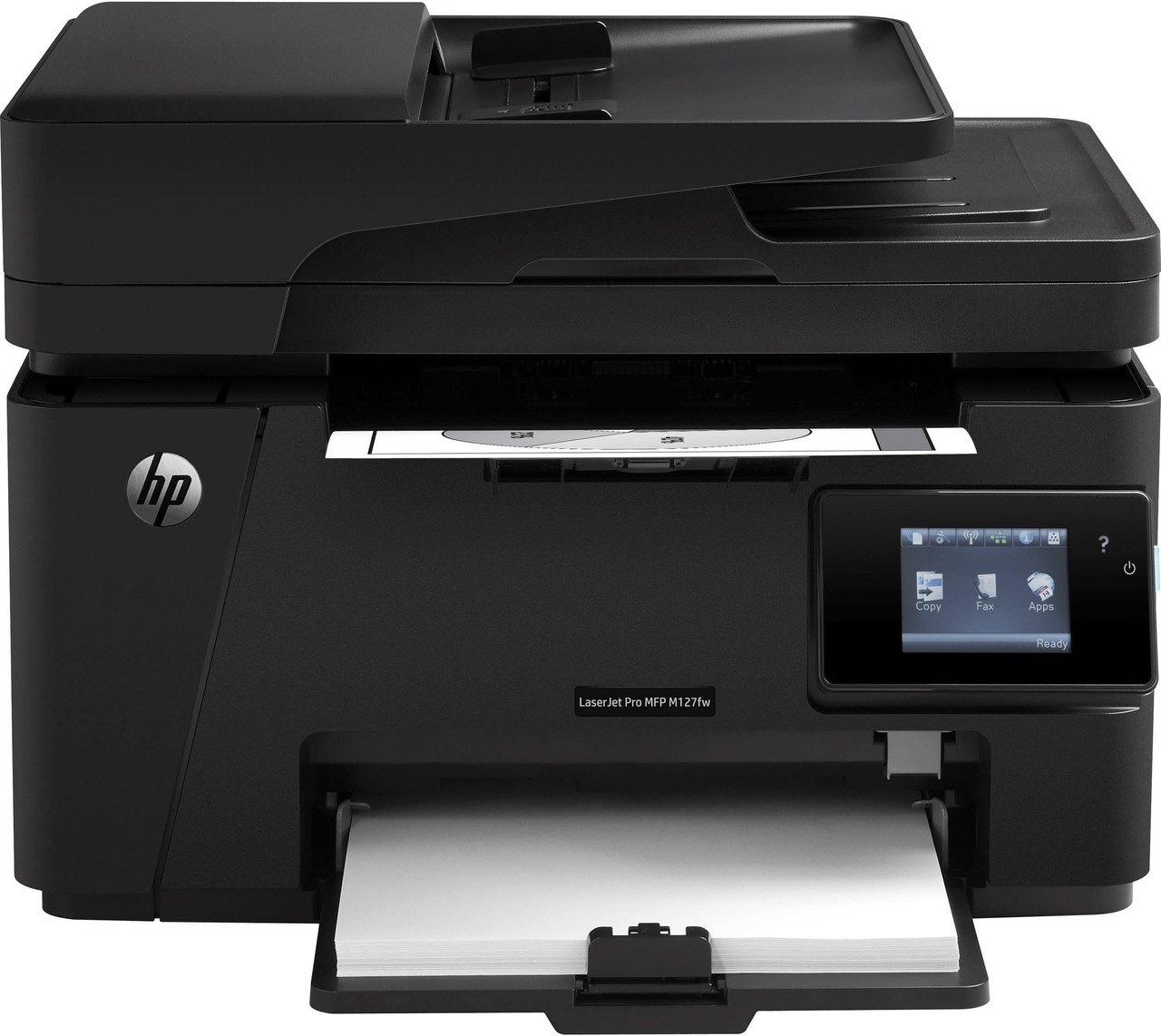
Wireless printing plus fax made the LaserJet M127FW the most connected member of its line — Wi-Fi, Ethernet, and a phone line in one compact mono multifunction. Its supply is a single black cartridge: the CF283A, the cartridge HP sells as the 83A, with the high-yield CF283X — the 83X — as the longer-running alternative. Every build on this page is a Clever Supplies compatible, backed by a 1-year warranty and 1-year returns.
An M127FW usually ends up as a small office's shared hub: one machine printing, scanning, copying, and faxing for several people who rarely think about it until the toner light comes on. That pattern argues for treating cartridge choice as a standing decision rather than a scramble — pick the tier that matches the office's monthly rhythm, keep the next one in a drawer, and the most connected printer in the room stays that way instead of becoming the one everyone routes around.
Toner Cartridges for LaserJet M127FW
| Cartridge | Color | Page Yield |
|---|---|---|
| CF283A standard black | Black | See product page |
| CF283A black, 4 pack | Black | See product page |
| CF283A black, 8 pack | Black | See product page |
| CF283A premium-quality black, 4 pack | Black | See product page |
| CF283A black, 4 pack (compatible listing) | Black | See product page |
| CF283X high-yield black | Black | See product page |
| CF283X high-yield black, 4 pack | Black | See product page |
| CF283A MICR black (check printing) | Black | See product page |
Which cartridge should you buy?
For a lightly used M127FW — a home office, a small front desk — the standard CF283A is the economical default, and its 4 and 8 packs suit anyone who dislikes reordering. Offices that lean on the machine all day should start with the CF283X: the high-yield fill costs more per cartridge and less per page, and it stretches the gap between swaps on a printer several people share. The MICR build is a specialty item for printing checks with magnetic toner, not a general upgrade; the premium 4 pack is a quality-graded way to buy the standard fill in quantity.
Chip, toner and everyday use
The chip on each compatible cartridge lets the M127FW report toner levels, so the low warning still arrives over the network before quality suffers. That warning is an estimate — yields are figured at 5% page coverage, and fax-heavy or graphics-heavy weeks drain a fill faster. If pages begin to fade, lift the cartridge out and rock it gently side to side to redistribute the toner; reseating it firmly usually restores clean output for the rest of the fill. Keep the spare sealed in its bag in a drawer, away from heat and sunlight.
Frequently Asked Questions
What toner cartridge does the LaserJet M127FW use?
One black cartridge in two fills: the standard CF283A or the high-yield CF283X. Match the code on your old cartridge before ordering — either installs the same way.
Why does my M127FW not recognize the new cartridge?
Usually a seating or packaging issue. Remove the cartridge, confirm every protective seal and pull tab is off, reseat it until it sits firmly, and restart the printer so it re-detects the chip.
The toner-low warning is on but pages still look good. Should I swap now?
Not necessarily. The warning is an early estimate; most owners keep printing and order the replacement — standard CF283A or the longer-running CF283X — so it is on hand when fading actually starts.
More printers that use the same cartridges
The 83A family covers the M125, M127, M201, and M225 machines — a spare bought for this printer fits all of these:
HP CF283A, LaserJet M125, LaserJet M125NW, LaserJet M125a MFP, LaserJet M125nw MFP, LaserJet M125rnw MFP, LaserJet M127, LaserJet M127 fn, LaserJet M127FN, LaserJet M127FN MFP, LaserJet M127FW MFP, LaserJet M127N, LaserJet M127N MFP, LaserJet M127W, LaserJet M201, LaserJet M201DW, LaserJet M201dw, LaserJet M201n MFP, LaserJet M225, LaserJet M225 MFP, LaserJet MFP M125, LaserJet MFP M127fw, LaserJet MFP M225dn, LaserJet MFP M225dw, LaserJet MFP M225nw, LaserJet Pro M125, LaserJet Pro M125NW, LaserJet Pro M127, LaserJet Pro M127FN, LaserJet Pro M127FW, LaserJet Pro M201, LaserJet Pro M201N, LaserJet Pro M225, LaserJet Pro MFP M125, LaserJet Pro MFP M125NW, LaserJet Pro MFP M127, LaserJet Pro MFP M127FN, LaserJet Pro MFP M127FW, LaserJet Pro MFP M201, LaserJet Pro MFP M225