




LaserJet Pro M127
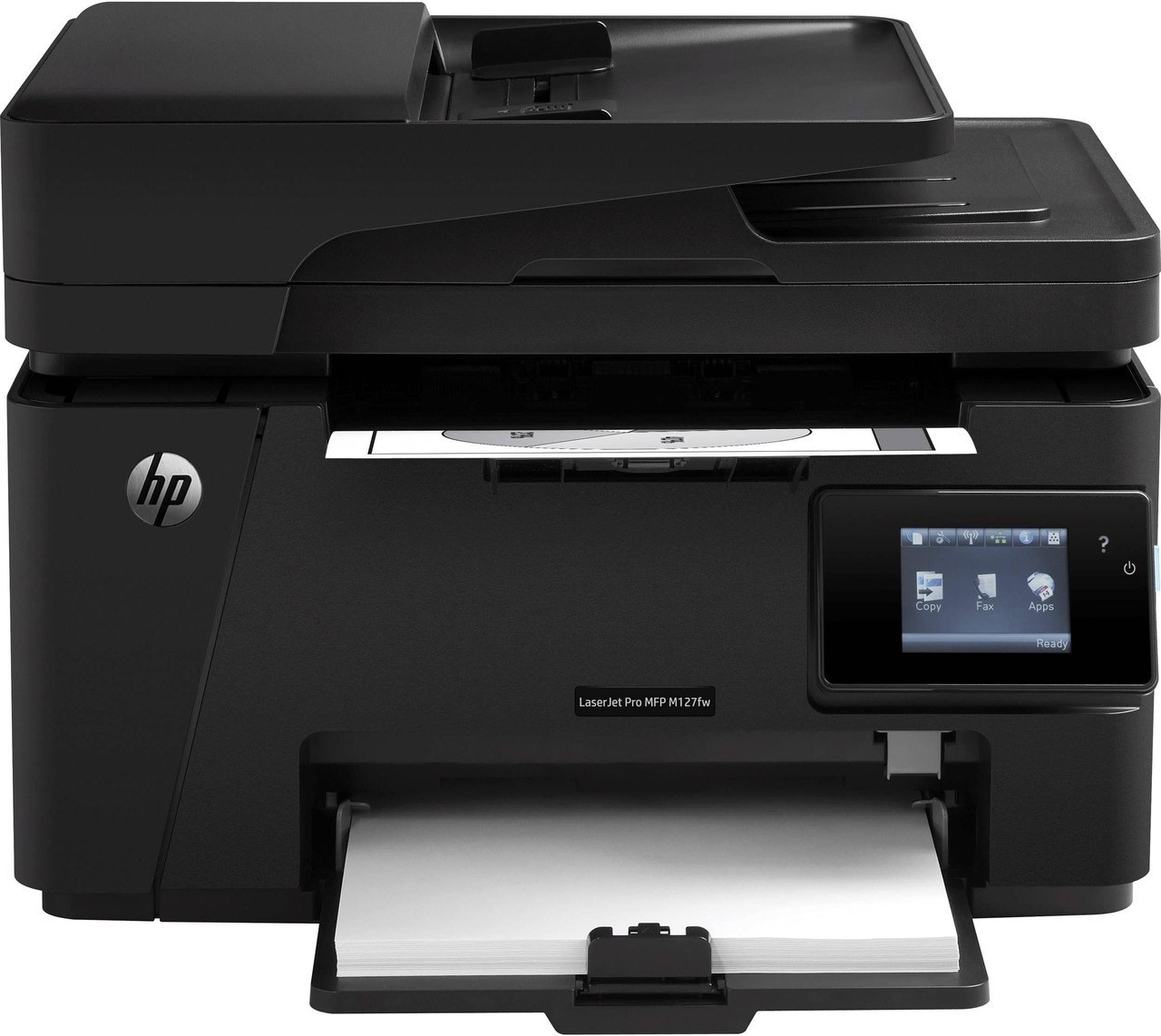
The HP LaserJet Pro M127 brought a faster engine and fax to HP's compact multifunction line — a step up for small offices outgrowing basic home printers.
It takes the HP 83A cartridge — CF283A — with the high-yield CF283X for busier weeks.
Toner Cartridges for LaserJet Pro M127
This printer works with the following toner cartridges:
- HP CF283A
- HP CF283X
More HP Printers
- LaserJet M125
- LaserJet M125a MFP
- LaserJet M125NW
- LaserJet M125nw MFP
- LaserJet M125rnw MFP
- LaserJet M127
- LaserJet M127 fn
- LaserJet M127FN
- LaserJet M127FN MFP
- LaserJet M127FW
- LaserJet M127FW MFP
- LaserJet M127N
- LaserJet M127N MFP
- LaserJet M127W
- LaserJet M201
- LaserJet M201DW
- LaserJet M201n MFP
- LaserJet M225
- LaserJet M225 MFP
- LaserJet MFP M125
- LaserJet MFP M127fw
- LaserJet MFP M225dn
- LaserJet MFP M225dw
- LaserJet MFP M225nw
- LaserJet Pro M125
- LaserJet Pro M125NW
- LaserJet Pro M127FN
- LaserJet Pro M127FW
- LaserJet Pro M201
- LaserJet Pro M201N
- LaserJet Pro M225
- LaserJet Pro MFP M125
- LaserJet Pro MFP M125NW
- LaserJet Pro MFP M127
- LaserJet Pro MFP M127FN
- LaserJet Pro MFP M127FW
- LaserJet Pro MFP M201
- LaserJet Pro MFP M225
Frequently Asked Questions
Where do I find the toner cartridge code for the LaserJet Pro M127 before ordering?
Pull the installed cartridge and read the code printed on its side, or check the label inside the printer's cartridge bay — the LaserJet Pro M127 takes the CF283A or the high-yield CF283X. Ordering by that exact code for the LaserJet Pro M127 is the simplest way to avoid a mismatch.
How do I replace the toner cartridge in the LaserJet Pro M127?
Open the LaserJet Pro M127's cartridge door, pull the spent cartridge out by its handle, then slide the new CF283A in until it clicks into place. Close the door and print a test page to confirm it is seated correctly.
Why is my LaserJet Pro M127 printing faded or streaky pages?
Faded or streaky output on the LaserJet Pro M127 usually means the CF283A cartridge is running low or the toner has settled. Rock the cartridge gently side to side to redistribute toner, and replace it if print quality does not improve.