




LaserJet Pro M127FN
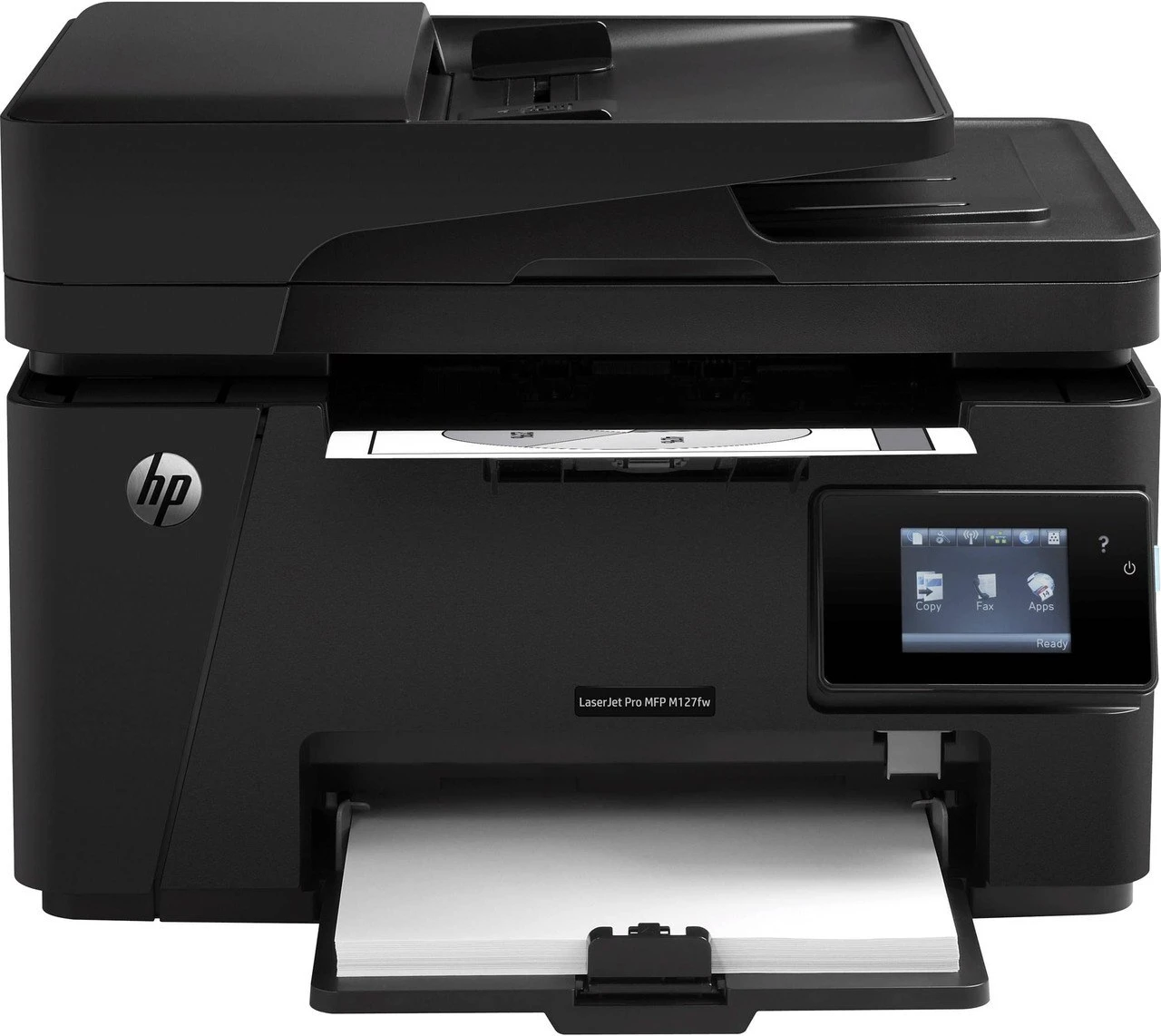
Fax plus networking defined the HP LaserJet Pro M127FN — a compact four-function mono MFP for small offices that kept a fax line alongside Ethernet.
Cartridges come from the HP 83A lineup: black CF283A, or the longer-lasting CF283X.
Toner Cartridges for LaserJet Pro M127FN
This printer works with the following toner cartridges:
- HP CF283A
- HP CF283X
More HP Printers
- LaserJet M125
- LaserJet M125a MFP
- LaserJet M125NW
- LaserJet M125nw MFP
- LaserJet M125rnw MFP
- LaserJet M127
- LaserJet M127 fn
- LaserJet M127FN
- LaserJet M127FN MFP
- LaserJet M127FW
- LaserJet M127FW MFP
- LaserJet M127N
- LaserJet M127N MFP
- LaserJet M127W
- LaserJet M201
- LaserJet M201DW
- LaserJet M201n MFP
- LaserJet M225
- LaserJet M225 MFP
- LaserJet MFP M125
- LaserJet MFP M127fw
- LaserJet MFP M225dn
- LaserJet MFP M225dw
- LaserJet MFP M225nw
- LaserJet Pro M125
- LaserJet Pro M125NW
- LaserJet Pro M127
- LaserJet Pro M127FW
- LaserJet Pro M201
- LaserJet Pro M201N
- LaserJet Pro M225
- LaserJet Pro MFP M125
- LaserJet Pro MFP M125NW
- LaserJet Pro MFP M127
- LaserJet Pro MFP M127FN
- LaserJet Pro MFP M127FW
- LaserJet Pro MFP M201
- LaserJet Pro MFP M225
Frequently Asked Questions
Is the LaserJet Pro M127FN a monochrome or color printer?
The LaserJet Pro M127FN is a monochrome laser printer, so it prints in black only using the CF283A or CF283X cartridge. If you need color output, look at HP's color LaserJet models instead.
How do I clear a paper jam in the LaserJet Pro M127FN?
Let the LaserJet Pro M127FN cool down if it was just printing, then remove the CF283A cartridge to reach sheets stuck behind it — pull gently in the paper's travel direction. Check for torn bits left inside the LaserJet Pro M127FN before reloading, since fragments cause repeat jams.
Should I shake a new toner cartridge before putting it in the LaserJet Pro M127FN?
A gentle rock is enough — tilt the new CF283A side to side a few times before it goes into the LaserJet Pro M127FN, but don't shake it hard or tip it end over end. Toner is a fine powder, and rough handling can spill it inside the LaserJet Pro M127FN.