




LaserJet M127N
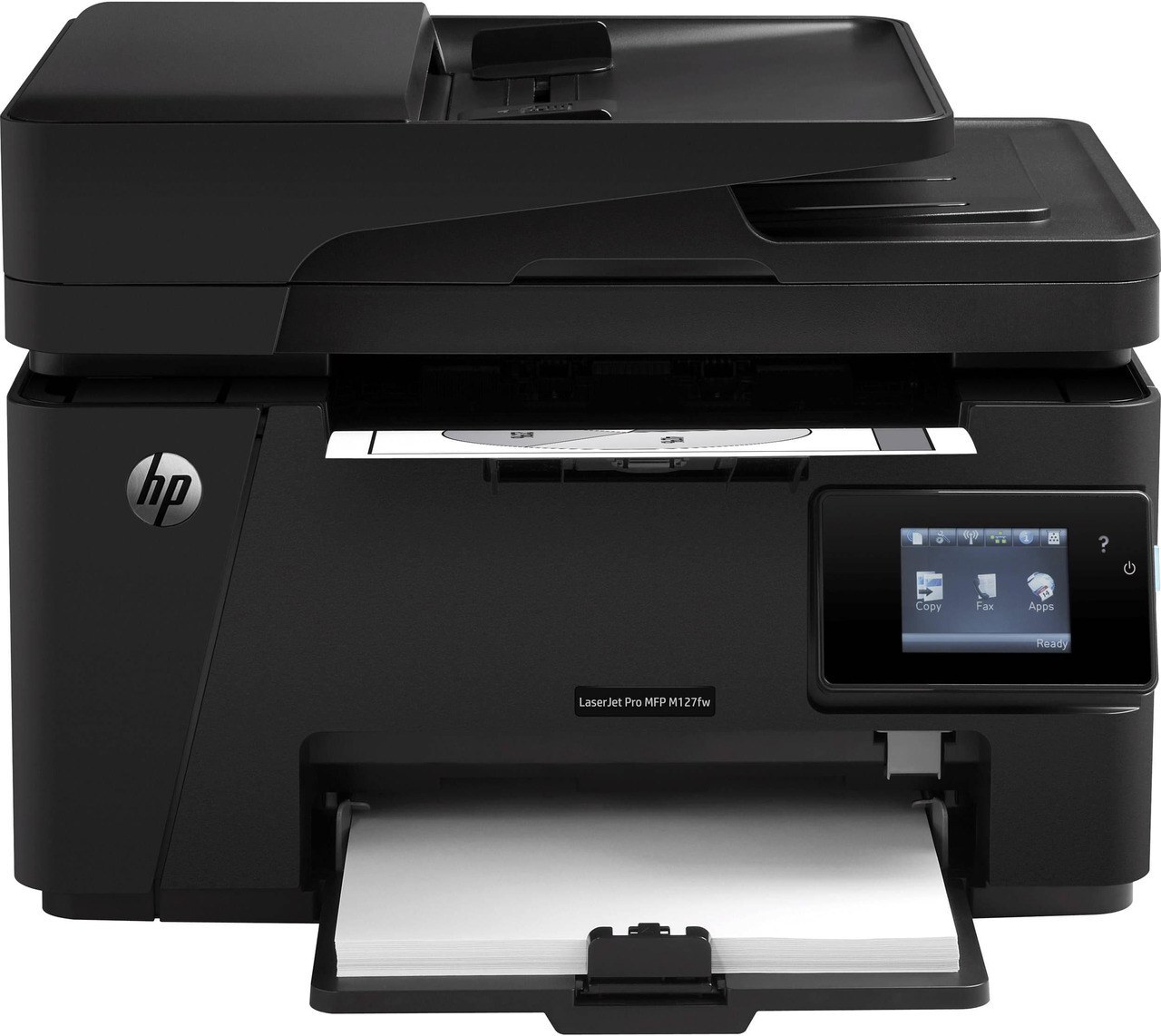
The HP LaserJet M127N was the networked member of the M127 line — Ethernet connectivity inside the compact mono multifunction chassis, built for small offices sharing one machine instead of crowding around one desk. Its toner comes in two fills of the same cartridge: the CF283A as the standard choice, or the longer-lasting CF283X when the shared queue keeps the machine busy.
Sharing changes the toner math. A personal printer's cartridge lasts a calendar age; a shared office machine drinks on everyone's behalf, and the M127N's whole design assumes that pattern — print, scan and copy duties for a small team, fed over the network from several desks at once. Buying toner for it is less about the single cartridge and more about never letting the office's only printer sit empty on a deadline morning.
Toner Cartridges for LaserJet M127N
| Cartridge | Color | Page Yield |
|---|---|---|
| CF283A (HP 83A) black | Black | See product page |
| CF283X (HP 83X) high-yield black | Black | See product page |
| CF283A MICR black | Black (MICR) | See product page |
| CF283A black — 4 pack | Black | See product page |
| CF283A black — 8 pack | Black | See product page |
| CF283X high-yield black — 4 pack | Black | See product page |
| CF283A Premium Quality black — 4 pack | Black | See product page |
| CF283A black — four-cartridge listing | Black | See product page |
Which cartridge should you buy?
For a lightly shared machine — two or three people, documents rather than reports — the CF283A covers the ground and keeps the purchase small. Step up to the CF283X when the M127N is the office's only printer: the high-yield fill means the cartridge lasts through far more of the team's combined output, so changes land on your schedule instead of mid-job. The 4-pack and 8-pack listings exist for the supply cupboard — same cartridges, better unit price, no emergency orders. The MICR version is the odd one out in the table: magnetic toner for printing checks, worth choosing only if that is genuinely part of this machine's work.
Chip, toner and everyday use
If the printer does not recognize a fresh cartridge, reseat it firmly and check that every protective seal and pull tab came off — a missed tab is the classic cause. A power cycle afterward lets the machine re-detect the cartridge and clear the message. Toner-low warnings deserve respect but not panic: the alert means the cartridge is nearly empty, yet pages usually keep coming for a while. That grace period is your ordering window — use it, and the replacement arrives before quality starts to fade rather than after.
Frequently Asked Questions
What toner cartridge does the LaserJet M127N use?
Two fills of one design: the CF283A standard cartridge or the CF283X high-yield version. Match the code to your model before ordering — either fits, and the choice is about how much the office prints.
Why does the printer not recognize my new cartridge?
Almost always seating or packaging. Take the cartridge out, confirm the seal and pull tab are fully removed, seat it again until it sits firmly, and restart the printer so it re-reads the chip.
What should I do when the toner-low warning appears?
Order the replacement then, not when pages fade. The warning arrives while useful toner remains, so a cartridge ordered at the alert reaches the shelf with time to spare.
Can several computers share this printer?
Yes — sharing is the point of this configuration. The M127N connects by Ethernet, so every computer on the office network can send it work once the driver is installed.
More printers that use the same cartridges
The same two cartridges feed the wider family of compact HP mono machines: HP CF283A, LaserJet M125, LaserJet M125NW, LaserJet M125a MFP, LaserJet M125nw MFP, LaserJet M125rnw MFP, LaserJet M127, LaserJet M127 fn, LaserJet M127FN, LaserJet M127FN MFP, LaserJet M127FW, LaserJet M127FW MFP, LaserJet M127N MFP, LaserJet M127W, LaserJet M201, LaserJet M201DW, LaserJet M201dw, LaserJet M201n MFP, LaserJet M225, LaserJet M225 MFP, LaserJet MFP M125, LaserJet MFP M127fw, LaserJet MFP M225dn, LaserJet MFP M225dw, LaserJet MFP M225nw, LaserJet Pro M125, LaserJet Pro M125NW, LaserJet Pro M127, LaserJet Pro M127FN, LaserJet Pro M127FW, LaserJet Pro M201, LaserJet Pro M201N, LaserJet Pro M225, LaserJet Pro MFP M125, LaserJet Pro MFP M125NW, LaserJet Pro MFP M127, LaserJet Pro MFP M127FN, LaserJet Pro MFP M127FW, LaserJet Pro MFP M201, LaserJet Pro MFP M225.