




LaserJet Pro MFP M127FN
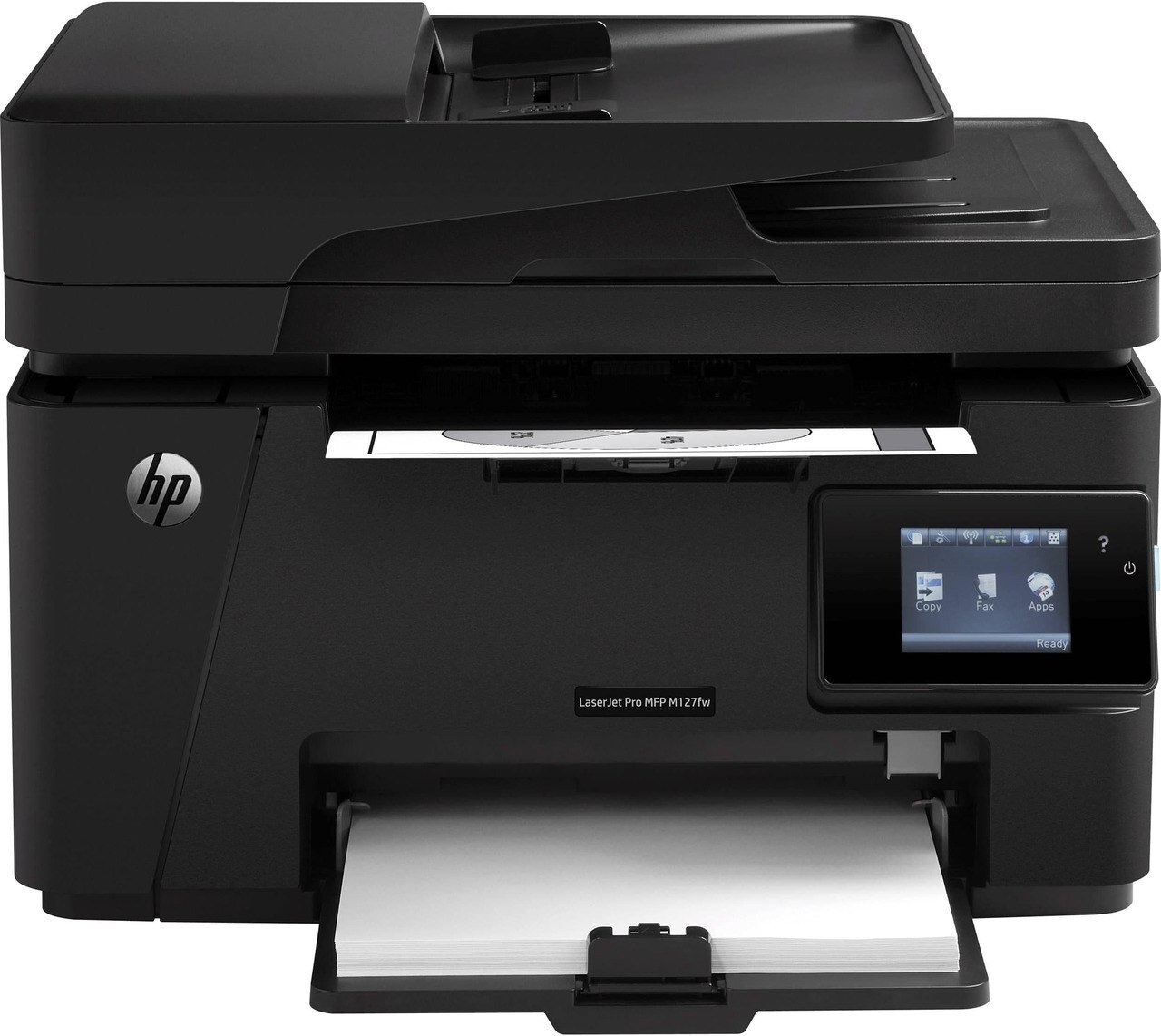
Fax and networking are what set the LaserJet Pro MFP M127FN apart inside its line: this is the connected four-function compact MFP — print, scan, copy and fax — that small teams park by the door and share all day. Everything it prints runs through one black cartridge, the CF283A, HP's standard cartridge from the 83A family, stocked below as a single, in multipacks and in a MICR build for check printing.
Because the M127FN sits on the network, it tends to become the office default: the machine the invoices, signed forms and quick copies all flow through. That shared duty means its cartridge gets changed by whoever is standing nearby when the warning appears, so a simple one-cartridge system is a genuine advantage — there is exactly one code to remember and no second consumable to run dry at the wrong moment.
Toner Cartridges for LaserJet Pro MFP M127FN
| Cartridge | Color | Page Yield |
|---|---|---|
| CF283A Toner Cartridge — Black, 4 Pack | Black | See product page |
| CF283A Toner Cartridge — Black, 8 Pack | Black | See product page |
| CF283A Toner Cartridge — Black (single) | Black | See product page |
| CF283A Toner Cartridge — MICR Black (single) | Black | See product page |
| CF283A Premium Quality Toner Cartridge — Black, 4 Pack | Black | See product page |
| HP 83A (CF283A) Toner Cartridge — 4 Black | Black | See product page |
Which cartridge should you buy?
Start with how the machine is used. A single CF283A single covers a small team comfortably and keeps the purchase simple. Desks that print steadily all week do better on the multipacks in the table — the four- and eight-cartridge boxes cut the per-cartridge cost and keep a spare on the shelf, which matters on a shared machine. If this printer also produces checks, choose the MICR version of the cartridge, which uses magnetic toner that bank scanners can read. One honest note: HP also built a longer-running high-yield cartridge for this machine, the CF283X, but it is not part of the shelf above — everything stocked on this page is built around the CF283A.
Chip, toner and everyday use
The cartridge carries a chip the printer reads on installation, so seat it firmly until it clicks and the M127FN should recognize it right away. If a new cartridge is ever reported as missing, lift it out and slide it back in — a half-seated cartridge is the usual cause. When output turns light before the cartridge is truly empty, remove it and rock it gently from side to side to redistribute the toner, then reinstall. Keep the spare sealed in its bag in a dry drawer; toner stores best at room temperature, away from sun and radiators.
Frequently Asked Questions
Where do I find the toner code for the LaserJet Pro MFP M127FN before ordering?
Read it off the cartridge already inside the machine, or check the label in the toner bay. This model takes the CF283A; ordering by that exact code is the surest way to avoid a mismatch with a look-alike cartridge from another HP family.
Can I keep printing on the M127FN after the toner-low warning?
Yes. The warning arrives early, while usable toner remains, so everyday jobs can continue. Treat it as your cue to order the replacement — once pages start fading for good, swap the cartridge rather than nursing it along.
Does scanning on the M127FN use toner?
No. Scanning sends no toner to paper, so it works normally even when the cartridge is nearly empty. Only printing and copying draw from the CF283A, which is why a low cartridge shows up in faded copies long before it affects a scan.
More printers that use the same cartridges
The same 83A cartridge family also feeds these HP models:
HP CF283A, LaserJet M125, LaserJet M125NW, LaserJet M125a MFP, LaserJet M125nw MFP, LaserJet M125rnw MFP, LaserJet M127, LaserJet M127 fn, LaserJet M127FN, LaserJet M127FN MFP, LaserJet M127FW, LaserJet M127FW MFP, LaserJet M127N, LaserJet M127N MFP, LaserJet M127W, LaserJet M201, LaserJet M201DW, LaserJet M201dw, LaserJet M201n MFP, LaserJet M225, LaserJet M225 MFP, LaserJet MFP M125, LaserJet MFP M127fw, LaserJet MFP M225dn, LaserJet MFP M225dw, LaserJet MFP M225nw, LaserJet Pro M125, LaserJet Pro M125NW, LaserJet Pro M127, LaserJet Pro M127FN, LaserJet Pro M127FW, LaserJet Pro M201, LaserJet Pro M201N, LaserJet Pro M225, LaserJet Pro MFP M125, LaserJet Pro MFP M125NW, LaserJet Pro MFP M127, LaserJet Pro MFP M127FW, LaserJet Pro MFP M201, LaserJet Pro MFP M225