




LaserJet M203DW
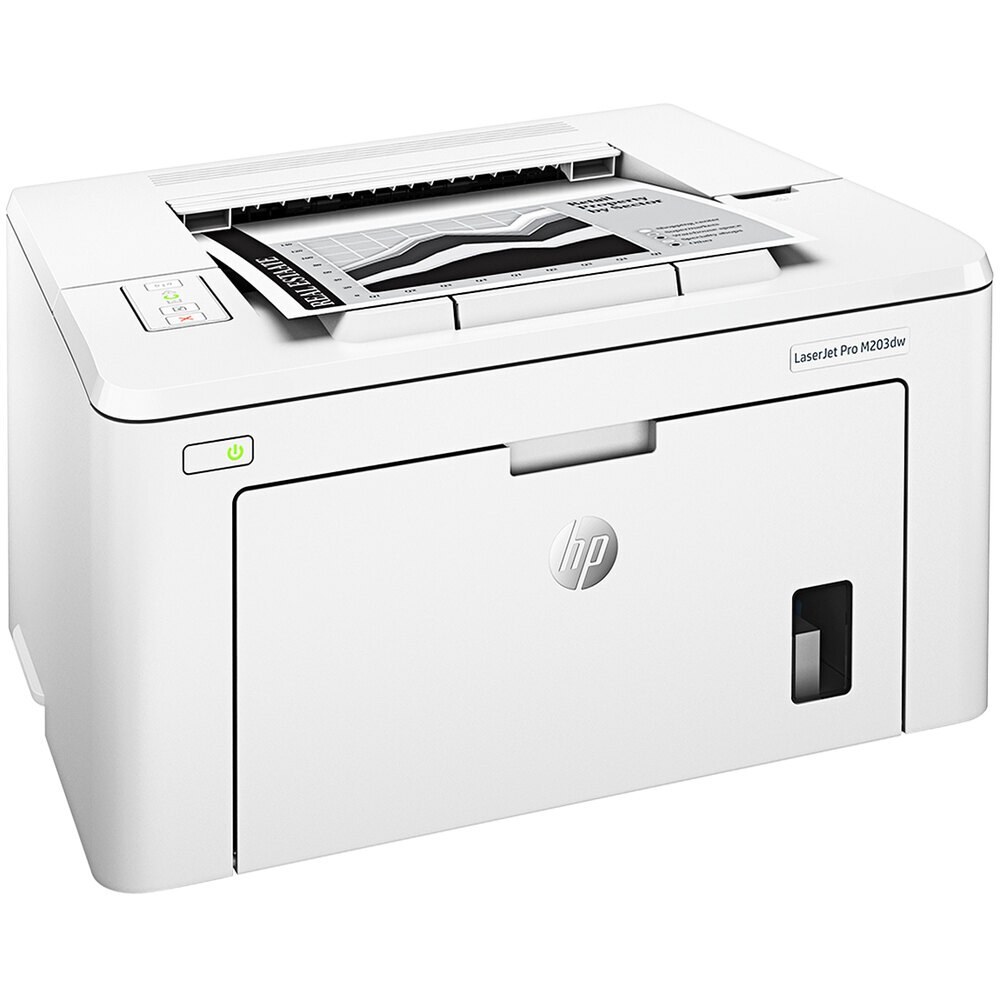
HP introduced the LaserJet M203DW in the late-2010s as a mono single-function printer for everyday office document printing, and plenty of them are still on the job. The LaserJet M203DW was never about flash; it was about everyday office document printing, and on that measure it still delivers.
HP built the LaserJet M203DW around the HP 30A cartridge family, so the CF230A you need is the same one 10 sibling models use. For the LaserJet M203DW, the high-yield CF230X stretches the interval between cartridge swaps; the standard CF230A suits lighter everyday office document printing.
Toner Cartridges for LaserJet M203DW
This printer works with the following toner cartridges:
- HP CF230A
- HP CF230X
More HP Printers
- LaserJet M203dn
- LaserJet M203dw MFP
- LaserJet M227d MFP
- LaserJet M227FDN
- LaserJet M227fdn MFP
- LaserJet M227FDW
- LaserJet M227fdw MFP
- LaserJet M227sdn MFP
- LaserJet Pro M203
- LaserJet Pro MFP M227
Frequently Asked Questions
Can I use any HP toner cartridge in the LaserJet M203DW?
No — the LaserJet M203DW only accepts CF230A, CF230X. Toner cartridges are keyed to specific printer families, so one made for another HP model generally won't fit or be recognized. Stick to the codes listed for your LaserJet M203DW.
How should I store spare toner for the LaserJet M203DW?
Keep spare CF230A cartridges sealed in their original packaging until the LaserJet M203DW needs them — toner breaks down faster in heat and humidity. Store them flat in a cool, dry spot away from direct sunlight. Don't open a new cartridge until you're ready to install it.
How do I print on both sides with the LaserJet M203DW?
Look for the duplex or "print on both sides" option in the print dialog when printing from the LaserJet M203DW. You can set it as the default in the printer preferences to save paper automatically. If the option is missing, reinstall the driver for the LaserJet M203DW and check again.