




LaserJet M203dw MFP
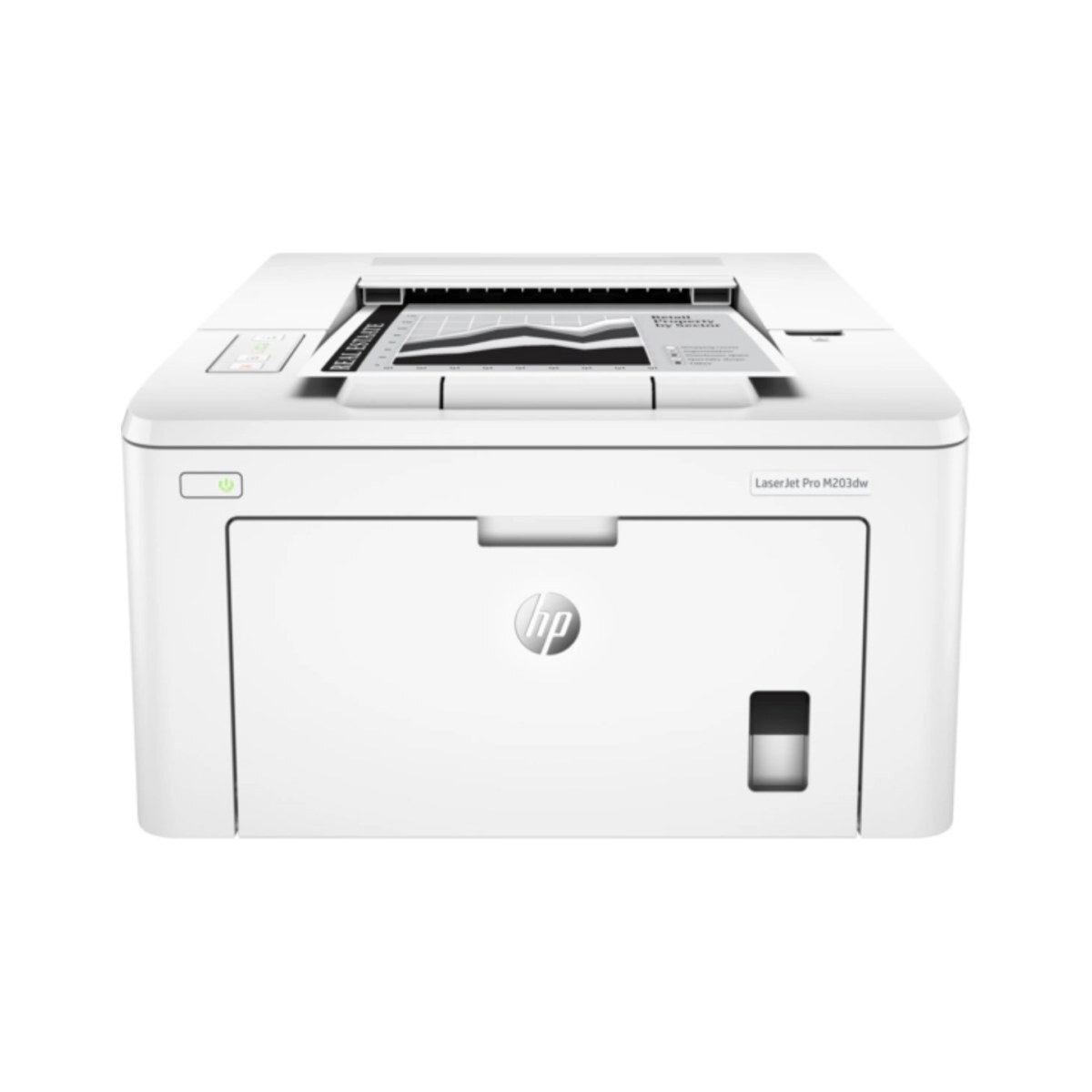
The HP LaserJet M203dw MFP comes from the late-2010s, when a mono multifunction printer was judged on uptime — and the LaserJet M203dw MFP judged well. The LaserJet M203dw MFP was never about flash; it was about everyday office document printing, and on that measure it still delivers.
The LaserJet M203dw MFP uses HP 30A cartridges, anchored by the CF230A — one of the most widely stocked HP cartridges of its generation. Choose genuine OEM CF230A cartridges for the LaserJet M203dw MFP or save with our compatible HP 30A alternatives — both keep the LaserJet M203dw MFP printing cleanly.
Toner Cartridges for LaserJet M203dw MFP
This printer works with the following toner cartridges:
- HP CF230A
- HP CF230X
More HP Printers
- LaserJet M203dn
- LaserJet M203DW
- LaserJet M227d MFP
- LaserJet M227FDN
- LaserJet M227fdn MFP
- LaserJet M227FDW
- LaserJet M227fdw MFP
- LaserJet M227sdn MFP
- LaserJet Pro M203
- LaserJet Pro MFP M227
Frequently Asked Questions
How do I know I'm buying the right toner for my LaserJet M203dw MFP?
Compare the code on the box with the LaserJet M203dw MFP's list: CF230A, CF230X. HP makes look-alike cartridges for different printer families, so a code match is your guarantee.
How should I store spare toner for the LaserJet M203dw MFP?
An unopened CF230A keeps fine as a spare for the LaserJet M203dw MFP — leave it in its sealed bag until the printer calls for it. Room-temperature storage away from heat and direct sun is all it needs; open it only when the LaserJet M203dw MFP is ready for the swap.
Can I still scan with the LaserJet M203dw MFP when the toner runs out?
Yes — scanning to a computer doesn't use toner, so the LaserJet M203dw MFP keeps scanning even with an empty CF230A. Copying is the exception: it prints the scan, so it needs toner to work. Replace the CF230A when copies from the LaserJet M203dw MFP start fading.