




LaserJet M227fdw MFP
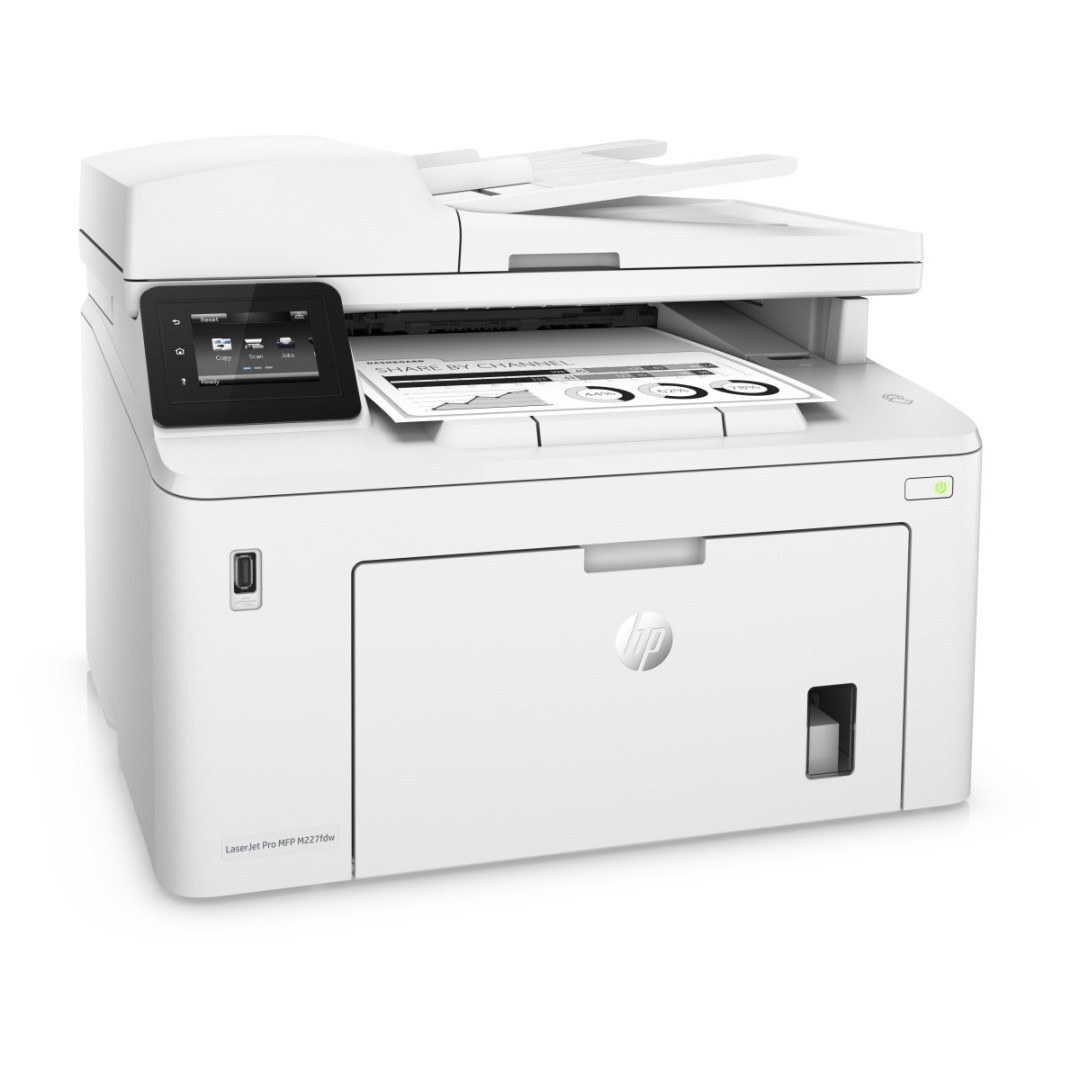
HP introduced the LaserJet M227fdw MFP in the late-2010s as a mono multifunction printer for everyday office document printing, and plenty of them are still on the job. The LaserJet M227fdw MFP doesn't try to be everything; it focuses on everyday office document printing, which explains its loyal installed base.
Supplies for the LaserJet M227fdw MFP are straightforward: it takes the HP 30A family (CF230A), a cartridge line shared across 10 sibling models. Keep the LaserJet M227fdw MFP printing with genuine HP CF230A cartridges or our compatible HP 30A versions; either way, the LaserJet M227fdw MFP gets the toner it was designed for.
Toner Cartridges for LaserJet M227fdw MFP
This printer works with the following toner cartridges:
- HP CF230A
- HP CF230X
More HP Printers
- LaserJet M203dn
- LaserJet M203DW
- LaserJet M203dw MFP
- LaserJet M227d MFP
- LaserJet M227FDN
- LaserJet M227fdn MFP
- LaserJet M227FDW
- LaserJet M227sdn MFP
- LaserJet Pro M203
- LaserJet Pro MFP M227
Frequently Asked Questions
Which cartridge codes fit the LaserJet M227fdw MFP?
The LaserJet M227fdw MFP fits CF230A, CF230X. The code printed on the box is what matters; matching it exactly is how you avoid returns.
How do I install a new toner cartridge in my LaserJet M227fdw MFP?
With the LaserJet M227fdw MFP powered on, open the cartridge door and pull the old CF230A out by its handle. Unpack the replacement CF230A, remove the sealing strip completely, slide it in firmly, and close the door — the LaserJet M227fdw MFP recognizes it automatically.
Why does my LaserJet M227fdw MFP show a non-HP cartridge message?
The LaserJet M227fdw MFP shows that message when it detects a cartridge not manufactured by HP. Compatible cartridges usually print normally once you acknowledge the notice. If the printer refuses to print, read the on-screen instructions and contact your cartridge supplier.