




LaserJet M227sdn MFP
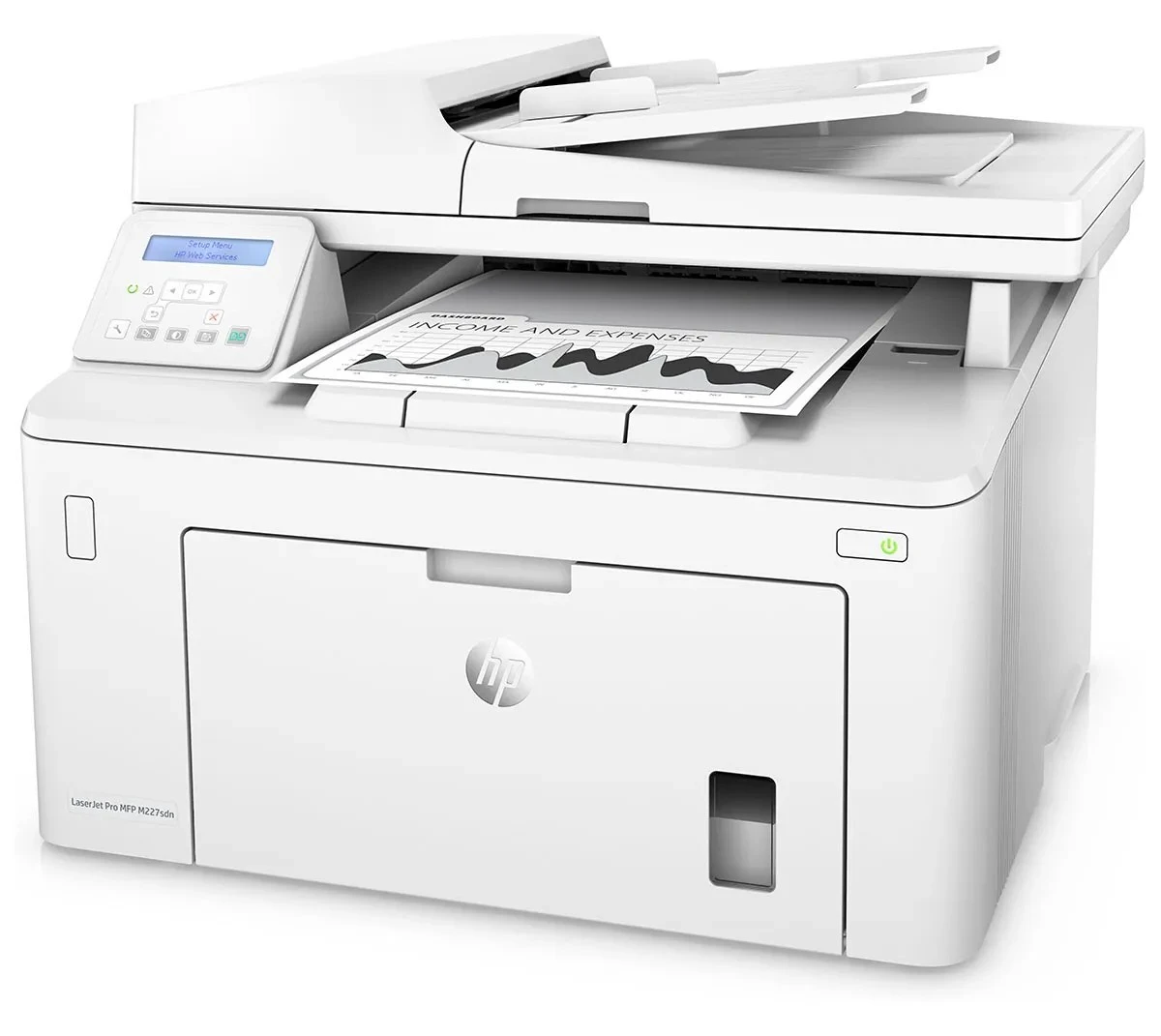
Built in the late-2010s for everyday office document printing, the LaserJet M227sdn MFP is a mono multifunction printer that has outlasted most of its contemporaries. The LaserJet M227sdn MFP doesn't try to be everything; it focuses on everyday office document printing, which explains its loyal installed base.
Like 10 other models in its family, the LaserJet M227sdn MFP takes the HP 30A cartridge line — look for the CF230A. Busy LaserJet M227sdn MFP owners often grab the high-yield CF230X, while the standard CF230A is plenty for steady everyday office document printing.
Toner Cartridges for LaserJet M227sdn MFP
This printer works with the following toner cartridges:
- HP CF230A
- HP CF230X
More HP Printers
- LaserJet M203dn
- LaserJet M203DW
- LaserJet M203dw MFP
- LaserJet M227d MFP
- LaserJet M227FDN
- LaserJet M227fdn MFP
- LaserJet M227FDW
- LaserJet M227fdw MFP
- LaserJet Pro M203
- LaserJet Pro MFP M227
Frequently Asked Questions
How do I know I'm buying the right toner for my LaserJet M227sdn MFP?
Compare the code on the box with the LaserJet M227sdn MFP's list: CF230A, CF230X. HP makes look-alike cartridges for different printer families, so a code match is your guarantee.
How do I install a new toner cartridge in my LaserJet M227sdn MFP?
Open the cartridge door on the LaserJet M227sdn MFP and slide the old CF230A out by its handle — set it aside for recycling. Unpack the new CF230A, pull off its protective seal, and slide it straight in until it clicks. Close the door and print a test page from the LaserJet M227sdn MFP to confirm.
Why did the copies from my LaserJet M227sdn MFP come out blank?
Blank copies from the LaserJet M227sdn MFP usually mean the CF230A is empty or its sealing tape was left on. Pull the cartridge, confirm the tape is removed, and reseat it firmly. If copies are only faded, the CF230A is running low and should be replaced.