




COLOR LASERJET M578DN
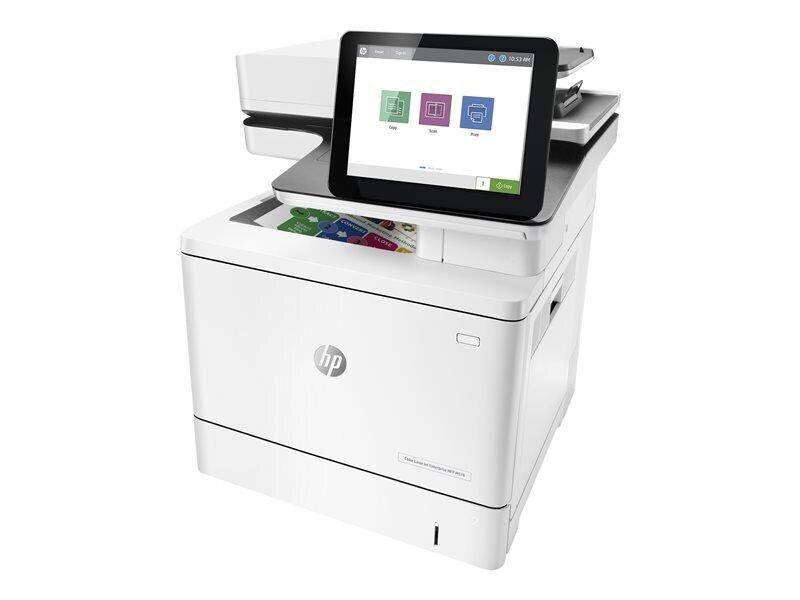
Enterprise color, wired and two-sided: the Color LaserJet M578dn is the duplex-plus-Ethernet configuration for workgroups that share serious color volume. It runs on the HP 212A/212X set — W2120A black with W2121A, W2122A, W2123A color, each with a high-yield X option.
We carry the full 212A/212X family for the M578dn as genuine OEM and compatible cartridges. Workgroup color burns toner steadily, so the X high-yield set is the economical default; fast shipping from Clever Supplies keeps the queue moving.
Toner Cartridges for COLOR LASERJET M578DN
This printer works with the following toner cartridges:
- HP W2120A
- HP W2120X
- HP W2121A
- HP W2121X
- HP W2122A
- HP W2122X
- HP W2123A
- HP W2123X
More HP Printers
- COLOR LASERJET M554DN
- COLOR LASERJET M555DN
- COLOR LASERJET M555X
- COLOR LASERJET M578C
- COLOR LASERJET M578F
- COLOR LASERJET M578Z
Frequently Asked Questions
Which toner cartridges work with the COLOR LASERJET M578DN?
Use W2120A, W2120X, W2121A, W2121X, W2122A, W2122X, W2123A and W2123X in the COLOR LASERJET M578DN. These are the codes listed for this printer, so any cartridge carrying one of them is the right type.
How can I check how much toner is left in my COLOR LASERJET M578DN?
Print a supplies-status page from the COLOR LASERJET M578DN's control panel or view levels in the printer software on your computer. Plan a replacement when the W2120A cartridge runs low or prints start fading.
Why does my COLOR LASERJET M578DN not recognize the new W2120A cartridge?
Reseat the W2120A cartridge firmly in the COLOR LASERJET M578DN, make sure every strip of packing material and the protective seal were removed, then restart the printer. A damaged chip or a code that does not match this model is the usual cause when reseating fails.