




COLOR LASERJET M578C
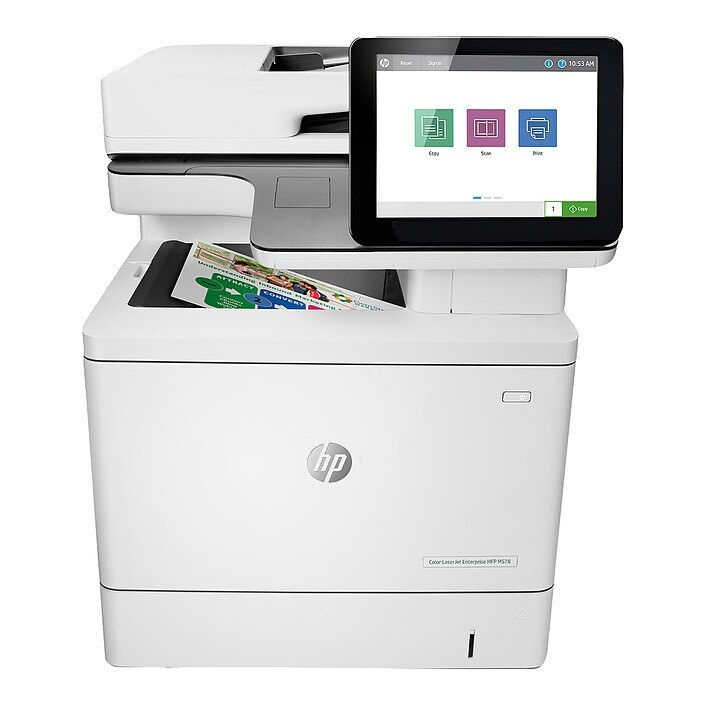
Among 2020-era lasers, the Color LaserJet M578C stands out as a color workgroup machine tuned for enterprise workgroups. Setup is simple, and the supply chain for its toner is deep and mature. Its engine was built around the HP 212A/212X cartridges (W2120A, W2120X).
The Color LaserJet M578C accepts W2120A, W2120X toner, available here as genuine OEM or compatible. Many offices mix the two: OEM for client-facing work, compatible for everyday drafts.
Toner Cartridges for COLOR LASERJET M578C
This printer works with the following toner cartridges:
- HP W2120A
- HP W2120X
- HP W2121A
- HP W2121X
- HP W2122A
- HP W2122X
- HP W2123A
- HP W2123X
More HP Printers
- COLOR LASERJET M554DN
- COLOR LASERJET M555DN
- COLOR LASERJET M555X
- COLOR LASERJET M578DN
- COLOR LASERJET M578F
- COLOR LASERJET M578Z
Frequently Asked Questions
Which toner cartridges work with the COLOR LASERJET M578C?
The COLOR LASERJET M578C uses W2120A, W2120X, W2121A, W2121X, W2122A, W2122X, W2123A and W2123X. Match the code on your current cartridge before ordering so you get the right fit.
How should I store a spare W2120A cartridge for the COLOR LASERJET M578C?
Keep spare W2120A cartridges for the COLOR LASERJET M578C sealed in their original packaging, stored upright in a cool, dry spot away from sunlight. Do not break the seal until you are ready to install.
Why is my COLOR LASERJET M578C still showing a toner alert after I installed a new W2120A?
The COLOR LASERJET M578C normally clears the alert on its own once the new W2120A cartridge is detected. If the message persists, open and close the toner door or restart the printer to refresh the sensor.