




ImageClass MF4880DW
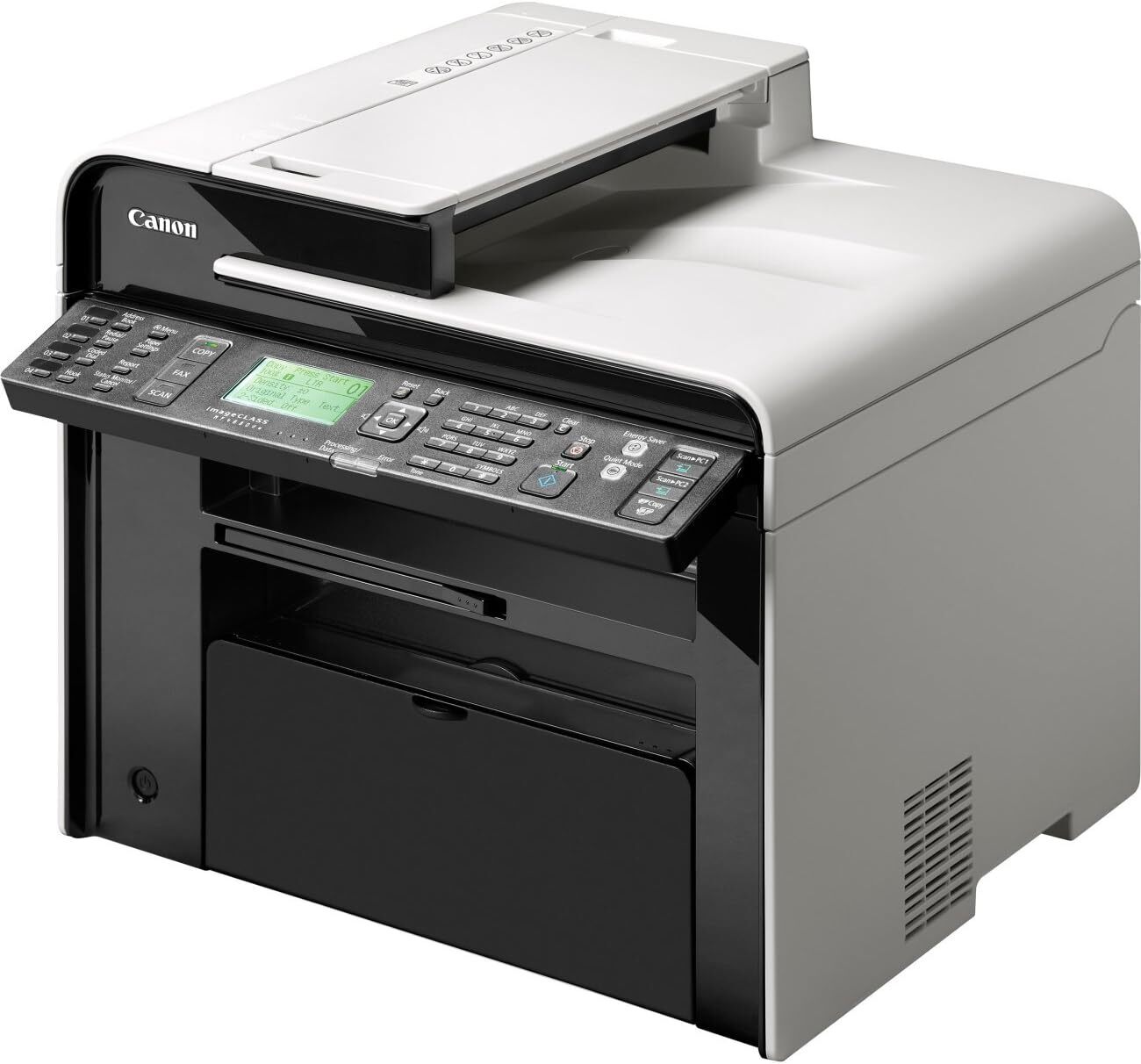
Wireless duplex without the flagship price: the imageCLASS MF4880dw adds Wi-Fi to the 26-ppm auto-duplex 4-in-1. USB and wireless cover most small offices without running cable. It uses the Canon 128 (OEM #3500B001, up to 2,100 pages). In Canon's full numbering the MF4880dw's cartridge is 3500B001AA; wireless offices printing in volume can run the jumbo compatible 3500B001AA-J instead.
Toner Cartridges for Canon Imageclass Mf4880Dw
| Cartridge | Color | Page Yield | OEM # |
|---|---|---|---|
| Canon 128 (Compatible) | Black | 2,100 pages | 3500B001 |
Frequently Asked Questions
What toner does the Canon Imageclass Mf4880Dw use?
The Canon Imageclass Mf4880Dw uses the Canon 128 toner cartridge (OEM #3500B001).
How many pages does a Canon 128 cartridge print?
A standard Canon 128 toner cartridge yields approximately 2,100 pages pages at 5% coverage.
Are compatible Canon 128 cartridges safe for the Imageclass Mf4880Dw?
Compatible cartridges are designed to work in the Imageclass Mf4880Dw. Check your printer's warranty terms for specific coverage details.
How do I install a Canon 128 toner cartridge in the Imageclass Mf4880Dw?
Open the front cover of your Canon Imageclass Mf4880Dw, remove the old cartridge, unpack the new Canon 128 cartridge, gently rock it to distribute toner, and slide it into place until it clicks.
More Printers That Use Canon 128 Toner
- Faxphone L100
- Faxphone L190
- L190
- L100
- I Sensys Mf4410
- I Sensys Mf4430
- I Sensys Mf4450
- I Sensys Mf4580Dn
- I Sensys Mf4570Dn
- I Sensys Mf4550D
- Imageclass 4890Dw
- Imageclass D520
- Imageclass D550
- Imageclass D560
- Imageclass D530
- Imageclass Mf4420
- Imageclass Mf4420N
- Imageclass Mf4450
- Imageclass Mf4550
- Imageclass Mf4550D
- Imageclass Mf4570
- Imageclass Mf4412
- Imageclass Mf4770
- Imageclass Mf4770N
- Imageclass Mf4580
- Imageclass Mf4800
- Imageclass Mf4580Dn
- Imageclass Mf4570Dn
- Imageclass Mf4880
- Imageclass Mf4570Dw
- Imageclass Mf4890
- Imageclass Mf4890Dw
- Satera Mf4570
- Satera Mf4470
- Satera Mf4580
- Satera Mf4430
- Satera Mf4480
- Satera Mf4450
- Satera Mf4410
- Satera Mf4550