




FaxPhone L100
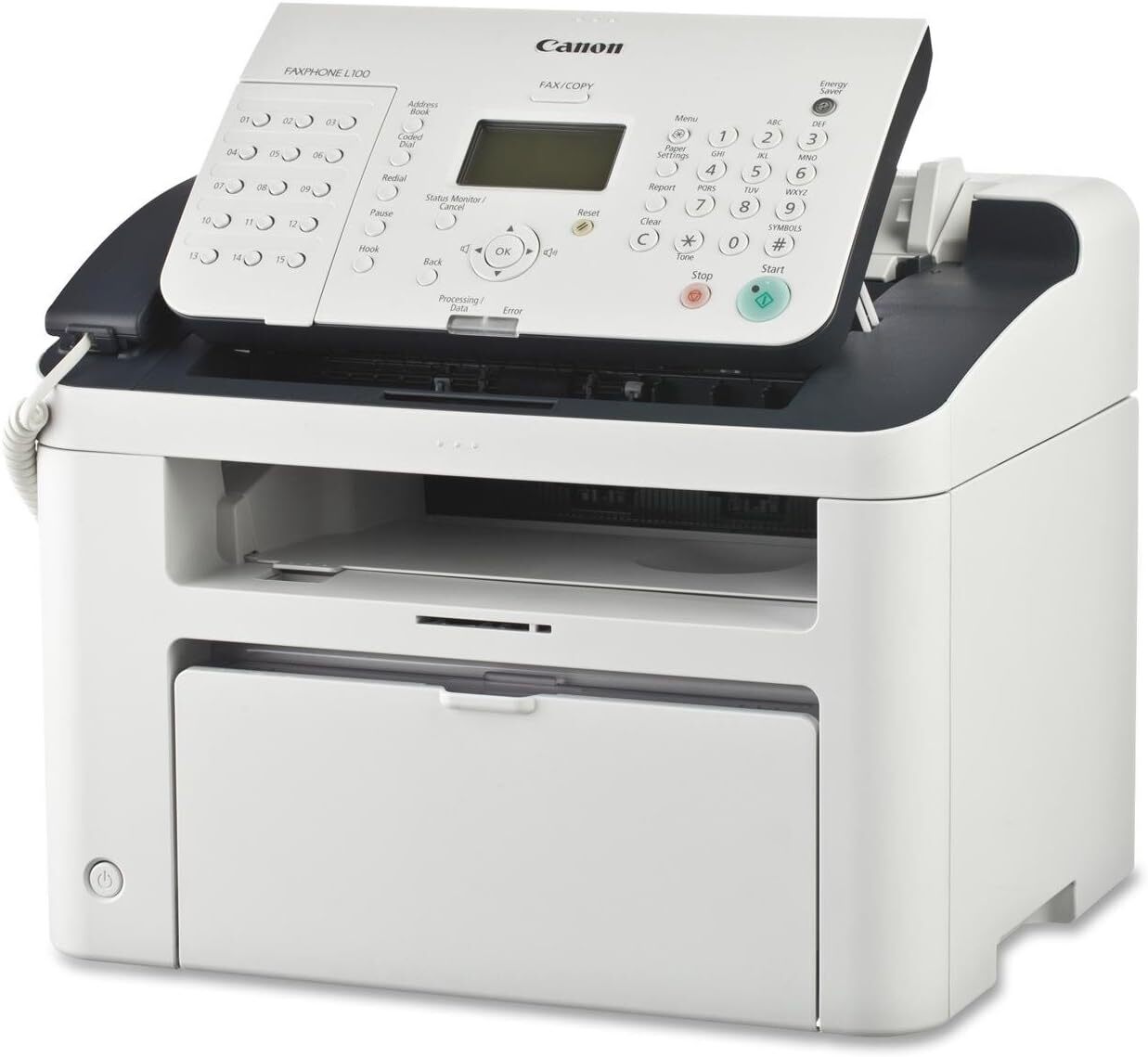
Before the all-in-one printer took over the office desk, the Canon FaxPhone L100 did one job and did it extremely well: laser faxing. Everything this machine sends, receives, prints and copies runs on a single supply, the Canon 128 black toner cartridge, rated for up to 2,100 pages. One cartridge design covers the fax line, the copy glass and PC print jobs alike, so keeping an L100 fed is a one-item shopping list.
A 33.6 Kbps Super G3 modem moves a fax page in seconds, and the 512 pages of reception memory hold incoming documents safely even if the paper or the toner runs out in the middle of a long run. Thirty one-touch dials and 100 coded speed dials keep regular correspondents a single button-press away, and the corded handset makes the same line useful for voice calls. This is a machine from the years when the fax number was an office's front door — and in law practices, clinics, warehouses and dispatch desks, plenty of those doors are still open and busy.
Toner Cartridges for FaxPhone L100
| Cartridge | Color | Page Yield |
|---|---|---|
| Canon 128 Toner Cartridge — Single | Black | 2,100 pages |
| Canon 128 Toner Cartridge (128BK) — Single | Black | 2,100 pages |
| Canon 128 Toner Cartridges — 2 Pack | Black | 2,100 pages per cartridge |
| Canon 128 Toner Cartridges (128BK) — 2 Pack | Black | 2,100 pages per cartridge |
| Canon 128 Toner Cartridges — 3 Pack | Black | 2,100 pages per cartridge |
| Canon 128 Toner Cartridges (128BK) — 3 Pack | Black | 2,100 pages per cartridge |
| Canon 128 Toner Cartridges — 5 Pack | Black | 2,100 pages per cartridge |
| Canon 128 Premium Quality Toner Cartridges — 5 Pack | Black | 2,100 pages per cartridge |
| Canon 128 Toner Cartridges (128BK) — 5 Pack | Black | 2,100 pages per cartridge |
| Canon 128 Toner Cartridges (128BK) — 10 Pack | Black | 2,100 pages per cartridge |
| Canon 128 Jumbo Toner Cartridge | Black | See product page |
| Canon 128 MICR Toner Cartridge | Black (MICR) | See product page |
Which cartridge should you buy?
Start with how hard the fax line works. A quiet line in a small office can take months to work through one standard cartridge, and a single is all it needs. A line that receives orders, referrals or signed forms all day is a different story: there, a Canon 128 2 pack keeps a spare on the shelf so a cartridge change never interrupts an incoming run, and the 3, 5 and 10 packs suit sites that feed several machines or simply refuse to reorder often. Busy lines can also stretch the interval between changes with the jumbo Canon 128 build. The MICR Canon 128 listing is the specialist of the range: it exists for check printing through the L100's PC printing, not for everyday fax traffic, so buy it only if that is genuinely part of the machine's work.
Chip, toner and everyday use
The L100 reads the cartridge's chip to track toner status, and the compatible cartridges on this page are built to be recognized the same way. When received faxes start printing light, do not assume the cartridge is finished: take it out and rock it gently from side to side a few times to redistribute the toner, and you will often get clean pages again. Keep spare cartridges sealed, flat and away from heat and direct sunlight, and remember that the reception memory is your safety net — faxes received while the machine waits for toner are stored and print once a fresh cartridge goes in. Every compatible cartridge here is covered by a 1-year warranty and 1-year returns.
Frequently Asked Questions
What toner does the FaxPhone L100 use?
Only one: the Canon 128 toner cartridge. There is no separate drum or second supply to track — the same cartridge handles incoming and outgoing faxes, copies and prints from a connected PC.
How many pages does a Canon 128 cartridge print?
The standard cartridge is rated for approximately 2,100 pages at 5% coverage. Dense fax pages — contracts, forms and signatures — cover more of the page than a plain letter, so a busy fax line will land somewhat below the rating.
Is there a longer-running option for a busy fax line?
Yes, the jumbo Canon 128 cartridge is built to stretch the time between changes on heavy lines. If your L100 receives all day, pairing that longer-running build with a spare on the shelf is the surest way to never lose a fax to an empty cartridge.
My received faxes are printing faint. Is the cartridge empty?
Not necessarily. Pages often fade first on one side when the toner has settled unevenly inside the cartridge. Rock the cartridge gently side to side to level the toner and print a test page before you order a replacement.
More printers that use the same cartridges
The Canon 128 is not exclusive to this fax machine — the same cartridge also feeds the following Canon models, so one spare on the shelf can cover several desks: FaxPhone L190, ImageClass 4890DW, ImageClass D520, ImageClass D530, ImageClass D550, ImageClass D560, ImageClass MF4412, ImageClass MF4420, ImageClass MF4420N, ImageClass MF4450, ImageClass MF4550, ImageClass MF4550D, ImageClass MF4570, ImageClass MF4570DN, ImageClass MF4570DW, ImageClass MF4580, ImageClass MF4580DN, ImageClass MF4770, ImageClass MF4770N, ImageClass MF4800, ImageClass MF4880, ImageClass MF4880DW, ImageClass MF4890, ImageClass MF4890DW, Satera MF4410, Satera MF4430, Satera MF4450, Satera MF4470, Satera MF4480, Satera MF4550, Satera MF4570, Satera MF4580, i-Sensys MF4410, i-Sensys MF4430, i-Sensys MF4450, i-Sensys MF4550D, i-Sensys MF4570DN, i-Sensys MF4580DN