




CLX-3306W
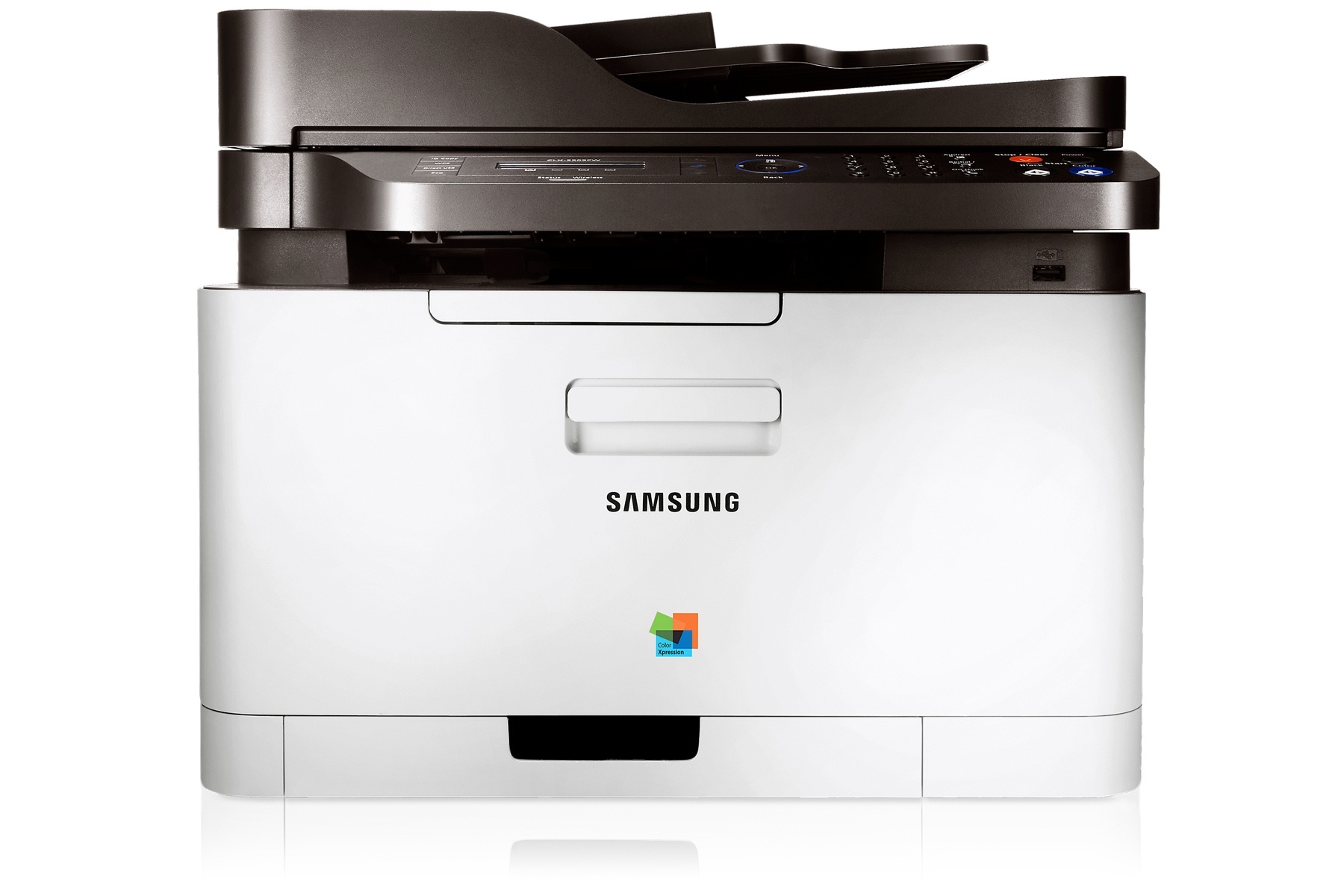
The CLX-3306W joined Samsung's CLP/CLX and Xpress stable in the early-to-mid 2010s as a color laser multifunction printer. The letter in its model name means it adds wireless networking, setting it apart from the base CLX-3306. Its natural home was personal users and small offices that printed in color regularly but in modest volumes.
It runs on Samsung's CLT-K406S toner set, with CLT-K406S handling black and CLT-C406S among the color cartridges. Compatible CLT-K406S toner and genuine Samsung OEM cartridges are both in stock, with fast Clever Supplies shipping.
Toner Cartridges for CLX-3306W
This printer works with the following toner cartridges:
- Samsung CLT-K406S
- Samsung CLT-C406S
- Samsung CLT-M406S
- Samsung CLT-Y406S
More Samsung Printers
- CLP-360
- CLP-362
- CLP-363
- CLP-364
- CLP-365
- CLP-365EXP
- CLP-365W
- CLP-366
- CLP-366W
- CLP-367
- CLP-367W
- CLP-368
- CLX-3300
- CLX-3302
- CLX-3303
- CLX-3303FW
- CLX-3304
- CLX-3305
- CLX-3305FN
- CLX-3305FS
- CLX-3305FW
- CLX-3305GOV
- CLX-3305W
- CLX-3306
- CLX-3306FN
- CLX-3306WN
- CLX-3307
- CLX-3307FW
- CLX-3307GOV
- CLX-3307W
- SL-C410
- SL-C410W
- SL-C460
- SL-C460FW
- Xpress C410
- Xpress C410W
- Xpress C416
- Xpress C416FW
- Xpress C460
- Xpress C460FW
Frequently Asked Questions
Straightforward question: what is the practical difference between the two yields for the CLX-3306W?
The CLX-3306W runs on the CLT-K406S black cartridge, which comes in one standard yield. Offices that print daily simply reorder more often — there is no high-yield shortcut in this family. Keep a spare CLT-K406S on the shelf and you will never wait on toner.
Quick question: the CLX-3306W shows as offline in Windows — how do I bring it back online?
After a Windows update breaks the CLX-3306W, reinstalling the latest driver usually restores printing within minutes. When in doubt, uninstall everything CLX-3306W-related and start the install fresh. Take driver installation slowly and the CLX-3306W rewards you with trouble-free printing.
Quick question: how do I find the CLX-3306W's IP address?
When the CLX-3306W connects but will not print, the driver is usually pointing at an old IP — reinstall or update the port. Update the CLX-3306W's firmware; connectivity bugs are a common fix in newer releases. Patience during setup pays off — rushing the CLX-3306W's network wizard causes most failures.