




CLP-360
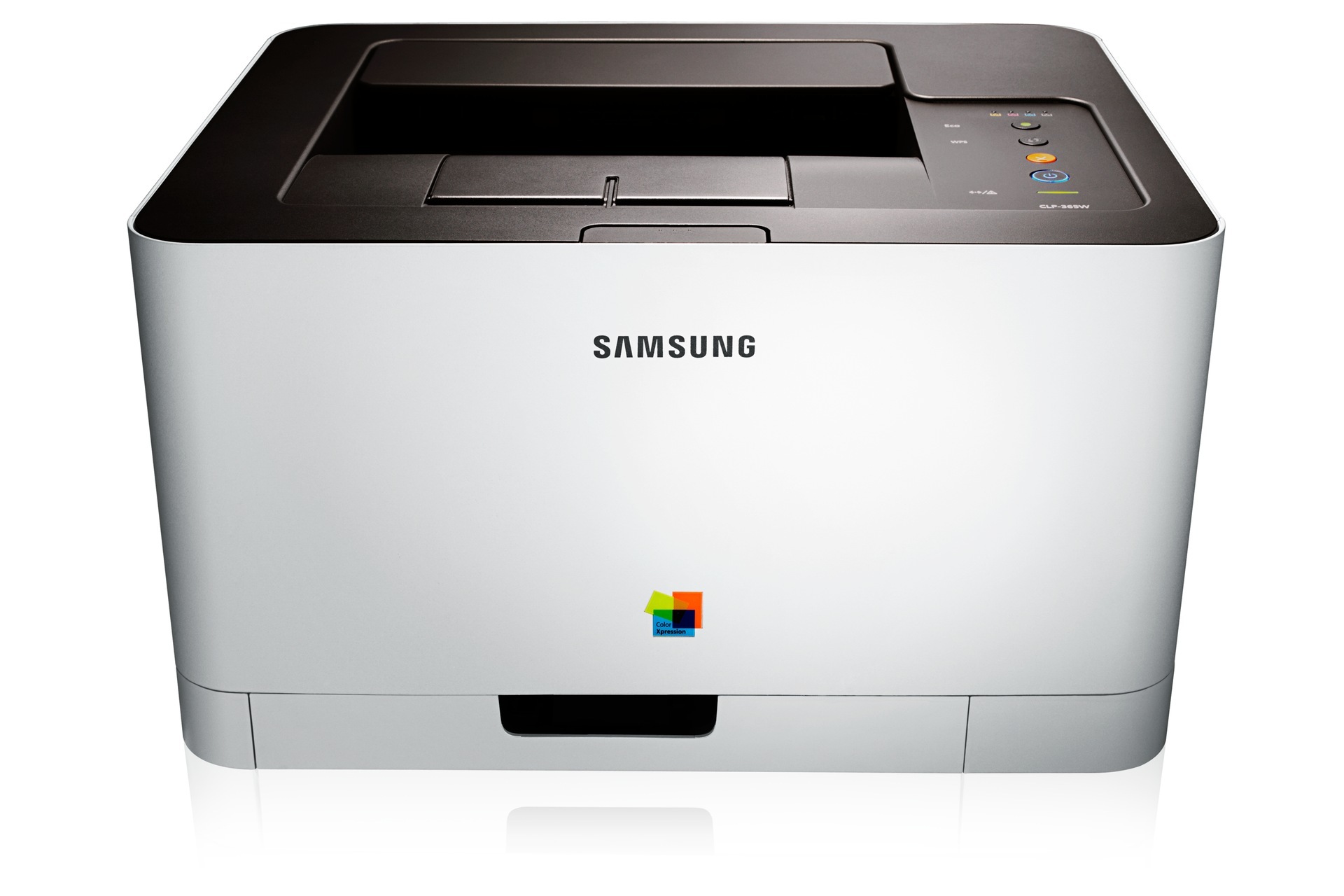
The Samsung CLP-360 arrived in the early-to-mid 2010s as a color laser printer with running costs kept firmly in check, aimed at personal users and small offices that printed in color regularly but in modest volumes. It works through four separate cartridges from the CLT-406S family: CLT-K406S lays down the black, CLT-C406S the cyan, CLT-M406S the magenta and CLT-Y406S the yellow. Because each color lives in its own cartridge, a page heavy on one shade drains only that one supply. This page gathers the cartridges sold for the machine, in compatible and genuine Samsung form.
Machines like this one earned their place where color was a regular need rather than a daily flood: a letterhead on the morning invoices, a chart in a report, a flyer run before an event, and long stretches of plain text in between. That rhythm shapes how owners buy. Black does the heavy lifting week after week, while the three colors fade slowly and unevenly — which is why this printer rewards keeping a spare black on hand and topping up colors one at a time, exactly as they run down.
Toner Cartridges for CLP-360
Which cartridge should you buy?
This family keeps the yield question simple: for the CLP-360, each color exists in one yield, so there is no standard-versus-high-yield debate to settle. The real choices are shape and timing. Buy singles when one color fades ahead of the others — the normal pattern, since black and the three colors drain at different rates. Buy a 4 color set when several cartridges are near the end together, or when a new-to-you machine deserves a clean start across all four slots. Text-heavy users should look at the black multipacks, which cut the cost of the cartridge this printer consumes fastest. Every cartridge here is backed by a 1-year warranty and 1-year returns, and each color can be replaced on its own without disturbing the other three.
Chip, toner and everyday use
The cheapest toner habit on this printer costs nothing: preview before you print. Web pages especially drag banners, backgrounds and navigation into the output, and copying just the text you need can cut a job's toner use dramatically. Pair that with the driver's Eco setting — sensible to leave on for internal work, and worth switching off for anything client-facing, since it lightens coverage. Set Eco in the driver defaults and every application inherits it without anyone remembering. Habits like these stretch each cartridge further than any shopping trick, because they reduce what the machine is asked to print in the first place.
Frequently Asked Questions
How do heavy CLP-360 users keep printing costs down?
Mostly through discipline rather than hardware. Preview jobs before sending them, print the text you need instead of whole web pages, and let Eco mode handle drafts and internal copies. On the supply side, the black multipacks in the table lower the cost of the cartridge this machine burns through quickest, while colors bought singly avoid paying for toner that would sit aging in the printer.
Should I buy standard or high-yield toner for my CLP-360?
There is no such fork in this family: black means the CLT-K406S, one code and one yield, and the same holds for each color. Match the cartridge to the printer by its full code and it will run without complaint. If page counts climb, savings come from Eco and duplex habits, not from a high-yield variant that does not exist here.
Will Eco mode make my CLP-360 prints look bad?
It makes them lighter, which is the point for drafts, emails and internal paperwork — and the wrong look for a proposal a client will judge. Treat Eco as a per-audience setting rather than a permanent one. Leaving it on as the driver default and lifting it for presentation work gives you the savings without the pale handouts.
One color has run out. Do I have to replace all four cartridges?
No — the four cartridges are independent, and the printer only stops for the one that is empty. Swap the faded color and carry on; the others may have months of life left. The sets in the table earn their place when two or more colors are fading together, or when you would rather refresh the whole set in one order and one delivery.
More printers that use the same cartridges
The CLT-406S family is shared across a broad generation of Samsung CLP, CLX, SL and Xpress machines: CLP-362, CLP-363, CLP-364, CLP-365, CLP-365EXP, CLP-365W, CLP-366, CLP-366W, CLP-367, CLP-367W, CLP-368, CLX-3300, CLX-3302, CLX-3303, CLX-3303FW, CLX-3304, CLX-3305, CLX-3305FN, CLX-3305FS, CLX-3305FW, CLX-3305GOV, CLX-3305W, CLX-3305W, CLX-3306, CLX-3306FN, CLX-3306W, CLX-3306WN, CLX-3307, CLX-3307FW, CLX-3307GOV, CLX-3307W, SL-C410, SL-C410W, SL-C460, SL-C460FW, Samsung-CLT406S, Xpress C410, Xpress C410W, Xpress C416, Xpress C416FW, Xpress C460, Xpress C460FW.