




SL-C460
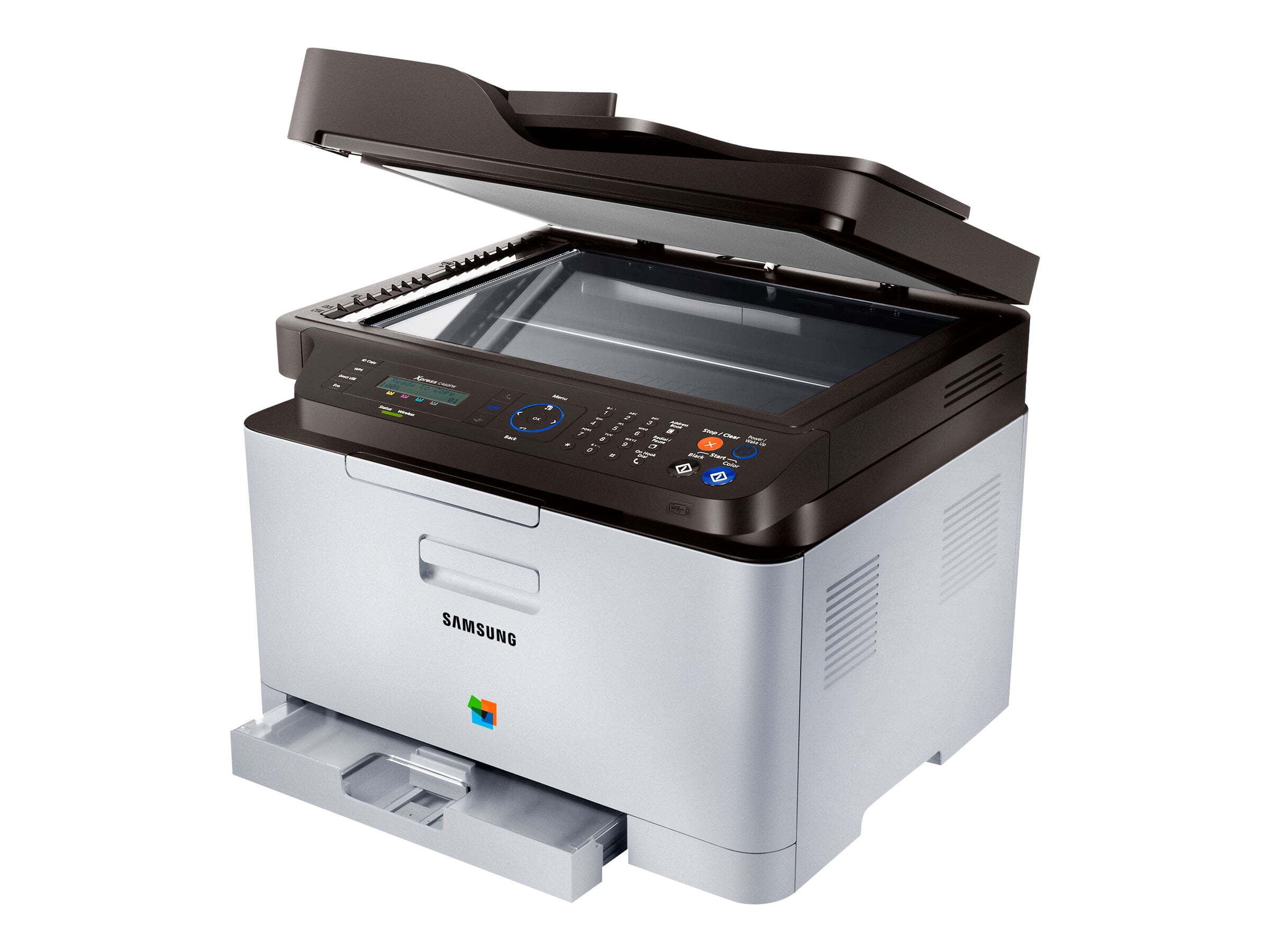
A member of Samsung's early-to-mid 2010s CLP/CLX and Xpress generation, the SL-C460 is a color laser multifunction printer. Under the hood it is the same machine as the SL-C460, tuned for a particular sales channel. It earned its keep in personal users and small offices that printed in color regularly but in modest volumes.
This printer takes the CLT-K406S toner cartridges, including CLT-K406S for black and CLT-C406S for magenta. Compatible CLT-K406S toner and genuine Samsung OEM cartridges are both in stock, with fast Clever Supplies shipping.
Toner Cartridges for SL-C460
This printer works with the following toner cartridges:
- Samsung CLT-K406S
- Samsung CLT-C406S
- Samsung CLT-M406S
- Samsung CLT-Y406S
More Samsung Printers
- CLP-360
- CLP-362
- CLP-363
- CLP-364
- CLP-365
- CLP-365EXP
- CLP-365W
- CLP-366
- CLP-366W
- CLP-367
- CLP-367W
- CLP-368
- CLX-3300
- CLX-3302
- CLX-3303
- CLX-3303FW
- CLX-3304
- CLX-3305
- CLX-3305FN
- CLX-3305FS
- CLX-3305FW
- CLX-3305GOV
- CLX-3305W
- CLX-3306
- CLX-3306FN
- CLX-3306W
- CLX-3306WN
- CLX-3307
- CLX-3307FW
- CLX-3307GOV
- CLX-3307W
- SL-C410
- SL-C410W
- SL-C460FW
- Xpress C410
- Xpress C410W
- Xpress C416
- Xpress C416FW
- Xpress C460
- Xpress C460FW
Frequently Asked Questions
Office question: how can I lower the cost per page on my SL-C460?
Every SL-C460 owner should know their real cost per page: divide the CLT-K406S price by its rated yield at typical coverage. Enable automatic duplex on the SL-C460 so every print uses both sides unless you say otherwise. Your SL-C460 is capable of economical printing; the defaults just are not tuned for it.
First-time toner buyer: is the low-toner warning on the SL-C460 based on a sensor or a page count?
Samsung's software and the printer panel both report toner levels for the SL-C460, so a glance tells you where you stand. When redistributing stops helping and pages stay faded, the cartridge is genuinely empty and ready to swap. Keeping one spare CLT-K406S eliminates the only real risk of low toner: downtime.
Before I order: what is the protective seal on my new CLT-K406S for the SL-C460 — do I remove it?
If the SL-C460 does not recognize the new CLT-K406S, remove it and reinstall firmly; the chip contacts must meet the printer's reader. Install the cartridge promptly after unsealing; leaving a CLT-K406S open to the air invites moisture. Seal out, gentle shake, slide in — the whole ritual for the SL-C460.