




CLP-368
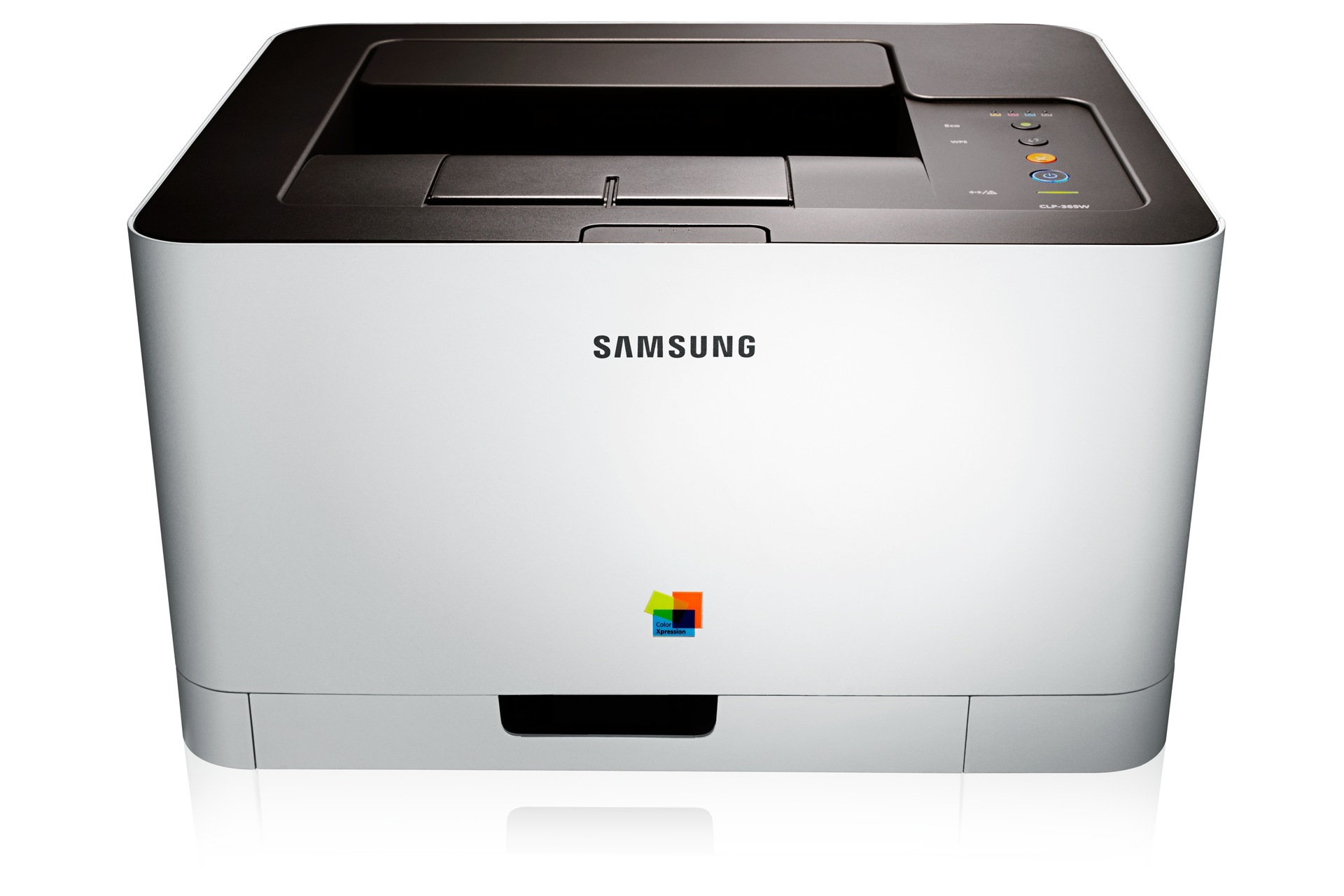
The CLP-368 is a color laser printer from Samsung's early-to-mid 2010s CLP/CLX and Xpress generation, built for everyday color work at a personal or small-office desk. It draws on four separate cartridges from the CLT-406S family: black CLT-K406S, cyan CLT-C406S, magenta CLT-M406S and yellow CLT-Y406S. Each color lives in its own cartridge, so the one that runs dry is the only one you ever replace.
Samsung aimed this model at people who print in color often yet in modest volumes — invoices carrying a color logo, school handouts, the occasional photo page or party invitation. Text still does most of the work, which is why the black cartridge empties first in most homes; the three colors are spent in small accents and last through many black swaps. Keeping one spare black on the shelf is the habit that keeps this printer from ever stopping in the middle of a job.
Toner Cartridges for CLP-368
Which cartridge should you buy?
Start with what is actually empty. A single cartridge is the right buy when one color fades and the rest still read healthy — that is the whole point of the four-slot design. When two or more colors are low together, the CLT-406S four-color set replaces the whole bench in one order and resets every slot to the same age. Text-heavy households can also stock black ahead through the multi listings on this page — the 2 Black, 3 Black and 5 Black options stretch the gap between orders. Every compatible cartridge sold here carries a 1-year warranty and 1-year returns.
Chip, toner and everyday use
The CLP-368 reads a chip on each cartridge to track toner, and a cartridge that slides in cleanly and clicks home is recognized cleanly. If a fresh cartridge is refused, power the printer down, slide the cartridge out and back in once, and let the machine re-read it before assuming the cartridge itself is at fault. A gentle side-to-side rock before installation spreads the toner evenly for the first pages. Store spares sealed and in a cool, dry cupboard — heat and damp shorten a cartridge's useful life long before the printer ever sees it.
Frequently Asked Questions
My CLP-368 used compatibles happily before — why is it rejecting this CLT-K406S?
Recognition lives in the cartridge chip, and a printer can get stricter after a firmware update, so read the update notes before installing new firmware if you rely on compatible cartridges. Reseat the cartridge once and confirm the code on the box matches the slot it sits in. Our compatible CLT-K406S cartridges are chip-tested for this printer family before they ship.
Can I keep a spare cartridge in the garage?
A garage is hard on toner: heat swings and humidity do more damage than age ever will. A dry indoor closet is the better shelf — cool, dark, and with the cartridge still sealed in its bag. Stored that way, a spare turns a low-toner warning into a two-minute swap instead of an emergency order.
Why do prints smudge for a while after a paper jam?
Clearing a jam disturbs loose toner inside the machine, and the next few pages pick it up. Run a few cleaning or blank pages and the smearing usually fades on its own. Keeping the printer on a level surface also matters — a tilted machine feeds paper unevenly and jams more often in the first place.
Do all four cartridges have to be replaced together?
No. The four slots are independent: swap the color the printer flags and leave the rest in place. Replacing all four at once only makes sense when several colors are fading together and you want one maintenance moment instead of four separate ones.
More printers that use the same cartridges
The same four cartridges also serve these Samsung models: CLP-360, CLP-362, CLP-363, CLP-364, CLP-365, CLP-365EXP, CLP-365W, CLP-366, CLP-366W, CLP-367, CLP-367W, CLX-3300, CLX-3302, CLX-3303, CLX-3303FW, CLX-3304, CLX-3305, CLX-3305FN, CLX-3305FS, CLX-3305FW, CLX-3305GOV, CLX-3305W, CLX-3305W, CLX-3306, CLX-3306FN, CLX-3306W, CLX-3306WN, CLX-3307, CLX-3307FW, CLX-3307GOV, CLX-3307W, SL-C410, SL-C410W, SL-C460, SL-C460FW, Samsung-CLT406S, Xpress C410, Xpress C410W, Xpress C416, Xpress C416FW, Xpress C460, Xpress C460FW.