




CLX-3306W
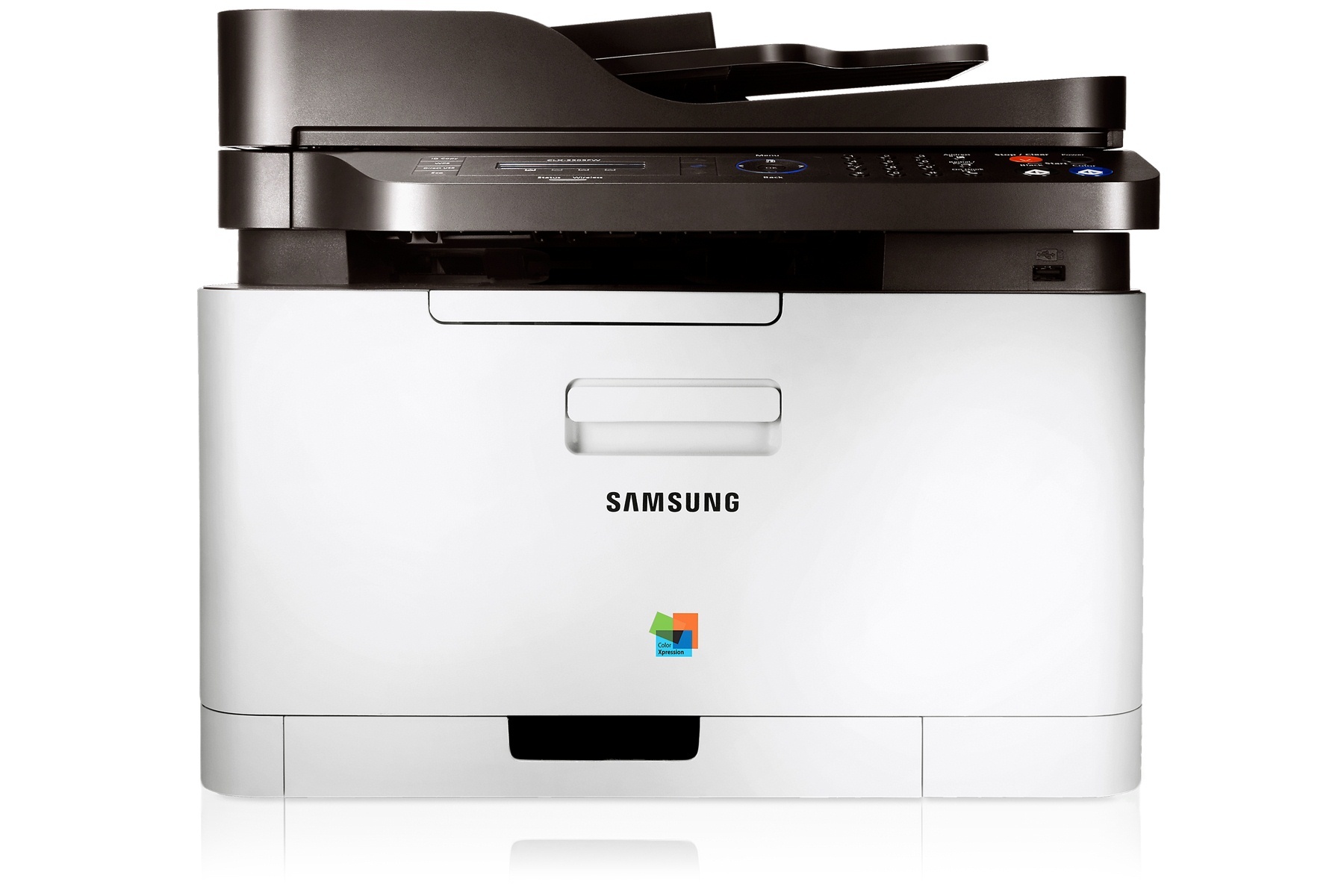
The letter at the end of CLX-3306W stands for wireless: this color laser multifunction printer from Samsung's early-to-mid 2010s CLP/CLX and Xpress stable adds Wi-Fi networking over the base CLX-3306, and it was aimed at personal users and small offices printing color regularly in modest volumes. The toner line-up is the familiar quartet — black from CLT-K406S, cyan from CLT-C406S, magenta from CLT-M406S and yellow from CLT-Y406S.
Wireless placement changes the ownership experience in one small but real way: the printer often lives on a shelf or side table rather than next to its main user, so toner warnings get noticed late and swaps happen in a hurry. A sealed spare within arm's reach of the machine is worth more on this model than on a desk-bound one. Below you will find the quartet as individual cartridges, value bundles and complete sets; each of the four slots can be replaced on its own the moment the panel asks.
Toner Cartridges for CLX-3306W
Which cartridge should you buy?
Households and small offices on this model usually print in bursts — nothing for days, then a school project or a client packet all at once. Singles fit that rhythm: order the color the printer names, and the rest keep their toner for the next burst. Sets are the better buy when the machine is new to you and no spares exist yet, or after a color-heavy stretch empties two slots in the same week. Since the printer may sit across the room, consider keeping one black spare permanently by the machine; black runs the everyday text workload and is always the first to go. Compatible cartridges here include a 1-year warranty and 1-year returns.
Chip, toner and everyday use
Swapping a cartridge on the CLX-3306W follows the same routine as the rest of the family: open the front door, pull the old unit straight out, remove every seal from the new one, and slide it in until the chip can be read and the cartridge clicks home. A cartridge that has been stored should be rocked gently first so the toner coats evenly — page yields are rated at 5% coverage, so early pages after storage can otherwise look streaky. Keep the printer where air can circulate; a wireless box tucked against a hot wall ages toner faster than one on an open shelf.
Frequently Asked Questions
Can I print over Wi-Fi while a color cartridge is empty?
Black-and-white jobs will normally still go through, since they only draw on the black cartridge. Anything with color in it will either stall or print with a missing channel until the empty slot is replaced, so swap it before sending the good copy of a document.
Why did my CLX-3306W stop mid-job even though I mostly print text?
Even text documents can carry a color element — a logo in the header, a blue hyperlink — and the printer will halt when a required color slot is empty. Check the panel: it names the cartridge it needs, and that code is the one to order from the table above.
Do the cartridges for the base CLX-3306 fit my CLX-3306W?
Yes. The W adds wireless networking, not a different engine, so both models share the same four cartridge codes. Anything listed for the family on this page fits either badge.
More printers that use the same cartridges
Also running on this cartridge set:
- CLX-3302
- CLX-3303
- CLX-3303FW
- CLX-3304
- CLX-3305
- CLX-3305FN
- CLX-3305FS
- CLX-3305FW
- CLX-3305GOV
- CLX-3305W
- CLX-3305W
- CLX-3306
- CLX-3306FN
- CLX-3306WN
- CLX-3307
- CLX-3307FW
- CLX-3307GOV
- CLX-3307W
- SL-C410
- SL-C410W
- SL-C460
- SL-C460FW
- Samsung-CLT406S
- Xpress C410
- Xpress C410W
- Xpress C416
- Xpress C416FW
- Xpress C460
- Xpress C460FW
- CLP-360
- CLP-362
- CLP-363
- CLP-364
- CLP-365
- CLP-365EXP
- CLP-365W
- CLP-366
- CLP-366W
- CLP-367
- CLP-367W
- CLP-368
- CLX-3300