




SL-C410
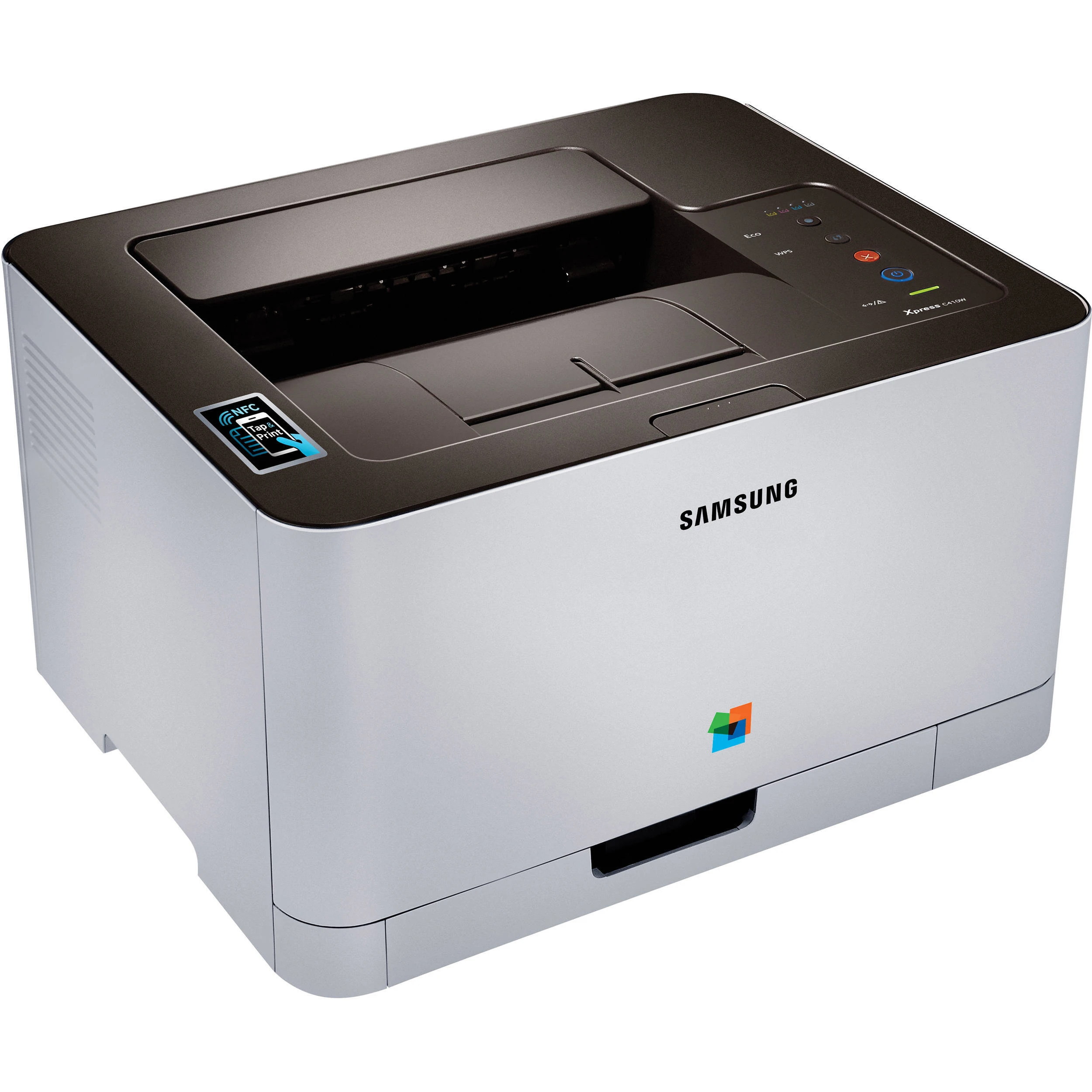
Not every home or small office that wants color laser output prints enough of it to justify a workgroup machine, and the SL-C410 was Samsung's answer for that desk: a single-function color laser from the early-to-mid 2010s Xpress generation, bought by people who printed in color regularly but in modest volumes. It runs on four separate cartridges — CLT-K406S for black, CLT-C406S for cyan, CLT-M406S for magenta and CLT-Y406S for yellow. Four codes cover the machine end to end, and each one is replaced on its own schedule as it empties.
That four-cartridge layout shapes daily life with this printer. Most home-office printing is black-heavy — letters, invoices, schoolwork — so the black cartridge does the hard miles while the three colors sip. A color runs low only when brochures, charts or photo pages become routine. Owners who understand that pattern stop thinking of toner as a single purchase and start thinking of it as four small ones, which is both cheaper and calmer: the printer rarely stops, because only one slot is ever empty at a time and it is usually the predictable one.
Toner Cartridges for SL-C410
| Cartridge | Color | Page Yield |
|---|---|---|
| CLT-K406S — Laser Toner Cartridge, single | Black | See product page |
| CLT-C406S — Laser Toner Cartridge, single | Cyan | See product page |
| CLT-M406S — Laser Toner Cartridge, single | Magenta | See product page |
| CLT-Y406S — Laser Toner Cartridge, single | Yellow | See product page |
| CLT-406S — Laser Toner Cartridges 4 Color Set | Black / Cyan / Magenta / Yellow | See product page |
| SL-C410 — Laser Toner Cartridges 4 Color Set | Black / Cyan / Magenta / Yellow | See product page |
| SL-C410 Premium — Laser Toner Cartridges 4 Color Set | Black / Cyan / Magenta / Yellow | See product page |
Which cartridge should you buy?
Samsung gave this machine one standard yield per color, so there is no high-yield upgrade to weigh — the real decision is singles versus a set. Buy singles when one color warns and the rest still show healthy levels; that is the common case, and it keeps three good cartridges working instead of retiring them early. Buy the four-color set when several slots run low together, or when you would rather restock the whole machine in one order and forget about toner for a long stretch. Either way, keep a spare black on the shelf if the printer earns money or grades depend on it: black empties first, and it empties at the worst moments.
Chip, toner and everyday use
Swapping a cartridge here is a two-minute ritual: pull the protective seal out completely, rock the new cartridge gently from side to side so the toner settles evenly, and slide it in until it seats. If the printer does not recognize it, the chip contacts are the first thing to check — a firm reseat fixes most complaints. Because there is no bigger cartridge to graduate to, heavy users trim cost per page with Eco and draft settings for internal pages instead, reserving full quality for anything a customer will see. Store spares sealed, flat and away from heat, and install a cartridge soon after unsealing it rather than leaving it open to the air.
Frequently Asked Questions
The box says CLT-K406S — is that definitely the toner my SL-C410 needs?
Yes. The machine is built around the 406S family, so that code is the one to match at reorder time. Keep the box from a cartridge that worked as your reference until the code becomes second nature, and a spare bought for this model will fit any SL-C410 you own.
Is there a high-yield version I should be buying instead?
No — each color comes in a single standard yield made to this printer's specification. Owners who print heavily manage cost through Eco and draft modes and by wasting fewer pages, not through a larger cartridge. If a listing promises an extra-high-yield 406S, treat the claim with suspicion and check the code carefully.
One color has run out. Do I have to replace all four?
No, and that is the point of the design. Each cartridge is independent, so replace only the empty slot and leave the others to finish their life. A set makes sense only when two or more colors are close behind the first, or when you want a single restock to cover the machine for a long period.
Is there any long-term risk in running compatible cartridges in this printer?
A properly made compatible cannot damage the machine; the technical hurdles are physical fit and chip recognition, and both are solved problems for this family. Judge the specific cartridge by recent reviews rather than by the brand name alone, since quality varies by cartridge model. Every compatible cartridge we sell for this page is covered by a 1-year warranty with 1-year returns.
More printers that use the same cartridges
The 406S family is one of the widest in Samsung's small color laser range, shared by CLP and CLX models as well as the Xpress line. The complete list: CLP-360, CLP-362, CLP-363, CLP-364, CLP-365, CLP-365EXP, CLP-365W, CLP-366, CLP-366W, CLP-367, CLP-367W, CLP-368, CLX-3300, CLX-3302, CLX-3303, CLX-3303FW, CLX-3304, CLX-3305, CLX-3305FN, CLX-3305FS, CLX-3305FW, CLX-3305GOV, CLX-3305W, CLX-3305W, CLX-3306, CLX-3306FN, CLX-3306W, CLX-3306WN, CLX-3307, CLX-3307FW, CLX-3307GOV, CLX-3307W, SL-C410W, SL-C460, SL-C460FW, Samsung-CLT406S, Xpress C410, Xpress C410W, Xpress C416, Xpress C416FW, Xpress C460, Xpress C460FW.