




CLX-3303
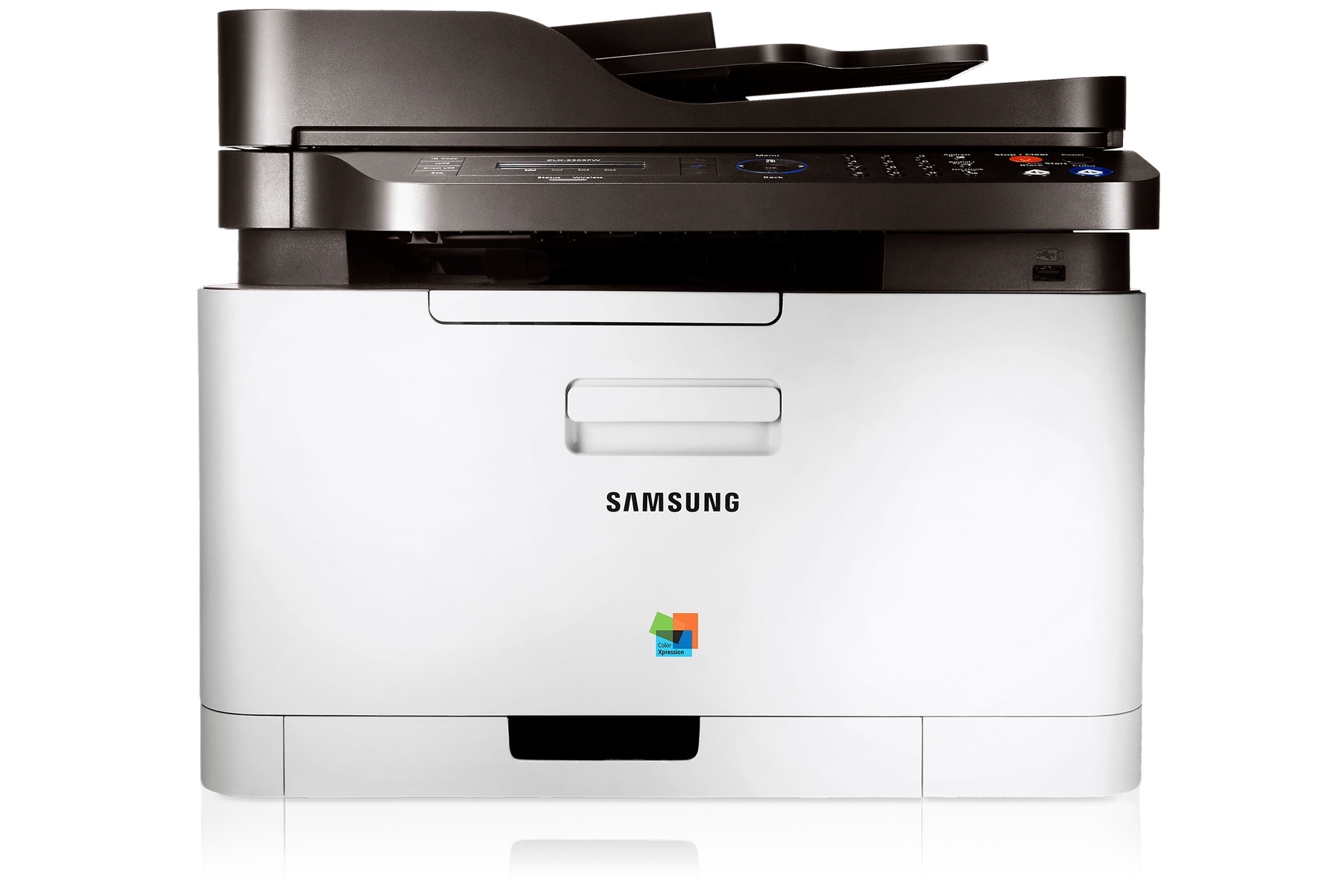
As a color laser multifunction printer, the Samsung CLX-3303 represented the CLP/CLX and Xpress line in the early-to-mid 2010s. It shares its engine and toner system with the rest of the CLX-3303 family. It was a practical fit for personal users and small offices that printed in color regularly but in modest volumes.
The CLT-K406S cartridge set powers it: CLT-K406S lays down the black, while CLT-C406S covers cyan. You can pick up compatible or genuine OEM CLT-K406S toner for this model with fast shipping from Clever Supplies. Completing the CLX-3303 set are two further cartridges — CLT-M406S handling magenta and CLT-Y406S handling yellow — beside the CLT-K406S black and CLT-C406S cyan.
Toner Cartridges for CLX-3303
This printer works with the following toner cartridges:
- Samsung CLT-K406S
- Samsung CLT-C406S
- Samsung CLT-M406S
- Samsung CLT-Y406S
More Samsung Printers
- CLP-360
- CLP-362
- CLP-363
- CLP-364
- CLP-365
- CLP-365EXP
- CLP-365W
- CLP-366
- CLP-366W
- CLP-367
- CLP-367W
- CLP-368
- CLX-3300
- CLX-3302
- CLX-3303FW
- CLX-3304
- CLX-3305
- CLX-3305FN
- CLX-3305FS
- CLX-3305FW
- CLX-3305GOV
- CLX-3305W
- CLX-3306
- CLX-3306FN
- CLX-3306W
- CLX-3306WN
- CLX-3307
- CLX-3307FW
- CLX-3307GOV
- CLX-3307W
- SL-C410
- SL-C410W
- SL-C460
- SL-C460FW
- Xpress C410
- Xpress C410W
- Xpress C416
- Xpress C416FW
- Xpress C460
- Xpress C460FW
Frequently Asked Questions
Straightforward question: how can I tell whether my CLX-3303 needs toner or an imaging unit?
A CLX-3303 that prints pale immediately after a cartridge change may need the protective seal fully removed — check that first. Run the printer's cleaning page function if the CLX-3303 offers one — it can clear light toner haze. Keep a spare CLT-K406S handy so you can always test the easy answer first.
Office question: my CLX-3303 jammed and now prints with toner smudges — what happened?
Paper jams in the CLX-3303 are rarely the CLT-K406S cartridge's fault — paper condition and feed rollers are the usual culprits. Store paper flat in its wrapper until loading; damp or curled sheets jam the CLX-3303 relentlessly. Once the paper path is truly clear, the CLX-3303 picks up right where it left off.
How do I decide between standard and high-yield for the CLX-3303?
The CLX-3303 was designed to accept the full CLT-K406S yield range, so the choice is purely economic. Match the yield to your volume: occasional printing favors standard, steady printing favors high-yield. Whichever you choose, genuine or compatible CLT-K406S both come in the same yield options.