




CLP-366
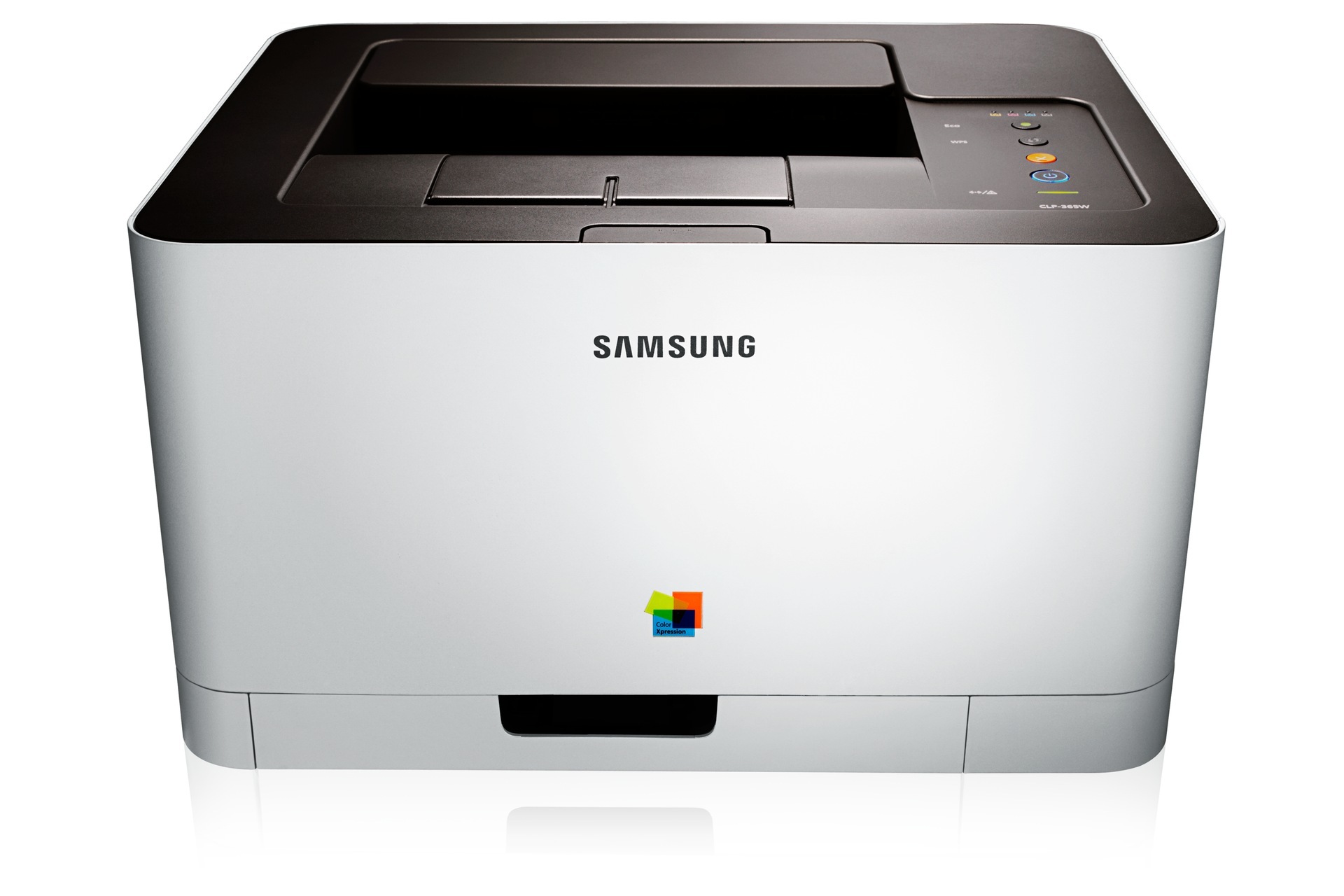
The Samsung CLP-366 was the no-frills entry point of Samsung's compact color laser line in the early 2010s — a single-function box aimed at desks that needed color without the bulk or the price of a multifunction machine. USB-only connectivity kept it simple: plug it into one computer and print. It runs the CLT-406S cartridge set, with the CLT-K406S for black and the CLT-C406S, CLT-M406S and CLT-Y406S covering cyan, magenta and yellow.
Everything about the CLP-366 assumes one desk and one user. There is no network queue, no shared driver settings, no colleague printing a hundred pages the hour before your deadline. That simplicity is its charm and its economy: the cartridge plan is equally plain, four cartridges that you replace one at a time as your own work empties them. For a home desk or a single workstation, few color lasers of its era ask less of their owner.
Toner Cartridges for CLP-366
Which cartridge should you buy?
Keep it as simple as the printer: buy the single cartridge that ran out. Black is the CLT-K406S; the colors follow the same code pattern with their own letters. If your desk goes through black far faster than color — the usual pattern when color is reserved for charts and covers — a black multipack from the listings above cuts the reorder frequency. Choose a four-color set only when the whole machine is running low at once. Compatible cartridges are covered by a 1-year warranty and 1-year returns.
Chip, toner and everyday use
Installation is a one-minute job: out with the empty cartridge, in with the fresh one until it clicks, and the chip tells the printer a new cartridge has arrived. Near the end of a cartridge's life, prints may fade unevenly; a gentle rock of the cartridge redistributes the toner and typically restores even coverage for the remaining pages. Because this printer serves one desk, keeping a single sealed spare of the color you use most is insurance enough.
Frequently Asked Questions
The CLP-366 driver installed but printing fails — what next?
Check the basics in order: the printer is powered on and awake (sleep mode fools more not-detected diagnoses than anything else), the USB cable is firmly seated at both ends, and the computer is printing to the right port. On a Mac, the CLP-366 often works with the built-in driver — add it through Printers & Scanners and test before hunting for downloads. Most cases end at the cable, the port or the power button.
Does the CLP-366 accept both yield versions of the CLT-K406S?
Yield lives in the cartridge, not the printer, so the machine treats any cartridge carrying the correct code the same way — a fuller version simply lasts longer between swaps. Heavy users often cut their per-page cost noticeably that way. Whichever version is on offer, the code on the box is the fit check that matters.
One color on my CLP-366 ran out fast — was the cartridge defective?
Fast depletion of one color usually reflects your documents, not a faulty cartridge: logos, charts and photos drain specific colors while black carries the text. Store spare color cartridges with the same care as black — heat and light spare no color — and replace the slot that is low rather than the whole set.
More printers that use the same cartridges
The wider CLT-406S family — if you ever move this toner to another desk, these Samsung models use the same cartridges:
- CLP-367W
- CLP-368
- CLX-3300
- CLX-3302
- CLX-3303
- CLX-3303FW
- CLX-3304
- CLX-3305
- CLX-3305FN
- CLX-3305FS
- CLX-3305FW
- CLX-3305GOV
- CLX-3305W
- CLX-3305W
- CLX-3306
- CLX-3306FN
- CLX-3306W
- CLX-3306WN
- CLX-3307
- CLX-3307FW
- CLX-3307GOV
- CLX-3307W
- SL-C410
- SL-C410W
- SL-C460
- SL-C460FW
- Samsung-CLT406S
- Xpress C410
- Xpress C410W
- Xpress C416
- Xpress C416FW
- Xpress C460
- Xpress C460FW
- CLP-360
- CLP-362
- CLP-363
- CLP-364
- CLP-365
- CLP-365EXP
- CLP-365W
- CLP-366W
- CLP-367