




SL-C460FW
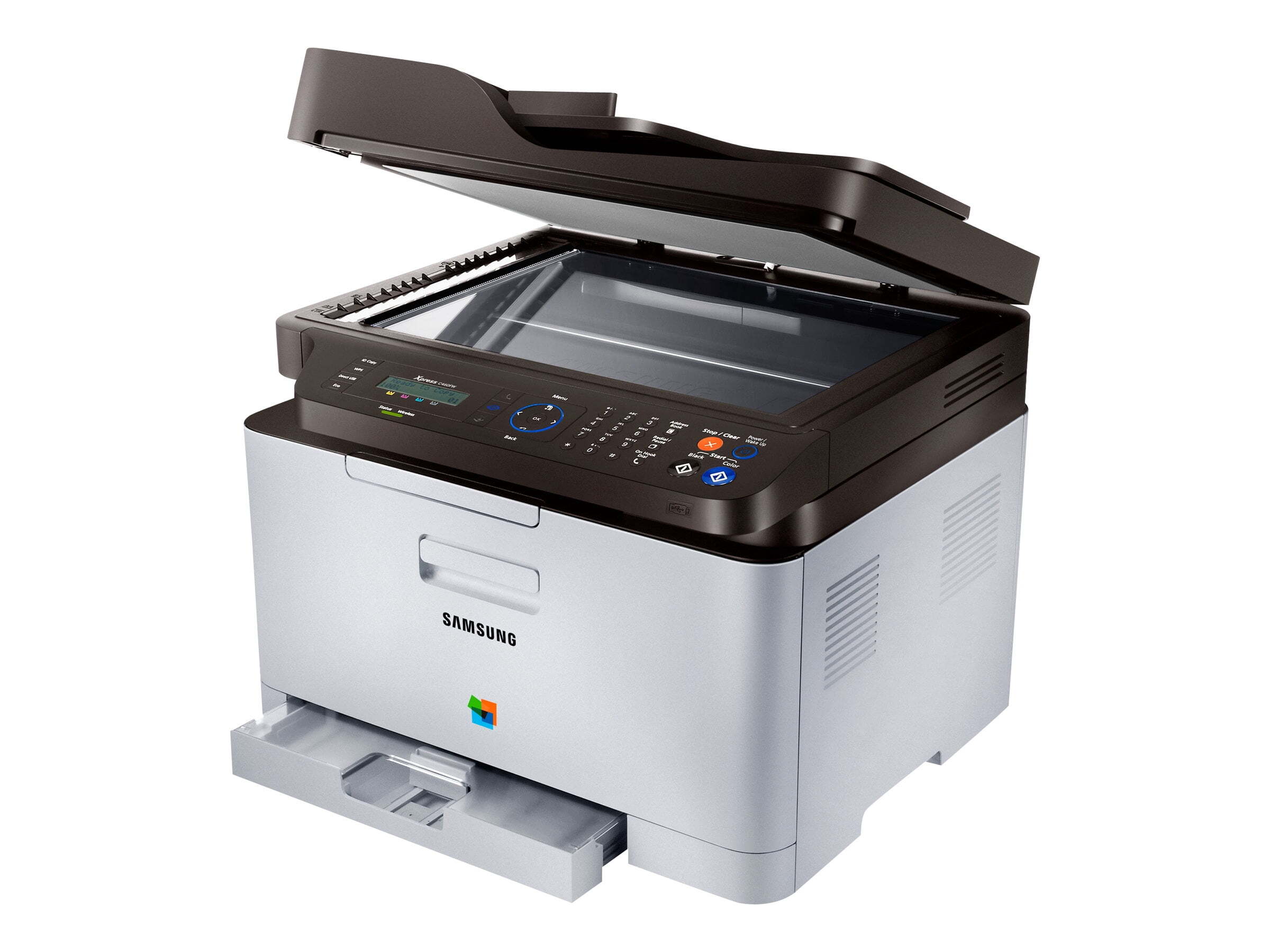
The Samsung SL-C460FW is a color laser multifunction printer from the early-to-mid 2010s: print, scan, copy and fax in one unit for personal users and small offices whose color volume is regular but modest. It runs on four separate toners — black CLT-K406S, cyan CLT-C406S, magenta CLT-M406S and yellow CLT-Y406S — and the CLT-406S 4 Color Set replaces all four together when a full refresh is due.
A multifunction machine consumes toner in ways a plain printer never does. Copies off the glass, incoming fax pages and scanned documents reprinted for a file all draw on the same four cartridges as ordinary print jobs, so the color that runs out first is not always the one the print queue would predict. For a small office that leans on one device for every paper task, the practical habit is watching levels per color rather than per month — this page keeps the complete set of singles and sets together so whichever color surprises you is a two-minute order.
Toner Cartridges for SL-C460FW
| Cartridge | Color | Page Yield |
|---|---|---|
| CLT-K406S | Black | See product page |
| CLT-C406S | Cyan | See product page |
| CLT-M406S | Magenta | See product page |
| CLT-Y406S | Yellow | See product page |
| CLT-406S 4 Color Set | All four colors | See product page |
| SL-C460FW 4 Color Set | All four colors | See product page |
| SL-C460FW Premium 4 Color Set | All four colors | See product page |
Which cartridge should you buy?
Buy per color, not per panic. The four cartridges empty independently, and replacing only the one the machine names keeps the remaining toner in the other three working for you. The sets suit a full refresh — several colors low at once, or a second-hand machine whose history you do not know. This printer accepts the CLT-406S line in the yields that code is sold in, and heavier users feel the difference in cost per page over a year of copying and faxing as well as printing. Our compatible cartridges carry a 1-year warranty and 1-year returns, which is worth having on a machine the whole office depends on.
Chip, toner and everyday use
Each of the four cartridges is chipped, and the machine tracks them separately, so the status display can tell you which color is actually low. When you swap a cartridge, keep the box it came in until the code is second nature — matching CLT-K406S and its C, M and Y partners letter for letter is the entire ordering rule. Seat each unit squarely, rock a fading cartridge gently to redistribute its toner before judging it empty, and keep the spare for the fastest-moving color in a cool, dry drawer rather than on top of the warm machine.
Frequently Asked Questions
What cartridges does the SL-C460FW take?
The CLT-406S set: black CLT-K406S, cyan CLT-C406S, magenta CLT-M406S and yellow CLT-Y406S. A cartridge from a different Samsung family will not seat properly, so match the full code including the letter suffix. Singles and sets are in the table above.
Will a compatible cartridge print as well as a genuine one?
A well-made compatible comes very close to genuine output on this machine — close enough that the printer itself cannot tell them apart in normal work. The honest caveat is that quality varies across the compatible market, which is why the supplier and the warranty behind the cartridge matter more than the word on the box.
Does choosing a different yield change anything about how the printer runs?
No. The machine accepts its cartridges in whatever yields they are sold in and prints the same way either way. Yield is an economics decision: more pages per cartridge means fewer swaps and usually a lower cost per page, which adds up on a multifunction that also copies and faxes.
How do I check which color is running low?
Print or view the supplies status page from the machine's menu — it reports each of the four cartridges separately, in broad steps rather than exact percentages. Checking it monthly turns toner into a planned purchase instead of an interruption, and it shows which color your copying habits actually consume.
More printers that use the same cartridges
The same cartridge family covers a long list of Samsung printers — here is the full group, end to end: Xpress C460FW, Xpress C460, Xpress C416FW, Xpress C416, Xpress C410W, Xpress C410, Samsung-CLT406S, SL-C460, SL-C410W, SL-C410, CLX-3307W, CLX-3307GOV, CLX-3307FW, CLX-3307, CLX-3306WN, CLX-3306W, CLX-3306FN, CLX-3306, CLX-3305W, CLX-3305W, CLX-3305GOV, CLX-3305FW, CLX-3305FS, CLX-3305FN, CLX-3305, CLX-3304, CLX-3303FW, CLX-3303, CLX-3302, CLX-3300, CLP-368, CLP-367W, CLP-367, CLP-366W, CLP-366, CLP-365W, CLP-365EXP, CLP-365, CLP-364, CLP-363, CLP-362, CLP-360.