




CLX-3305FN
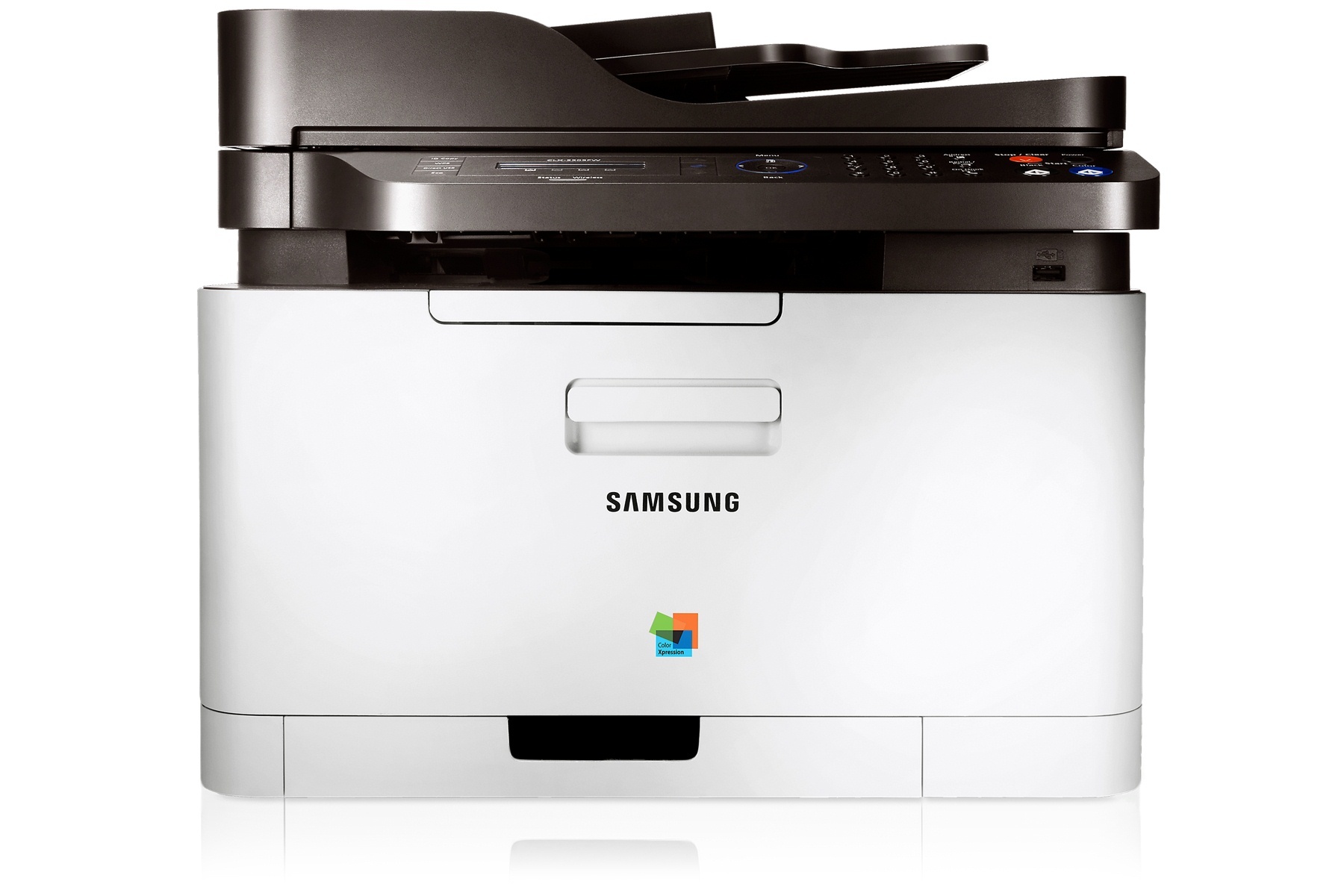
Take the standard CLX-3305, add a fax modem and a wired Ethernet port, and you have the Samsung CLX-3305FN — a color laser multifunction printer from the early-to-mid 2010s CLP/CLX and Xpress period, sold to personal users and small offices with regular, modest color needs. The letters in its name are a specification: this is the networked, faxing member of the family. Its toner is the four-cartridge CLT-406S system — CLT-K406S for black, CLT-C406S for cyan, CLT-M406S for magenta and CLT-Y406S for yellow.
A shared machine changes the toner routine. When one printer serves a whole desk cluster by Ethernet and still fields the occasional fax, nobody owns its warnings — the low-toner message is always somebody else's problem until the morning it stops a job. CLX-3305FN owners who fare best treat cartridges as office supplies rather than personal ones: one spare black in the cupboard, colors replaced individually as they fade, and the install date noted so the next person can tell how long a cartridge has been in service.
Toner Cartridges for CLX-3305FN
Listings sold under this model's own name come first, followed by the family-name listings and the four single cartridges.
- CLX-3305FN Laser Toner Cartridges 4 Color Set — Color set; yield: see product page
- CLX-3305FN Premium Quality Laser Toner Cartridges 4 Color Set — Color set; yield: see product page
- CLX-3305FN Toner Cartridge 4 Color Set (CLT-K406S, CLT-M406S, CLT-C406S, CLT-Y406S) — Color set; yield: see product page
- CLX-3305FN Toner Cartridge Black (CLT-K406S) — Black; yield: see product page
- CLX-3305FN Toner Cartridge Cyan (CLT-C406S) — Cyan; yield: see product page
- CLX-3305FN Toner Cartridge Magenta (CLT-M406S) — Magenta; yield: see product page
- CLX-3305FN Toner Cartridge Yellow (CLT-Y406S) — Yellow; yield: see product page
- CLT-406S Laser Toner Cartridges 4 Color Set (CLT-K406S/ CLT-C406S/ CLT-M406S/ CLT-Y406S) — Color set; yield: see product page
- CLT-406S Toner Cartridge 4 Color Set (CLT-K406S, CLT-C406S, CLT-M406S, CLT-Y406S) — Color set; yield: see product page
- CLT-406S Toner Cartridge 2 Black (CLT-K406S) — Black; yield: see product page
- CLT-406S Toner Cartridge 3 Black (CLT-K406S) — Black; yield: see product page
- CLT-406S Toner Cartridge 5 Black (CLT-K406S) — Black; yield: see product page
- CLT-406S Toner Cartridge Black (CLT-K406S) — Black; yield: see product page
- CLT-406S Toner Cartridge Cyan (CLT-C406S) — Cyan; yield: see product page
- CLT-406S Toner Cartridge Magenta (CLT-M406S) — Magenta; yield: see product page
- CLT-406S Toner Cartridge Yellow (CLT-Y406S) — Yellow; yield: see product page
- CLT-406S Toner Cartridge 5 Color Set (CLT-K406S, CLT-C406S, CLT-M406S) — Color set; yield: see product page
- CLT-406S Toner Cartridge 8 Color Set (CLT-K406S, CLT-C406S, CLT-M406S, CLT-Y406S) — Color set; yield: see product page
- CLT-406S Toner Cartridge 6 Color Set (CLT-C406S, CLT-M406S, CLT-Y406S) — Color set; yield: see product page
- CLT-406S Toner Cartridge 3 Color Set (CLT-C406S, CLT-M406S, CLT-Y406S) — Color set; yield: see product page
- CLT-C406S Laser Toner Cartridge Cyan — Cyan; yield: see product page
- CLT-K406S Laser Toner Cartridge Black — Black; yield: see product page
- CLT-M406S Laser Toner Cartridge Magenta — Magenta; yield: see product page
- CLT-Y406S Laser Toner Cartridge Yellow — Yellow; yield: see product page
Which cartridge should you buy?
For a networked machine, the question is less which cartridge and more how much interruption you can afford. Singles keep cash outlay low and match how these printers actually consume toner — one color at a time, black far more often than the rest. The 4-color sets answer a different situation: a printer inherited from another desk, a full refresh after a long idle stretch, or a small office that wants one order to close the subject for months. Note that toner is only half the consumable story on the CLX-3305FN — the imaging unit is a separate part with its own life, so a machine that stays pale after a genuine toner swap is telling you to look there next, not to buy a second cartridge.
Chip, toner and everyday use
The installation ritual is short and worth doing slowly: seal fully off, a gentle rock side-to-side to wake settled toner, then slide the unit in until it clicks. If the printer does not recognize a new cartridge, take it out and reseat it — the chip contacts have to meet the reader squarely, and a firm second attempt fixes most recognition complaints. Write the install date on the box flap and keep the box until the first prints look right; on a shared machine that small habit ends most arguments about which cartridge is in there and how old it is. Yields are estimates at 5% coverage, so a fax-heavy or graphics-heavy week empties cartridges faster than the numbers on any box suggest.
Frequently Asked Questions
Do I remove the protective seal from a new cartridge, or does the printer do it?
You remove it, fully, before the cartridge goes in. A half-removed seal is the single most common cause of pale or blank first pages on this model. Pull it straight out, check that nothing is left trailing, then install the CLT-K406S or whichever color you are changing.
Why does the CLX-3305FN print gibberish from one computer?
That is a driver problem, not a toner problem. Garbled output almost always means a wrong or corrupted driver install on that machine. Uninstall the printer completely, reinstall the CLX-3305FN driver cleanly, and the gibberish stops; the cartridges never enter into it.
Is the imaging unit on this printer a separate expense from toner?
Yes — the two are separate consumables with separate lives. That split is a long-term advantage: an empty toner cartridge never forces you to discard a healthy imaging unit. Just confirm the imaging unit's own part number before ordering one, because it is a different code from the CLT-K406S toner family.
Can I replace just the yellow cartridge when it runs out?
Yes. Order the CLT-Y406S on its own. Each of the four slots is independent, and single-color replacement is how this printer is designed to be run.
More printers that use the same cartridges
These Samsung models share the CLT-406S cartridges with the CLX-3305FN: CLX-3303, CLX-3303FW, CLX-3304, CLX-3305, CLX-3305FS, CLX-3305FW, CLX-3305GOV, CLX-3305W, CLX-3305W, CLX-3306, CLX-3306FN, CLX-3306W, CLX-3306WN, CLX-3307, CLX-3307FW, CLX-3307GOV, CLX-3307W, SL-C410, SL-C410W, SL-C460, SL-C460FW, Samsung-CLT406S, Xpress C410, Xpress C410W, Xpress C416, Xpress C416FW, Xpress C460, Xpress C460FW, CLP-360, CLP-362, CLP-363, CLP-364, CLP-365, CLP-365EXP, CLP-365W, CLP-366, CLP-366W, CLP-367, CLP-367W, CLP-368, CLX-3300 and CLX-3302.