




CLP-367
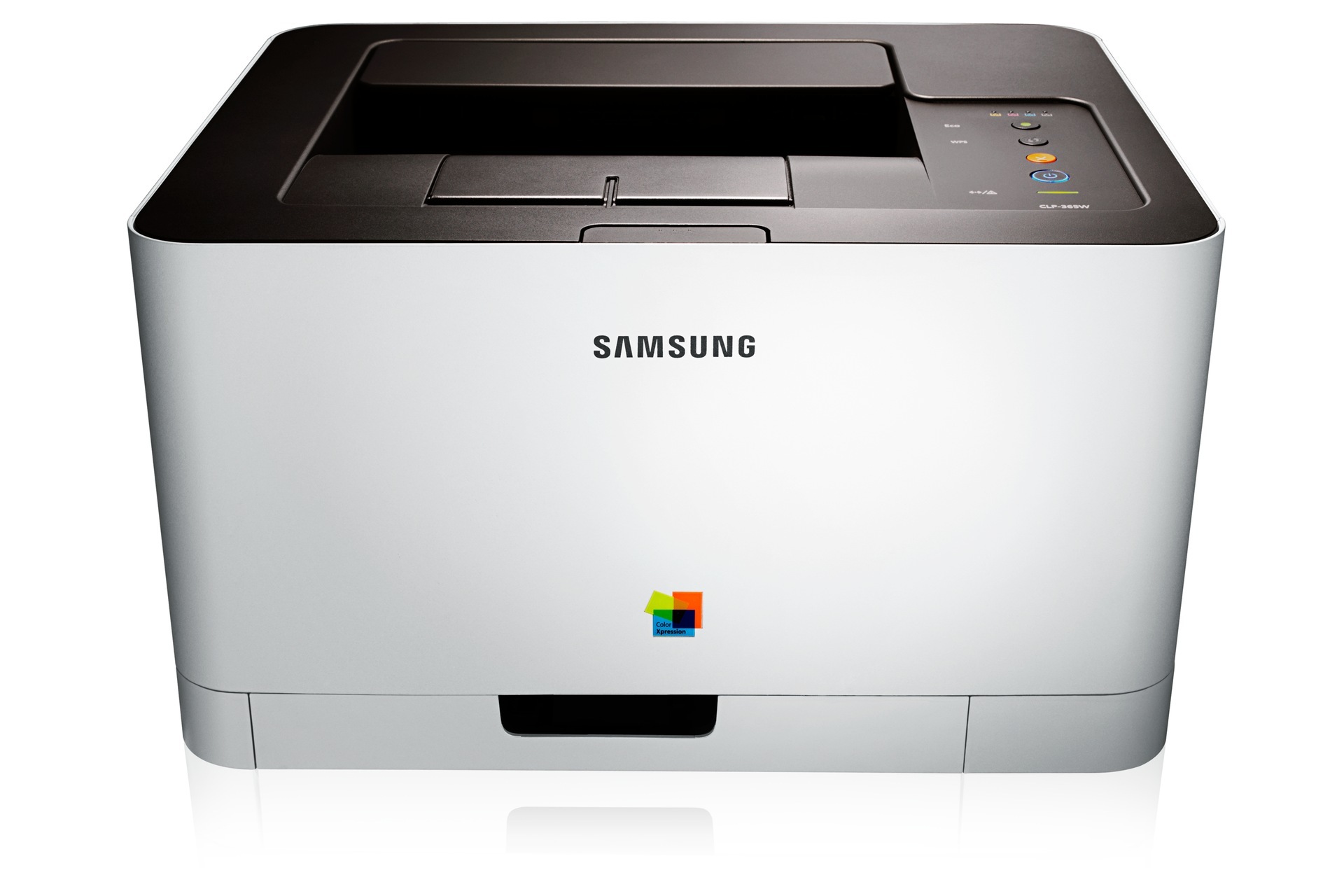
Samsung's CLP-367 reached the market in the early-to-mid 2010s as a color laser printer whose running costs were kept firmly in check. It shares its engine and toner system with the rest of its family, and it prints through the CLT-406S set: the CLT-K406S lays down black, the CLT-C406S covers cyan, the CLT-M406S handles magenta and the CLT-Y406S finishes the quartet in yellow. Four slots, four numbered cartridges, each replaced on its own schedule.
The natural home for this model was personal users and small offices printing in color regularly but in modest volumes, and its running-cost discipline is the trait owners still talk about: nothing about the machine encourages waste, provided the cartridges are bought and stored sensibly. One quirk worth knowing is that the starter cartridges shipped in the original box hold less toner than full replacements, so on any newly acquired unit the first reorder tends to arrive sooner than the page count would suggest.
Toner Cartridges for CLP-367
Which cartridge should you buy?
Because every listing on this page belongs to one cartridge family at one fill level, the real decision is pack composition. A documents-first office will burn through black several times faster than any color, and the 2, 3 and 5 Black listings exist precisely for that pattern: they cut the per-cartridge cost of the slot you replace most. A household or studio printing photos and graphics drains the colors more evenly, and there the 4 Color Set — one of each — is the tidy purchase. Replacing a single color on its own remains the cheapest response when only one level warning is showing. All compatible cartridges here carry a 1-year warranty and 1-year returns.
Chip, toner and everyday use
Treat spare toner like pantry goods: sealed, dated and rotated. Leave the protective bag and seals intact until installation day, because the packaging is what keeps the fill fresh. Heat is the enemy of a stored cartridge, so keep spares in a cool room rather than near a radiator or in a sunlit window, and never stack heavy boxes on top of cartridge packaging — a crushed carton can damage the cartridge inside. When fitting a new cartridge, seat it in one confident motion and print a test page; a level reading that looks off usually settles after a few printed pages.
Frequently Asked Questions
Where do I find the correct cartridge number for my CLP-367?
The code is printed on the cartridge itself, so the label of the cartridge you pull out is the definitive answer; on this page that family is the CLT-406S set. Correct fit shows itself immediately: the cartridge installs cleanly and the printer starts without error messages.
Does heat damage toner cartridges I keep as spares?
Heat and sunlight shorten the useful life of a stored cartridge, and a crushed box can damage it before it is ever fitted. Keep spares sealed in their packaging, stored flat in a cool place, and use the oldest stock first so no cartridge sits on the shelf long enough to go stale.
My CLP-367 seems to eat toner — how do I make cartridges last longer?
Check coverage before blaming the cartridge: dense graphics and photo pages consume toner many times faster than text. Draft quality as the everyday driver default, full quality reserved for final copies, stretches every fill. Storing spares properly also matters, because a cartridge that has degraded on the shelf delivers fewer good pages.
Do all four cartridges have to be replaced together?
No. Each slot is monitored independently, and the printer only asks for the cartridge that is actually empty. Replacing one color at a time is the normal, economical way to run this machine; a full set only makes sense when several levels are low together.
More printers that use the same cartridges
One cartridge family covers a wide band of Samsung color lasers and multifunctions, listed in full here:
Xpress C460FW, Xpress C460, Xpress C416FW, Xpress C416, Xpress C410W, Xpress C410, Samsung-CLT406S, SL-C460FW, SL-C460, SL-C410W, SL-C410, CLX-3307W, CLX-3307GOV, CLX-3307FW, CLX-3307, CLX-3306WN, CLX-3306W, CLX-3306FN, CLX-3306, CLX-3305W, CLX-3305W, CLX-3305GOV, CLX-3305FW, CLX-3305FS, CLX-3305FN, CLX-3305, CLX-3304, CLX-3303FW, CLX-3303, CLX-3302, CLX-3300, CLP-368, CLP-367W, CLP-366W, CLP-366, CLP-365W, CLP-365EXP, CLP-365, CLP-364, CLP-363, CLP-362, CLP-360