




CLX-3303FW
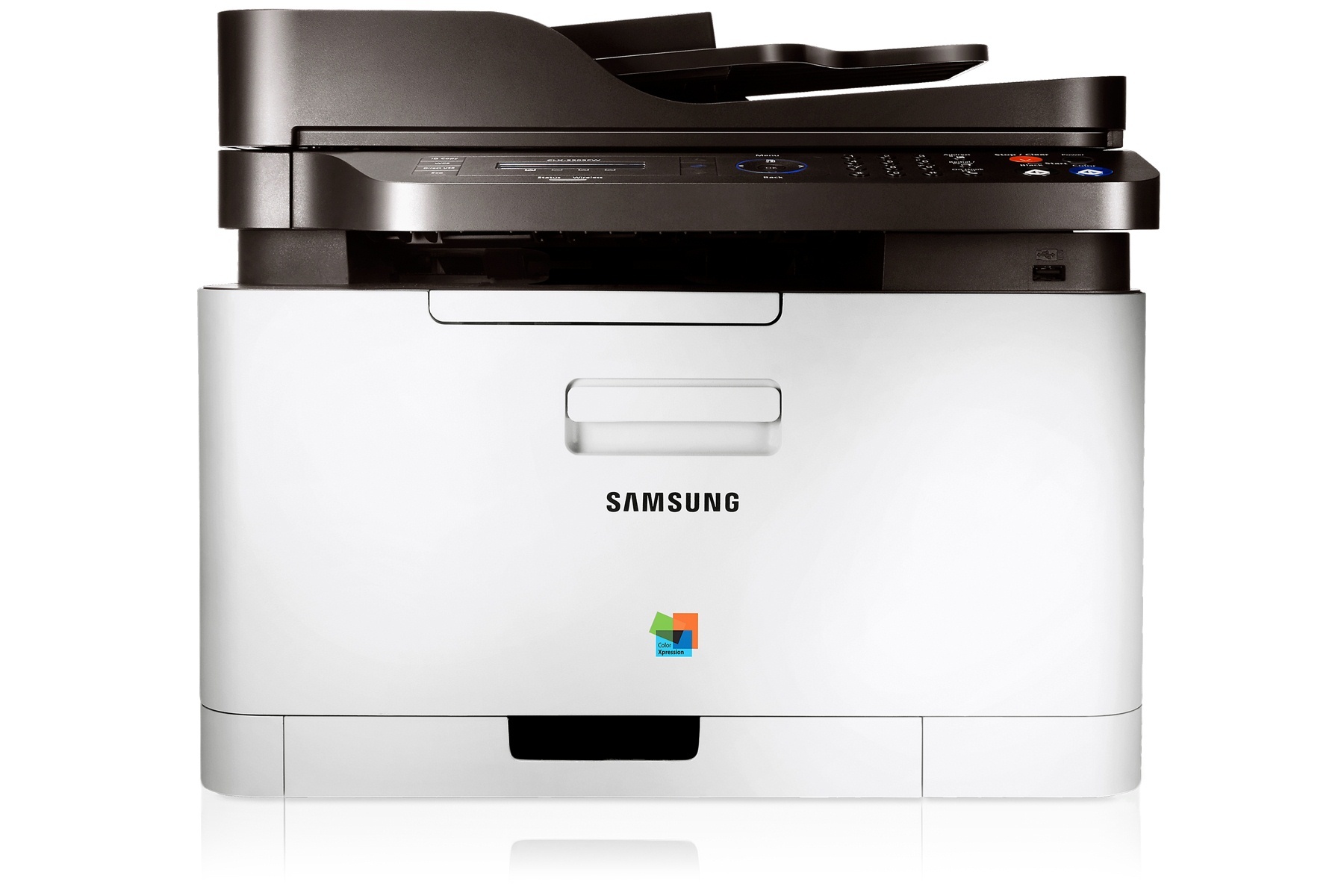
A member of Samsung's early-to-mid 2010s CLP/CLX and Xpress generation, the CLX-3303FW is a color laser multifunction printer. That letters mean this version adds fax and wireless networking compared with the standard CLX-3303. It found its niche with personal users and small offices that printed in color regularly but in modest volumes.
Samsung paired this model with CLT-K406S toner — CLT-K406S for black pages and CLT-C406S among the colors. Whether you want compatible savings or genuine OEM CLT-K406S cartridges, we ship fast from Clever Supplies.
Toner Cartridges for CLX-3303FW
This printer works with the following toner cartridges:
- Samsung CLT-K406S
- Samsung CLT-C406S
- Samsung CLT-M406S
- Samsung CLT-Y406S
More Samsung Printers
- CLP-360
- CLP-362
- CLP-363
- CLP-364
- CLP-365
- CLP-365EXP
- CLP-365W
- CLP-366
- CLP-366W
- CLP-367
- CLP-367W
- CLP-368
- CLX-3300
- CLX-3302
- CLX-3303
- CLX-3304
- CLX-3305
- CLX-3305FN
- CLX-3305FS
- CLX-3305FW
- CLX-3305GOV
- CLX-3305W
- CLX-3306
- CLX-3306FN
- CLX-3306W
- CLX-3306WN
- CLX-3307
- CLX-3307FW
- CLX-3307GOV
- CLX-3307W
- SL-C410
- SL-C410W
- SL-C460
- SL-C460FW
- Xpress C410
- Xpress C410W
- Xpress C416
- Xpress C416FW
- Xpress C460
- Xpress C460FW
Frequently Asked Questions
Quick question: the CLX-3303FW works over USB but not over the network — driver or network issue?
USB working but network failing on the CLX-3303FW points at the network, not the driver — the driver is clearly functional. Disable the firewall temporarily to test whether it is blocking the CLX-3303FW's network discovery. Document which driver version works on your CLX-3303FW; it saves time at the next reinstall.
Quick question: are compatible CLT-K406S cartridges safe to use in the CLX-3303FW?
Print quality from a good compatible CLT-K406S is typically very close to genuine on the CLX-3303FW; the gap is widest with bargain-bin cartridges. Whatever you choose, make sure the code is exactly CLT-K406S — fit issues come from wrong codes, not from the compatible label. Whichever route you take, the CLX-3303FW deserves a cartridge that fits perfectly and reads correctly.
Quick question: the CLX-3303FW keeps dropping its Wi-Fi connection — what helps?
Router reboots and password changes silently break the CLX-3303FW's connection, so re-run wireless setup after either. Update the CLX-3303FW's firmware; connectivity bugs are a common fix in newer releases. Nine out of ten CLX-3303FW network issues are addressing or signal problems, not hardware faults.