




CLX-3305FS
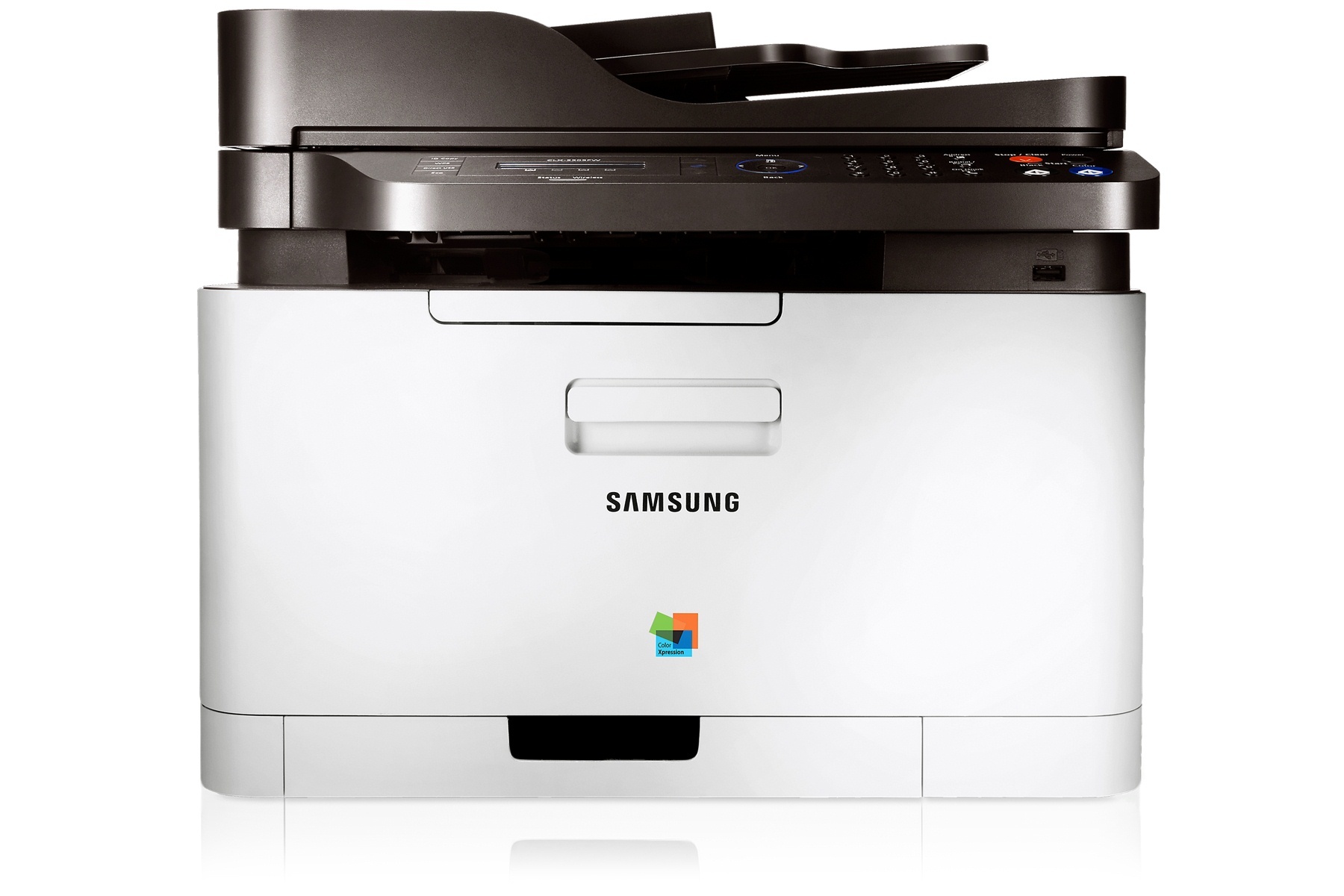
Under the badge, the Samsung CLX-3305FS is the same machine as the CLX-3305 — a color laser multifunction printer from the early-to-mid 2010s CLP/CLX and Xpress line, tuned for a particular sales channel. It was a practical fit for personal users and small offices printing color regularly but in modest volumes, and it feeds on the 406S cartridge family: CLT-K406S for black work, CLT-C406S for cyan, CLT-M406S for magenta and CLT-Y406S for yellow.
The channel-badge story matters at reorder time: owners searching by the FS suffix sometimes worry they need a special cartridge, and they do not. The four slots are identical to the standard model's, the codes on the old cartridges are the codes to reorder, and everything in the table below — singles, color sets, and listings named for this model — fits the same way. Buy by cartridge code first; the model-named listings are simply the same supplies wearing the printer's name.
Toner Cartridges for CLX-3305FS
Which cartridge should you buy?
Buy the slot, not the set, unless the printer tells you otherwise. The CLX-3305FS monitors each color separately, and most owners most of the time need exactly one cartridge: the one that just ran dry. A four-color set makes sense when you are setting up a spare shelf for a shared machine, or when a color-heavy run has left two or three slots low together. Text-heavy users can safely ignore the colors for long stretches and keep black in stock instead. Every compatible option here comes with a 1-year warranty and 1-year returns, so the low-risk move is the one that matches your actual consumption.
Chip, toner and everyday use
When a fresh cartridge goes in, the CLX-3305FS reads its chip to reset the level for that slot — which is why a cartridge borrowed from a different Samsung family, even one that physically slides in, will not clear the message. Before installing, strip every piece of sealing tape and the chip cover, then push the cartridge home until it clicks. If early pages look patchy, the toner inside has settled: a slow rock from side to side evens it out. Keep in mind that rated yields assume 5% coverage, so real life with logos, charts and photos lands lower — that is expected, not a defect.
Frequently Asked Questions
Does the CLX-3305FS need special FS-branded cartridges?
No. The FS badge marks a sales-channel variant of the CLX-3305, not a different toner system. The cartridges are the standard four codes for this family, and the empty cartridge in your machine carries the exact code to reorder.
The cartridge from my older Samsung looks identical — can I use it?
Judge by code, not by shape. Several Samsung color families use similar shells with different chips, and the printer will reject a cartridge whose code is not one of the four listed on this page. Matching the full code, including the letter suffix, takes ten seconds and saves a return.
How do I know which color to order when printouts look washed out?
Print the printer's demo or supplies-status page: it reports each slot's level directly. Weak blues and greens point at cyan, dull reds at magenta, missing brightness at yellow, and gray text at black — replace the slot the report shows as low.
Is a full set better value than singles for this printer?
Only when several slots are genuinely low. A set bundles one of each color, which is convenient for a fresh shelf, but if three cartridges still hold plenty of toner, a single replacement is money kept in your pocket.
More printers that use the same cartridges
These Samsung printers take the identical four cartridges:
CLP-360, CLX-3305W, CLP-362, CLX-3305W, CLP-363, CLX-3306, CLP-364, CLX-3306FN, CLP-365, CLX-3306W, CLP-365EXP, CLX-3306WN, CLP-365W, CLX-3307, CLP-366, CLX-3307FW, CLP-366W, CLX-3307GOV, CLP-367, CLX-3307W, CLP-367W, SL-C410, CLP-368, SL-C410W, CLX-3300, SL-C460, CLX-3302, SL-C460FW, CLX-3303, Samsung-CLT406S, CLX-3303FW, Xpress C410, CLX-3304, Xpress C410W, CLX-3305, Xpress C416, CLX-3305FN, Xpress C416FW, CLX-3305FW, Xpress C460, CLX-3305GOV, Xpress C460FW